How to add a divider in help center in Gitbook
Here is how to add a divider in help center in gitbook
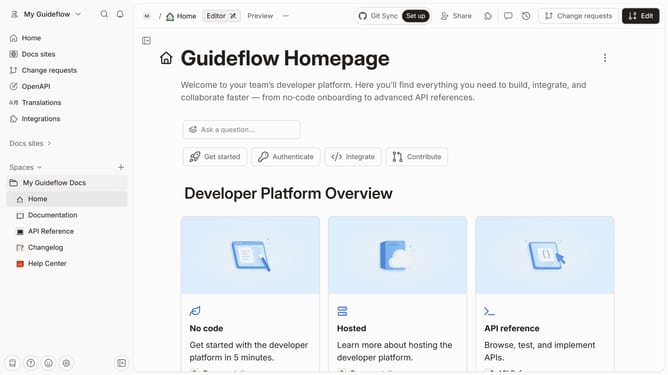
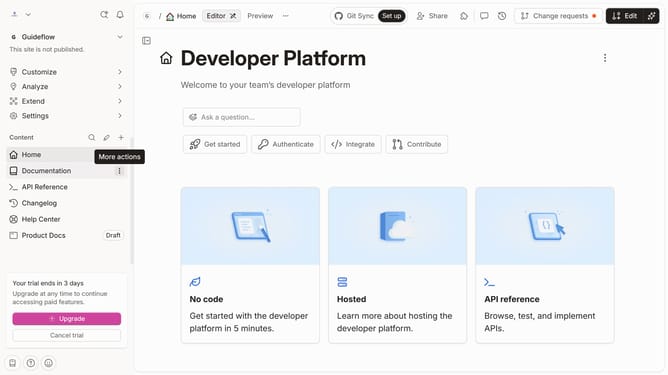
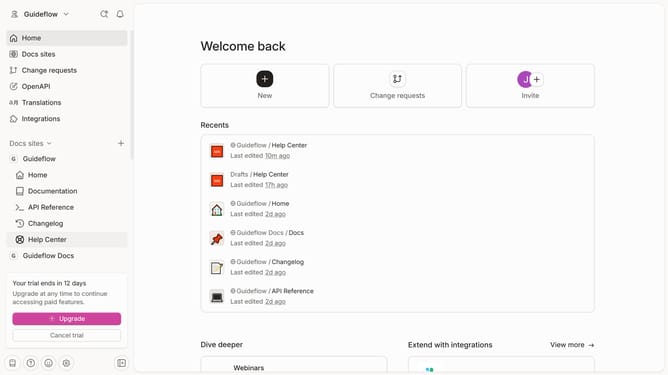
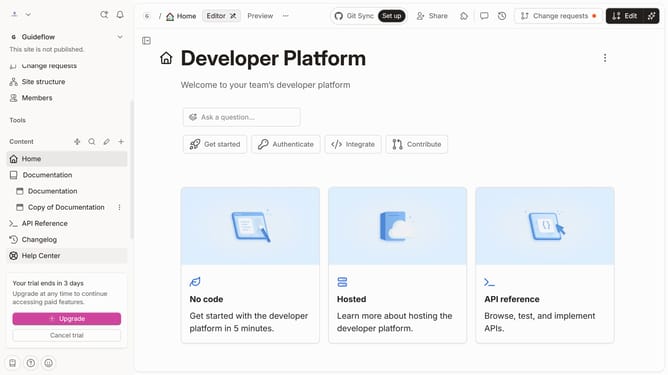
- First click on "Help Center" item in the sidebar
- Then click on the "Edit" button in the header
- Next click on the "+" icon in the content area to add a new block
- Then click on "Divider" in the Tools section of the sidebar
- Finally click on the "Merge" button in the header
Why should you add a divider in help center in Gitbook
GitBook is a collaborative platform designed to easily document knowledge and streamline information distribution.
Adding a divider in the GitBook help center enhances the readability and organization of your content. This feature allows you to create clear sections, making it easier for users to navigate through information without feeling overwhelmed.
Using dividers not only aids in reader comprehension but also adds a professional touch to the documentation. It offers a visual break, guiding users effortlessly through each segment of your content.
Last update