How to set primary color in docs site in GitBook
Here is how to set primary color in docs site in gitbook
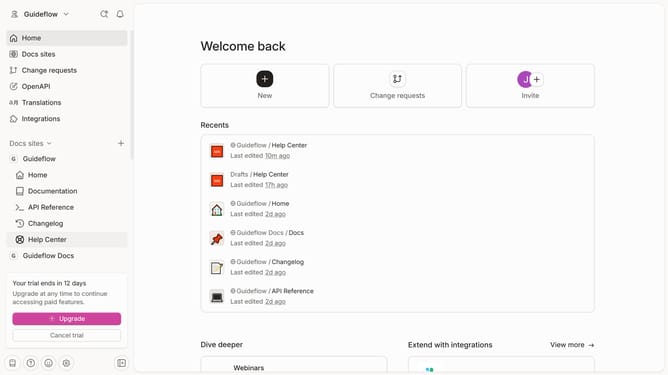
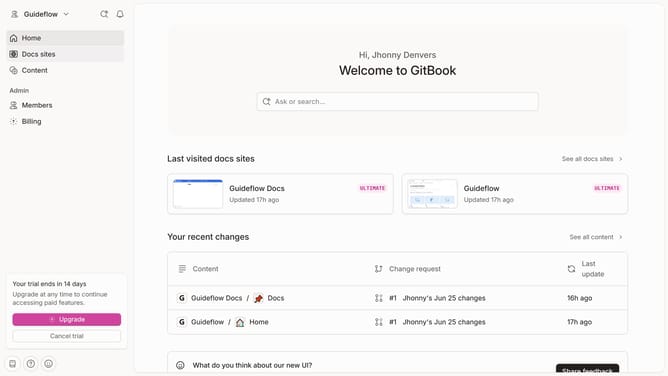
- First, click on "Docs sites" in the left sidebar
- Then click on the doc site you want to manage
- Next, click on "Customize" in the left sidebar menu
- After that, click on "Theme" in the Customize menu
- Then, click on the color picker to open the color picker
- Click on the color swatch to change the tint color
- Click on the "Apply" button to confirm the changes
- Finally, click on the "Save" button to save the theme settings
Why should you set primary color in docs site in GitBook
GitBook is a dynamic platform designed to transform documentation into interactive and accessible masterpieces.
Setting the primary color for your docs site in GitBook enhances its visual charm and cohesiveness. By selecting the right color, you establish a sense of identity for your documentation that resonates with your audience.
Consistent color usage streamlines navigation, making it easier for users to assimilate information. This feature allows for personalized branding, which helps distinguish your content from the rest.
Ultimately, customizing your docs site’s primary color in GitBook enriches user experience and embeds a professional touch.
Last update