How to align a quote in a help center in Gitbook
Here is how to align a quote in a help center in gitbook
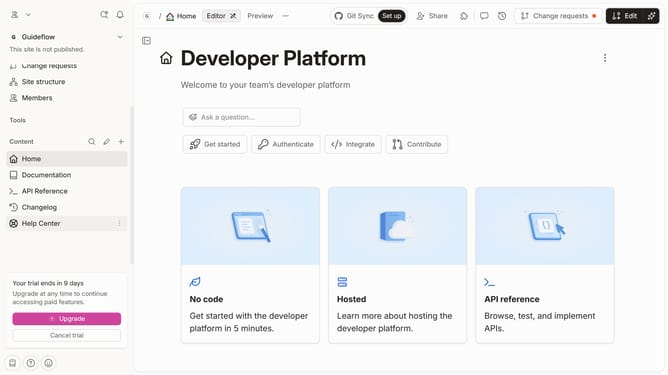
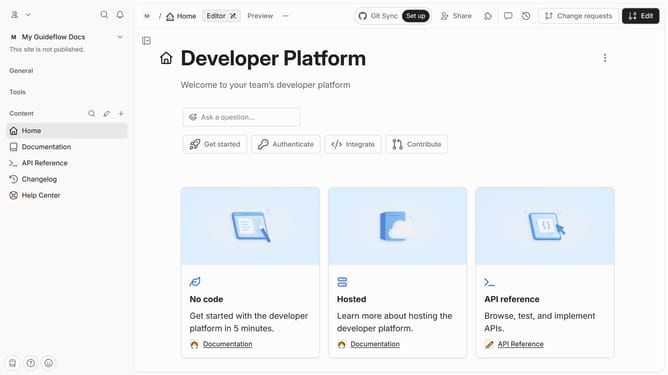
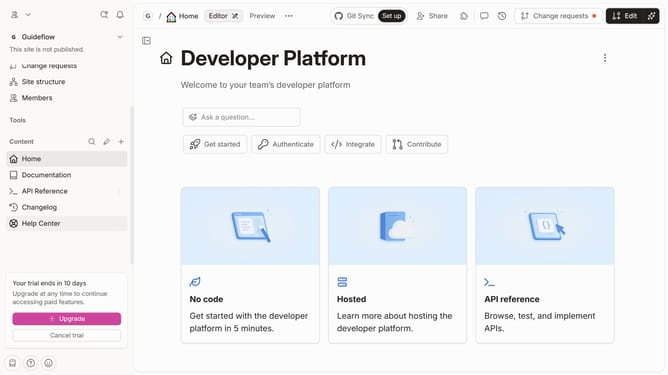
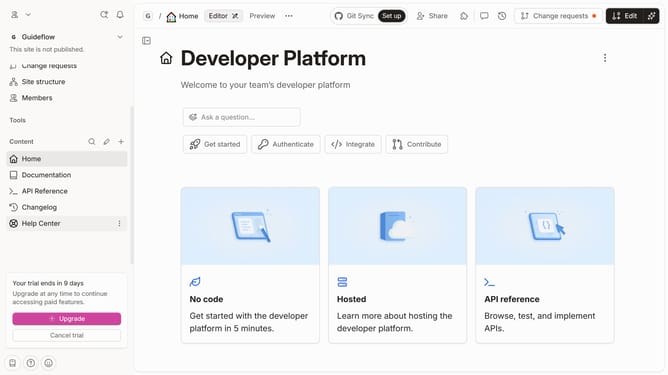
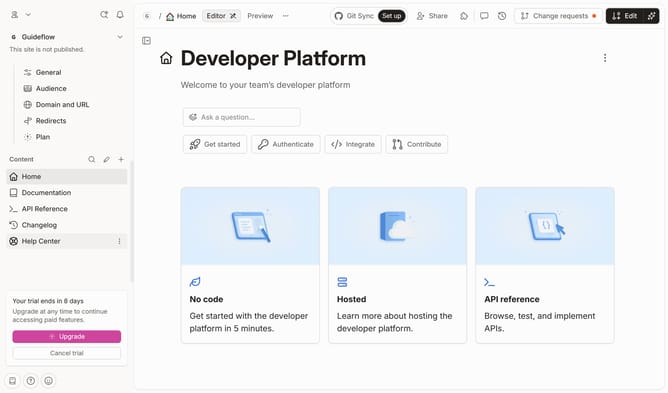
- First click on the "Help Center" item in the left sidebar
- Then click on the "Edit" button in the top menu
- Next click on the "Click for block options" button
- Then click on the align option in the block options menu
- Finally click on the "Merge" button in the top menu
Why should you align a quote in a help center in Gitbook
GitBook is a versatile tool designed to streamline your documentation process with ease and precision.
When aligning a quote in GitBook's help center, you're enhancing the clarity and visual appeal of your content.
This feature allows you to draw attention to significant insights or testimonies, making them stand out from regular text.
Utilizing this alignment option not only improves readability but also strengthens your message, ensuring that important quotes don’t get lost in the surrounding content.
Last update