How to create reusable content in Gitbook
Here is how to create reusable content in gitbook
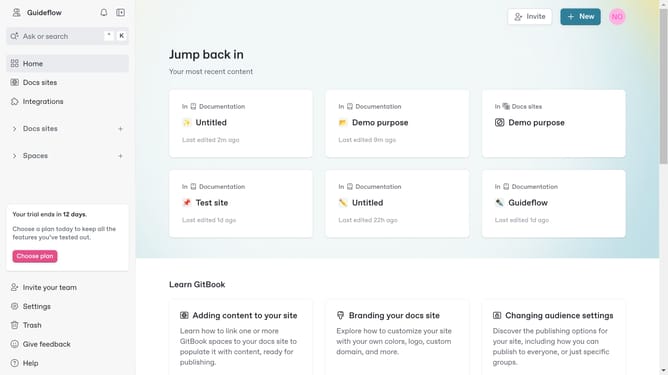
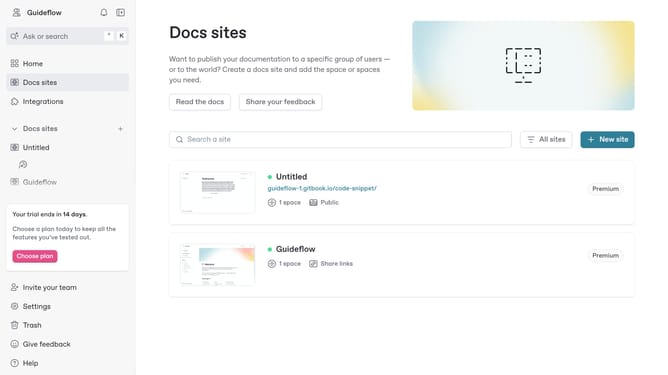
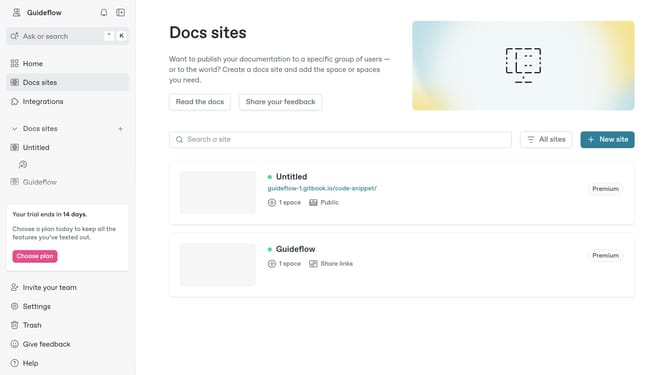
- First choose a doc site card you want to use
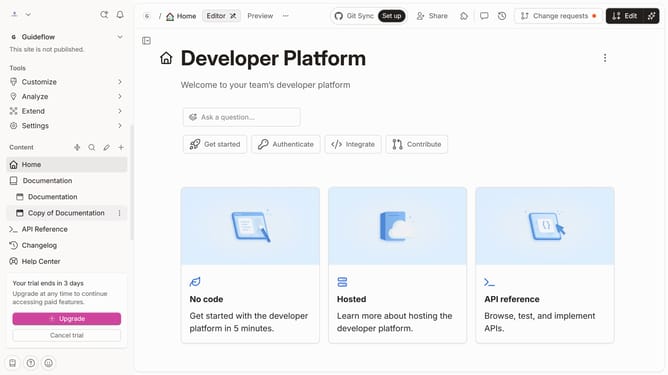
- Then click on the "Start editing content" button in the main content area
- Click on the "Edit" button in the top toolbar
- Select the "Reusable content" tab in the content navigation bar
- Click on the "Create reusable content" button in the content area
- Click on the text field to name your reusable content
- Finally click the "Create" button to finalize your reusable content
Why should you create reusable content in Gitbook
Gitbook is a powerful platform designed to simplify documentation and team collaboration.
Creating reusable content in Gitbook allows for efficient and consistent documentation. Reusing content ensures that information is easily updated and avoids duplication of effort.
This feature promotes consistency across multiple documents and helps maintain accuracy. It significantly enhances the workflow by saving time and ensuring that every piece of content aligns with current standards effortlessly.
Last update