How to hide pagination in homepage in Gitbook
Here is how to hide pagination in homepage in gitbook
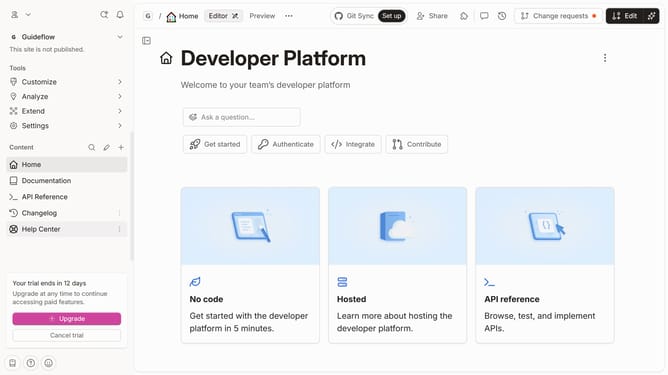
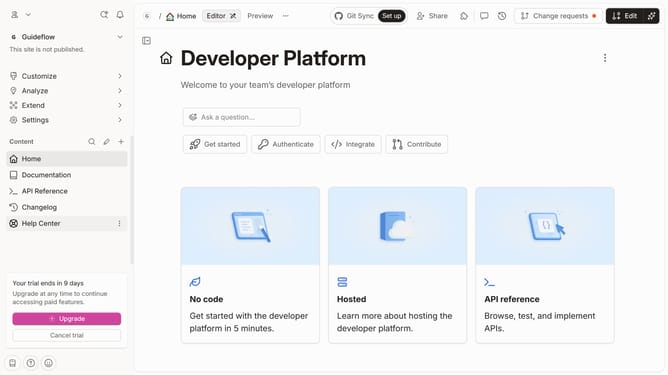
- First click on the "Home" item in the left sidebar
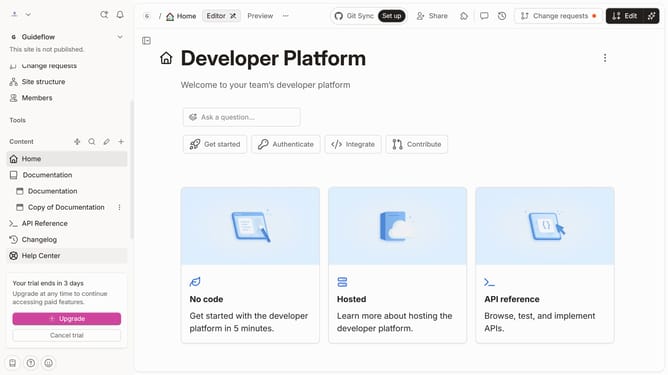
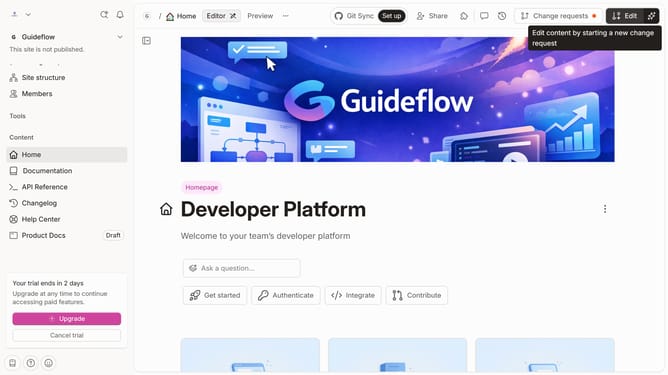
- Then click on the "Edit" button in the top header
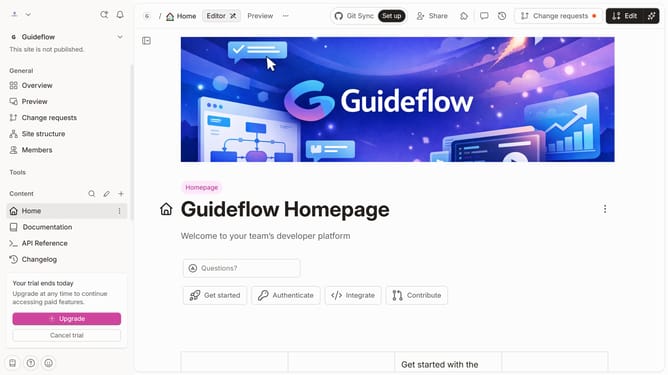
- Next click on the "Page options" button
- Then toggle the switch OFF across "Pagination" to disable it
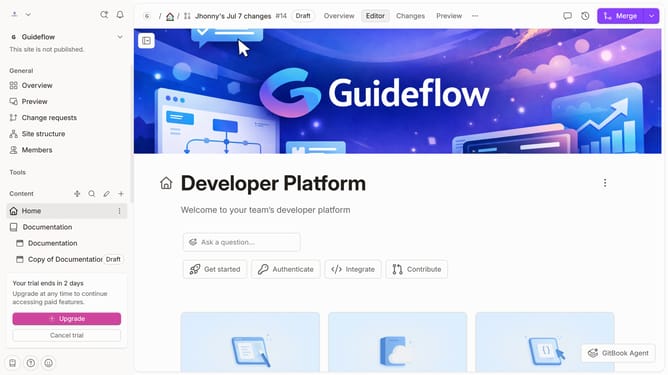
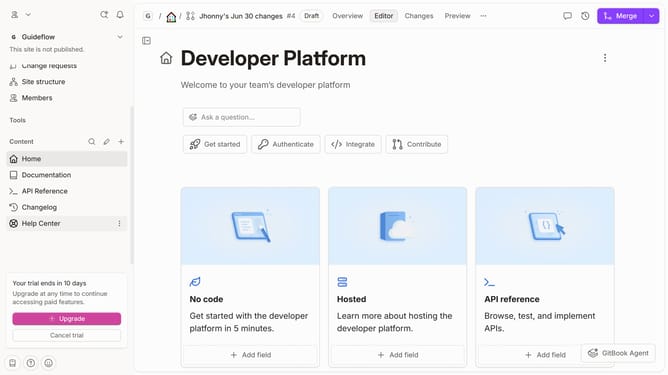
- Finally click on the "Merge" button in the top header
Why should you hide pagination in homepage in Gitbook
GitBook is an intuitive platform designed to streamline the process of documentation and knowledge sharing.
Hiding pagination on a GitBook homepage enhances the minimalist layout by focusing the reader's attention on the main content. This feature allows the initial impression of the homepage to remain clean and uncluttered.
Opting to hide pagination improves user experience, ensuring that your audience navigates through your content seamlessly. By removing pagination, the homepage presents as more professional and tailored, reflecting a polished overall look.
Last update