How to add an unordered list in homepage in Gitbook
Here is how to add an unordered list in homepage in gitbook
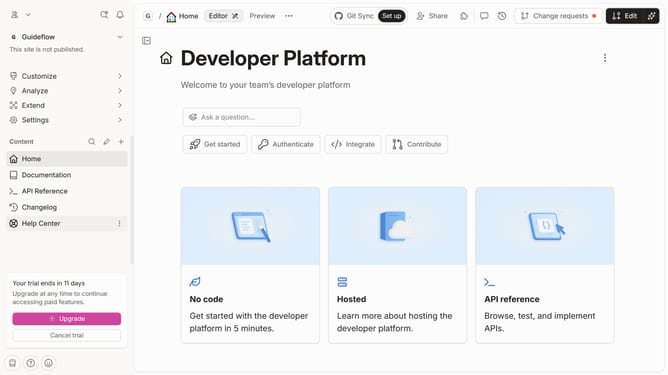
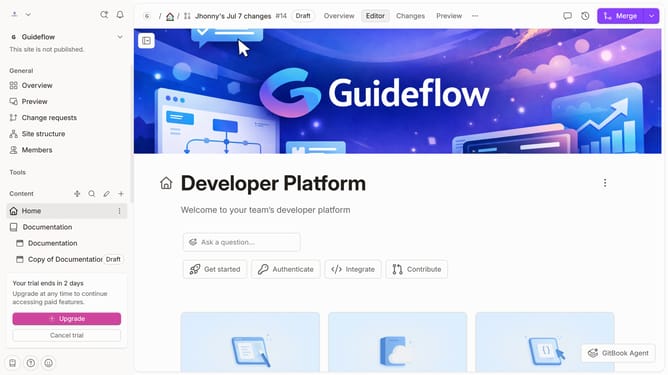
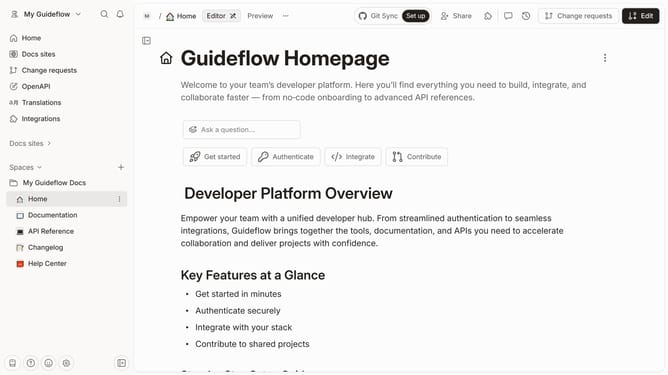
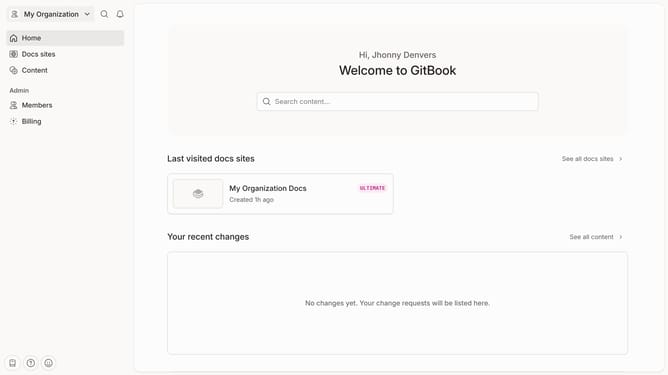
- First click on the "Home" item in the left sidebar
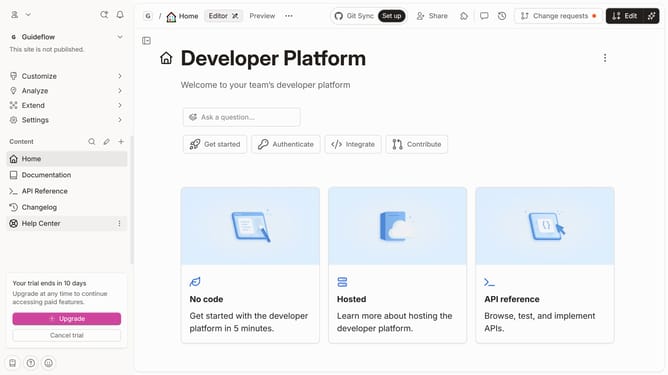
- Then click on the "Edit" button in the top right corner
- Next, click on the icon to reveal block options
- Then click on "More blocks" in the revealed options
- Next, click on "Unordered list" in the list of blocks
- After that, click on the text input field to edit it
- Finally, click on the "Merge" button in the top right corner
Why should you add an unordered list in homepage in Gitbook
GitBook is a collaborative platform for creating, sharing, and managing documentation seamlessly.
Adding an unordered list to your homepage in GitBook is a simple feature that enhances the organization of information.
This feature allows for a clear and concise presentation of key points or items, making it easier for readers to absorb information.
Using unordered lists aids in improving the readability of your documentation, making it a more engaging and informative user experience.
Last update