How to embed a URL in Gitbook
Here is how to embed a url in gitbook
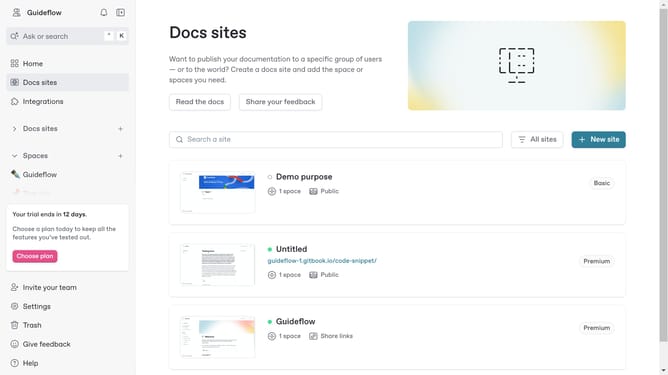
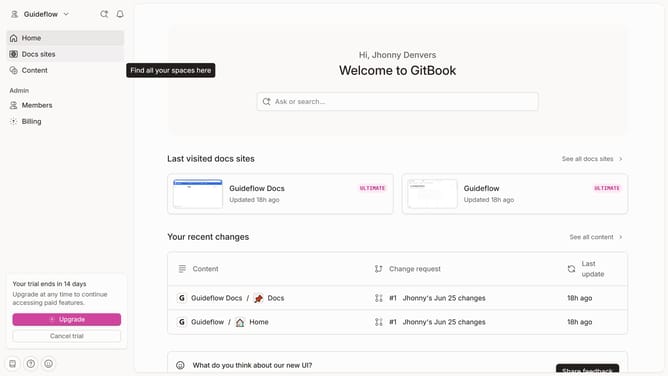
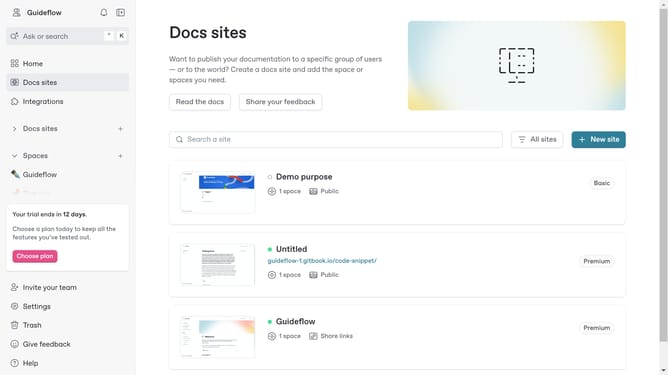
- First click on the site card you want to edit in the docs sites list
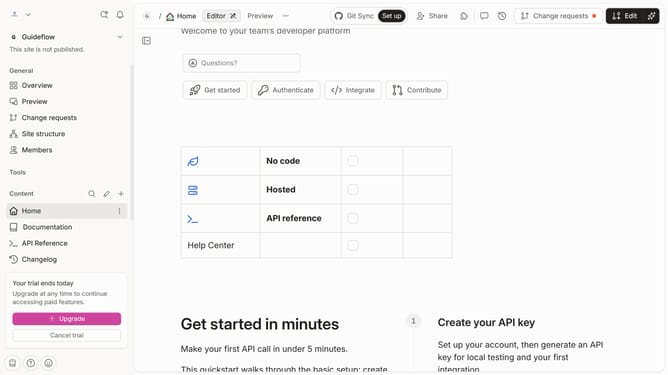
- Then click on the "Start editing content" button in the main content area
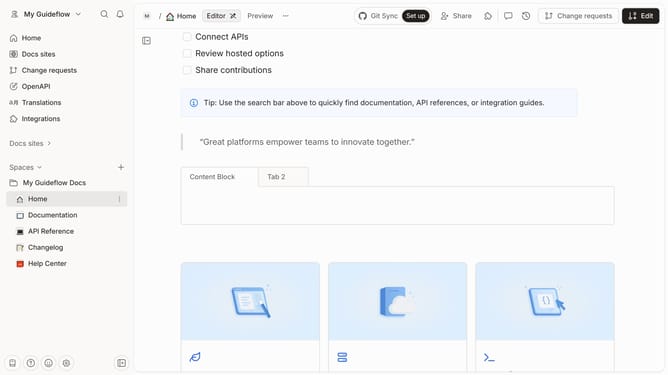
- Next click on the "Edit" button in the top toolbar
- Click the "+" sign to add a block on your page
- Paste the URL you want to embed and press "Enter"
- Finally click on the "Merge" icon in the top toolbar
Why should you embed a URL in Gitbook
Gitbook is an intuitive platform designed to simplify the creation and sharing of detailed documentation.
Embedding a URL in Gitbook enhances the content by providing direct access to external resources, seamlessly integrating valuable information within your documents.
This feature allows for enhanced interactivity and depth, offering readers instant connections to supplementary data, related topics, or additional context.
Utilizing URL embedding not only enriches the user experience but also keeps your documentation dynamic and engaging.
Last update