How to apply strikethrough in Gitbook
Here is how to apply strikethrough in gitbook
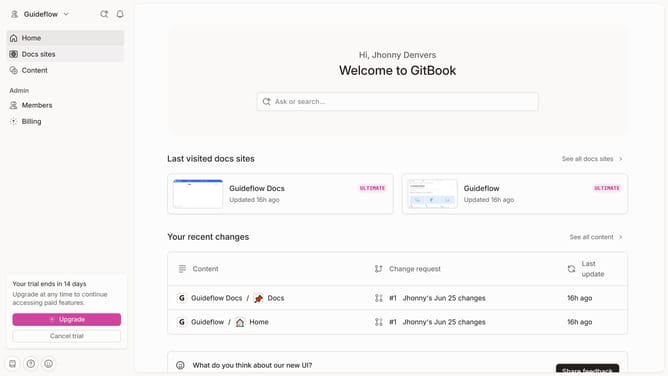
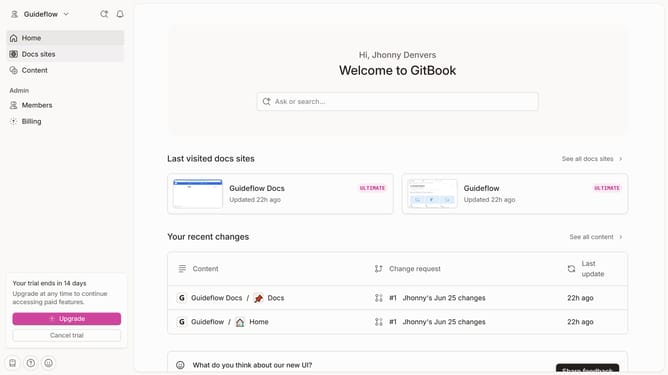
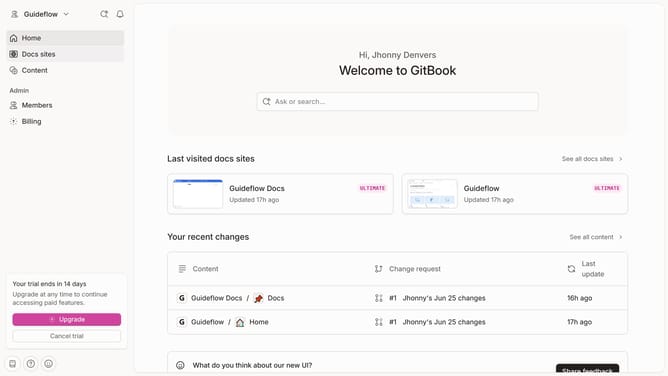
- First click the site card you want to use in the main content area
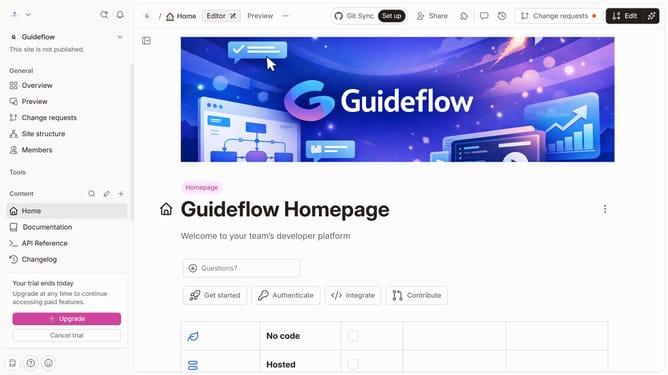
- Then click on "Start editing content" option in the site overview section
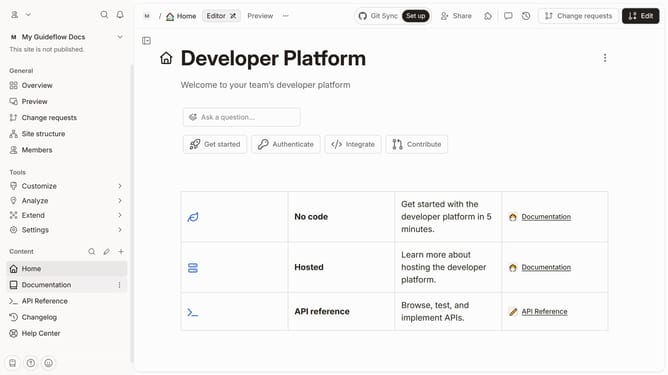
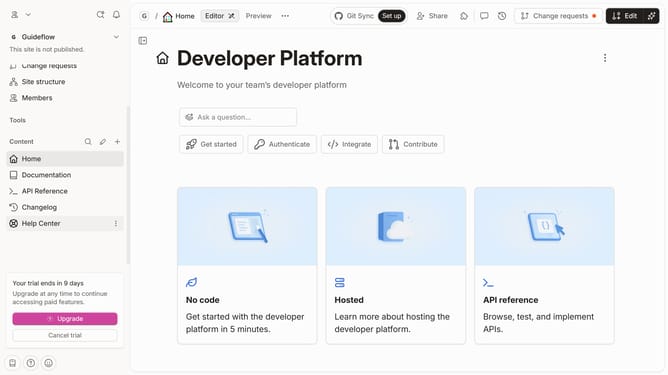
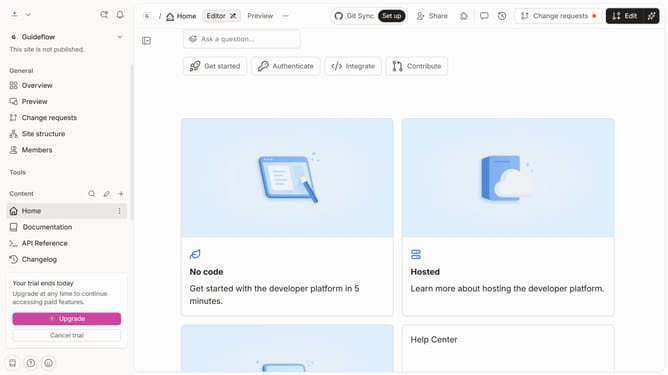
- Next click on the "Edit" button in the top toolbar
- Then select the text you want to strikethrough
- Next click on the "Strikethrough" button at the formatting toolbar
- Finally click on the "Merge" button in the top-right corner of the editor
Why should you apply strikethrough in Gitbook
GitBook is a versatile platform designed to streamline the process of documentation and knowledge sharing.
Applying strikethrough in GitBook is a handy feature that enables authors to visually indicate outdated or irrelevant information while retaining the original text for reference.
This feature improves document clarity by allowing readers to discern changes and updates without any confusion, enhancing overall comprehension.
Incorporating strikethrough not only maintains transparency but also helps users track the evolution of ideas over time.
Last update