How to reset column sizing in a table in homepage in Gitbook
Here is how to reset column sizing in a table in homepage in gitbook
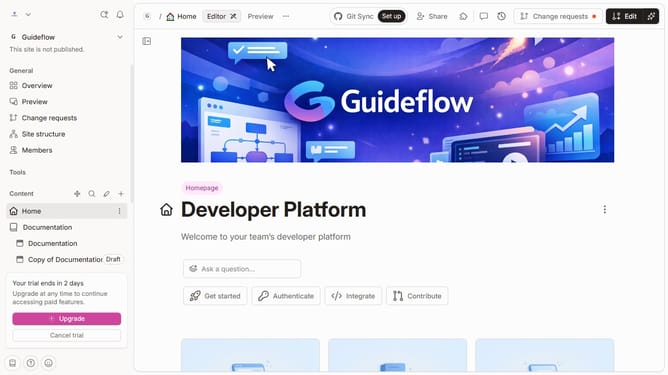
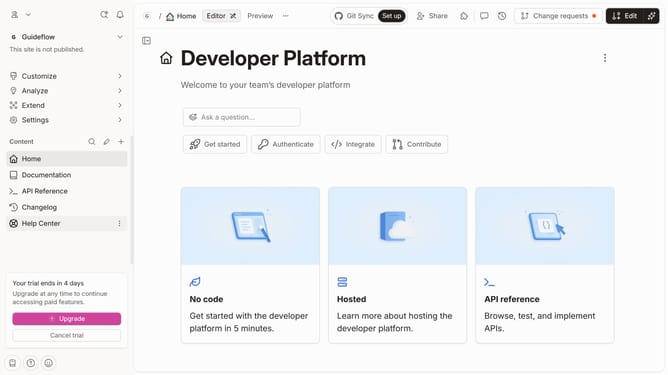
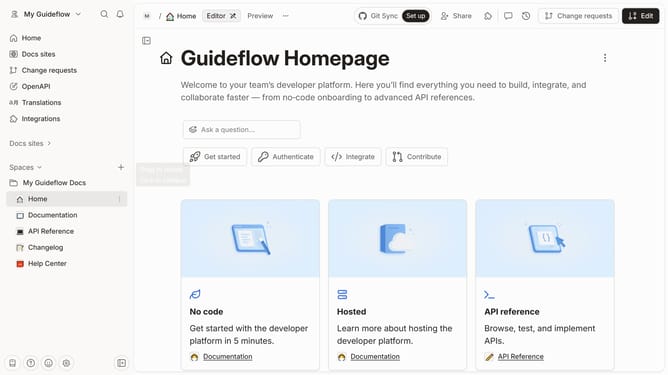
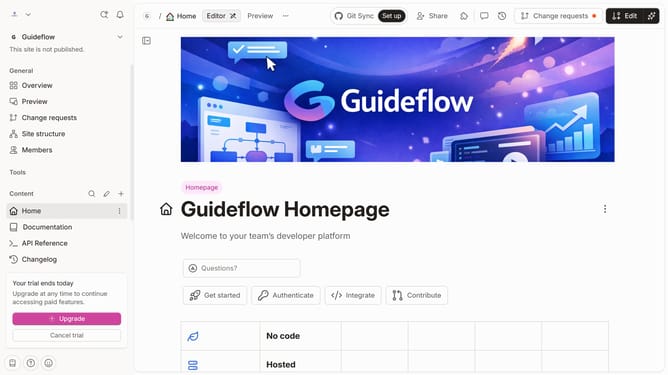
- First click on "Home" item in the left sidebar
- Then click on "Edit" button in the header
- Next click on the block options icon next to the table
- Then select "Reset column sizing" from the dropdown menu
- Finally click on the "Merge" button in the top right corner
Why should you reset column sizing in a table in homepage in Gitbook
GitBook is a versatile platform designed to create, share, and manage documentation seamlessly.
Resetting column sizing in a table on your GitBook homepage is a feature that enhances flexibility and organization, ensuring the content fits well across all viewing devices. It allows for easy adjustments, maintaining a clean and professional appearance to your documentation.
This process improves readability and user experience by offering consistency and clarity. Such features ensure your documentation remains accessible and appealing to all, without manual resizing challenges.
Last update