How to replace cover image in a help center category in Gitbook
Here is how to replace cover image in a help center category in gitbook
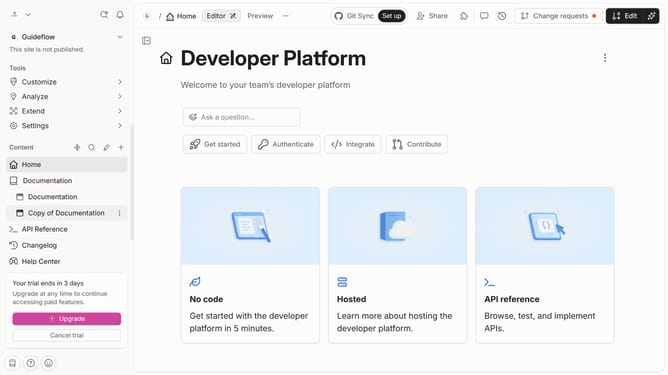
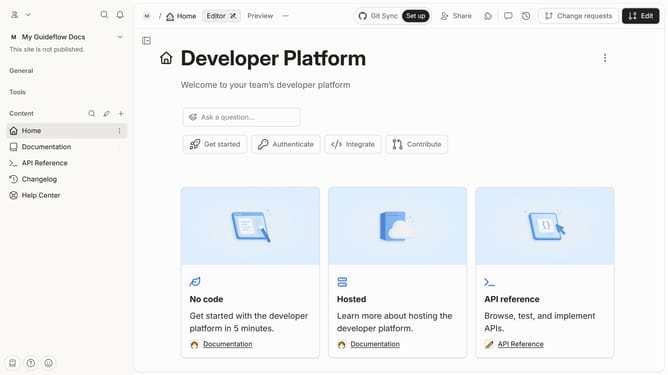
- First click on "Help Center" item in the left sidebar
- Then click on the "Edit" button in the top menu
- Click on the card options icon for the "Admin" card
- Then select "Cover" from the options
- Next, click on "Edit" in the sub-menu
- Then click on "Replace cover" option
- Click on the "Drop your images or browse" area to upload a new cover image
- Finally click on the "Merge" button in the top right corner
Why should you replace cover image in a help center category in Gitbook
GitBook is a dynamic platform designed to simplify and streamline the creation and sharing of knowledge.
Replacing a cover image in a help center category in GitBook enhances the visual appeal and aligns the content with your brand identity. This feature allows you to tailor the aesthetic of your documentation, making it more engaging and recognizable to your users.
By utilizing this straightforward feature, you reinforce your brand, remain consistent in presentation, and provide an inviting entry point to your resources, ultimately enriching user engagement and experience.
Last update