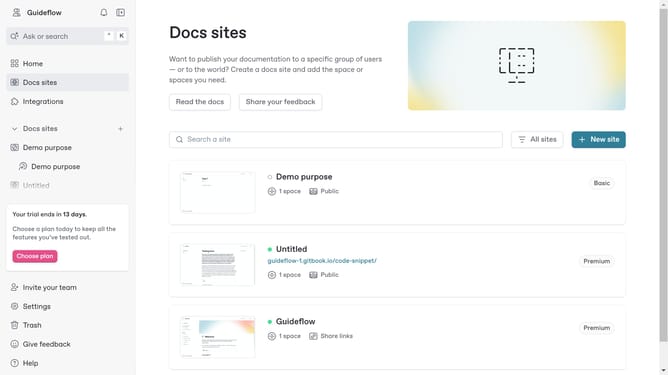
How to add a task list in homepage in Gitbook
Here is how to add a task list in homepage in gitbook
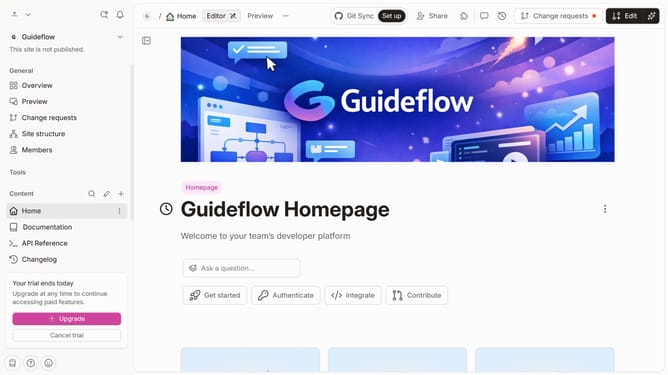
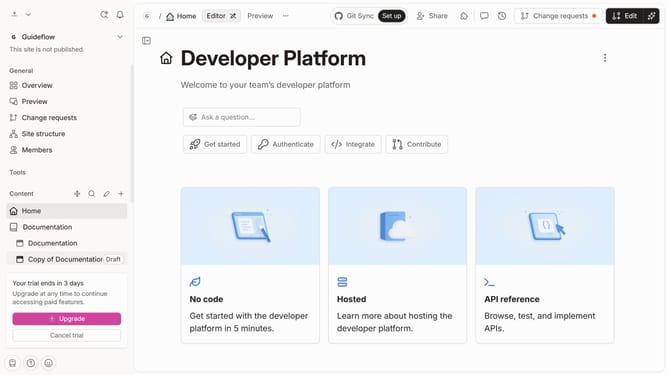
- First click on "Home" item in the sidebar navigation
- Then click on the "Edit" button in the top header
- Next, click on the "Click for block options" tooltip
- Then select "More blocks" option from the dropdown menu
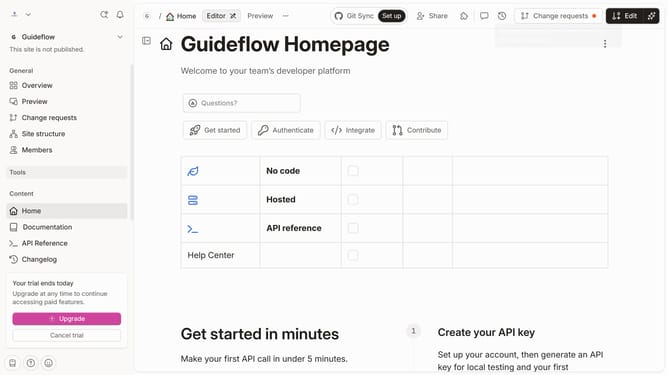
- After that, select "Task List" from the expanded "List" options
- Click on the text input field and edit it
- Finally, click on the "Merge" button in the top header
Why should you add a task list in homepage in Gitbook
GitBook is a modern documentation platform built to streamline knowledge sharing.
Adding a task list to the homepage in GitBook enhances project management and boosts organizational clarity. This feature empowers teams to maintain focus by clearly outlining tasks directly on their main page.
With tasks visibly prioritized, team members stay aligned, ensuring efficient collaboration and minimizing miscommunication. GitBook's task list feature promotes productivity, keeping every objective front and center in your documentation journey.
Last update