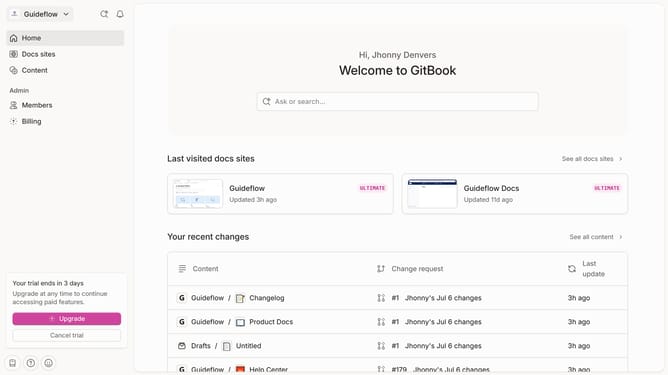
How to insert image in help center in Gitbook
Here is how to insert image in help center in gitbook
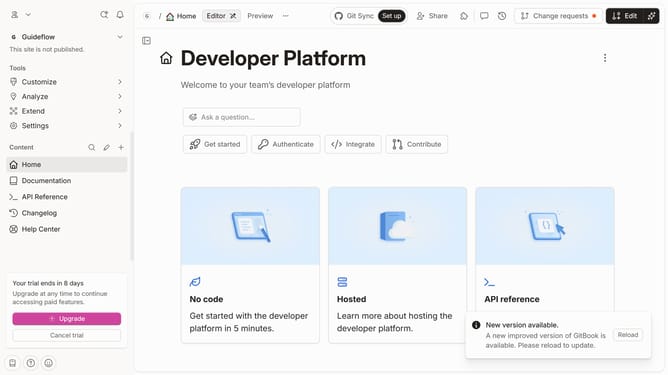
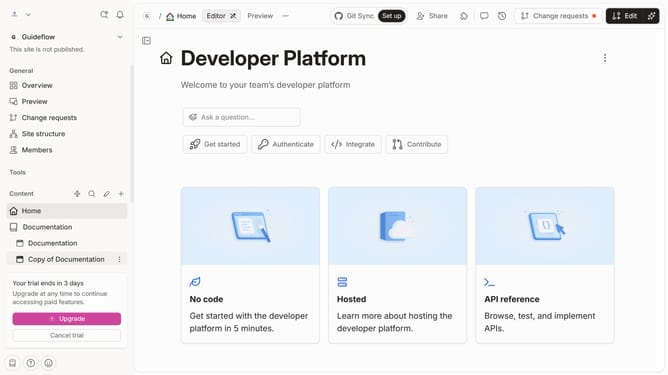
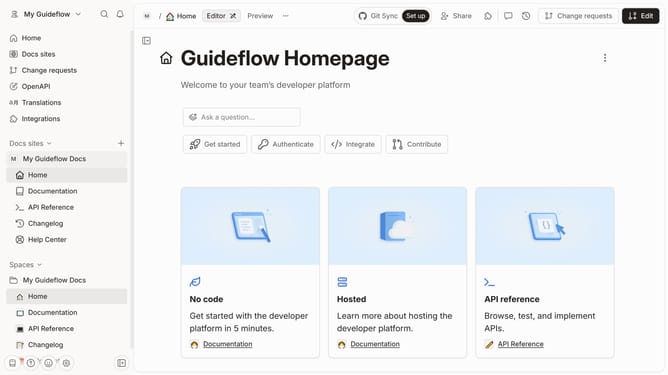
- First click on the 'Help Center' item in the sidebar
- Then click on the 'Edit' button in the header
- Click on the '+' button to add a new block
- Then select "Insert images" from the displayed menu
- Click on the 'Drop your images or browse' area to upload an image
- Finally click on the 'Merge' button in the header
Why should you insert image in help center in Gitbook
GitBook, a dynamic platform, transforms documentation into interactive experiences for teams.
Inserting images into GitBook's help center significantly enhances the documentation's clarity and engagement. Visual content can simplify complex concepts and support textual content, making the information accessible to a wider audience.
By enriching your help center with images, users can quickly comprehend instructions, which improves overall user experience and knowledge retention. This feature is vital for producing more compelling, informative documentation effortlessly.
Last update