How to show pagination of a content in a docs site in Gitbook
Here is how to show pagination of a content in a docs site in gitbook
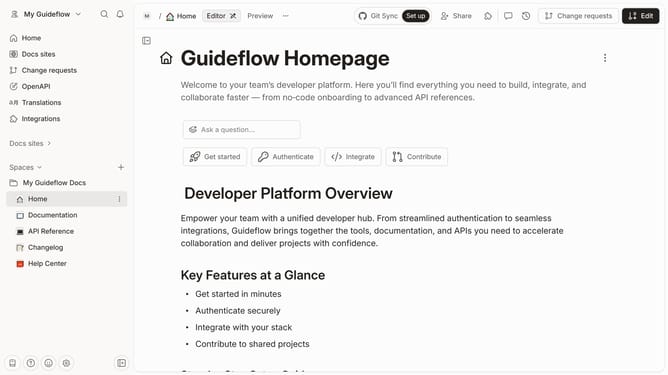
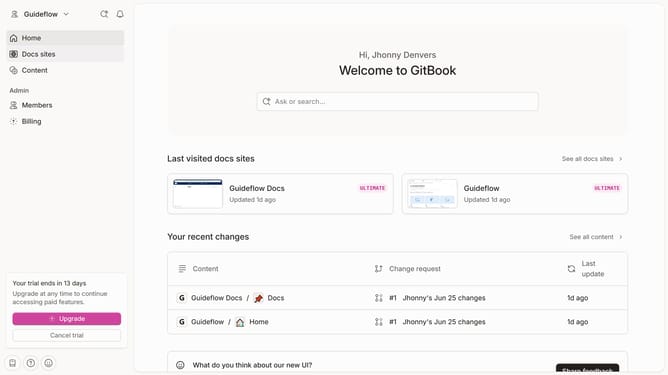
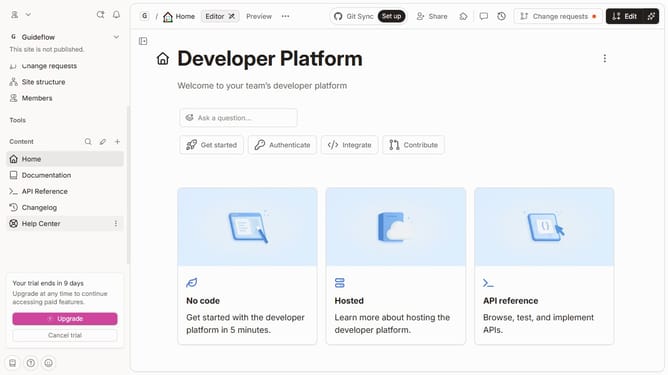
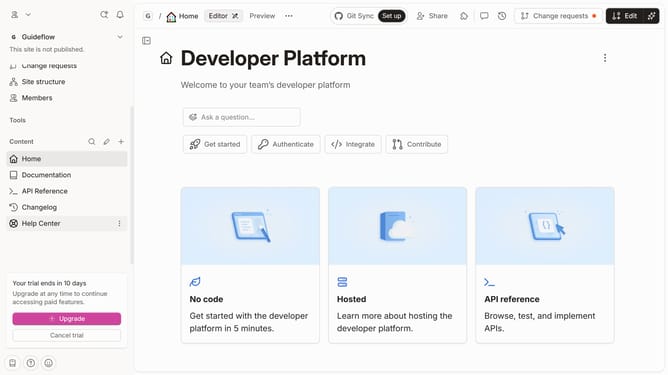
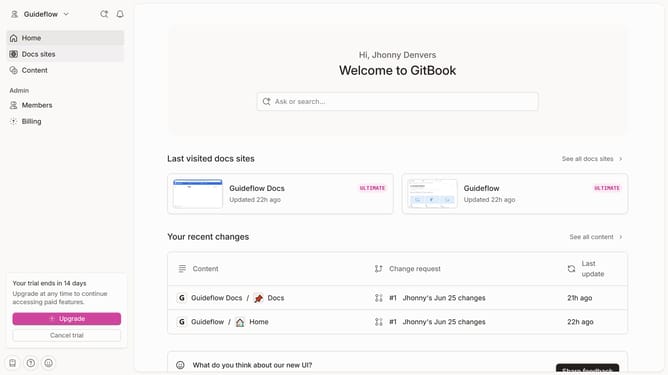
- First click on the content you want to manage in the left sidebar
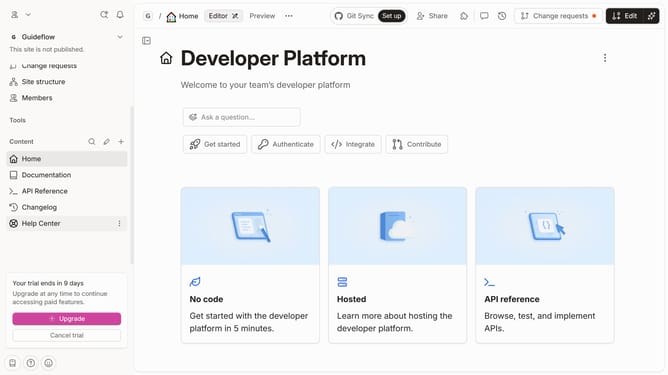
- Then, click on the "Edit" button in the top right corner
- Next, click on "Page options" in the editor menu
- Then, toggle the switch ON for "Pagination"
- Finally, click on the "Merge" button in the editor menu
Why should you show pagination of a content in a docs site in Gitbook
GitBook is a seamless platform for creating, managing, and sharing documentation with ease.
Pagination is a brilliant feature in GitBook that allows creators to break down content into manageable, easy-to-navigate sections. This feature enhances the reading experience by simplifying the navigation for users, ensuring they can easily access and digest relevant information. By leveraging pagination, document owners can maintain reader engagement, preventing overwhelm and facilitating a more structured flow of content.
Implementing pagination in your GitBook documentation not only involves better reader retention but also promotes a cleaner and more organized presentation. It effectively supports users in finding interconnected topics or references, enhancing the overall impact of shared knowledge.