How hide a table column in help center in Gitbook
Here is how hide a table column in help center in gitbook
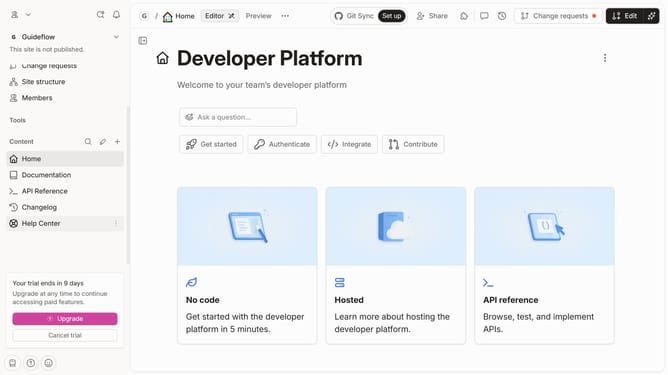
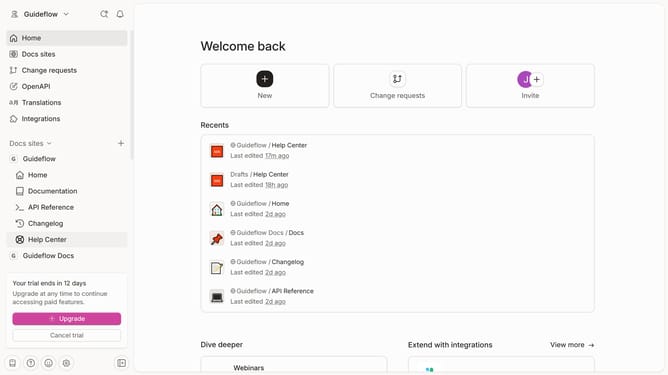
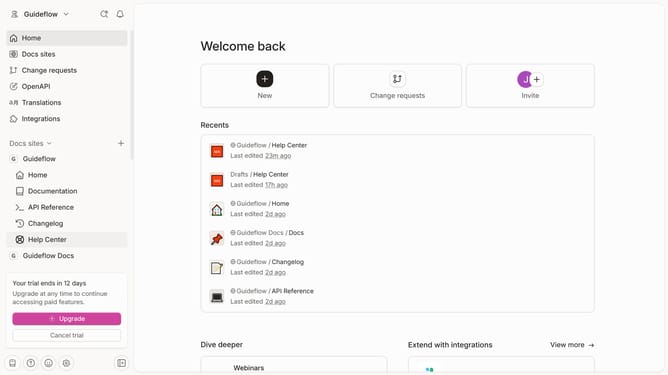
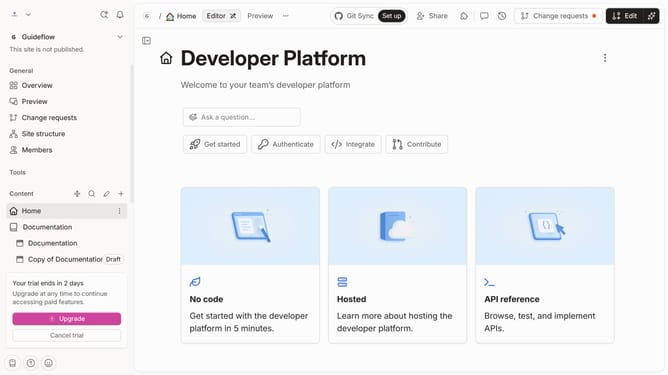
- First click on "Help Center" in the left sidebar
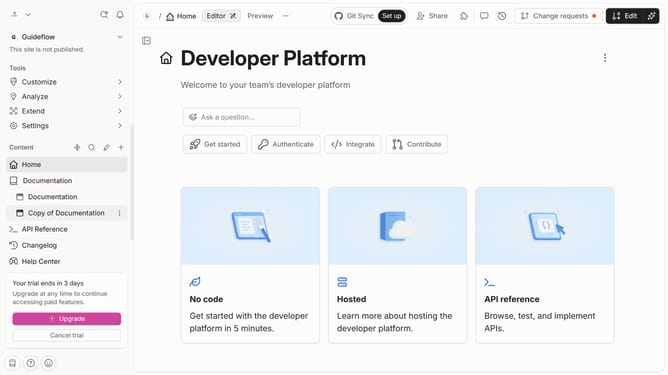
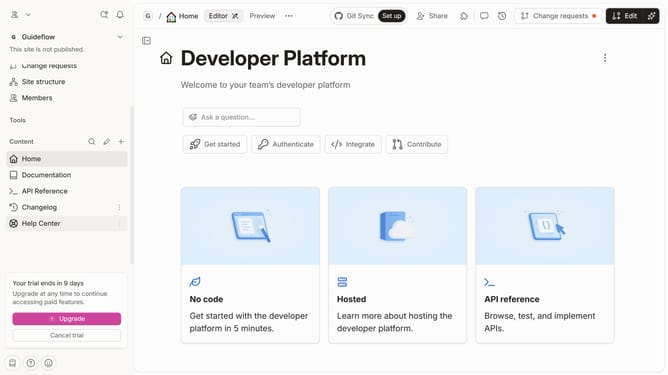
- Then click on the "Edit" button in the header
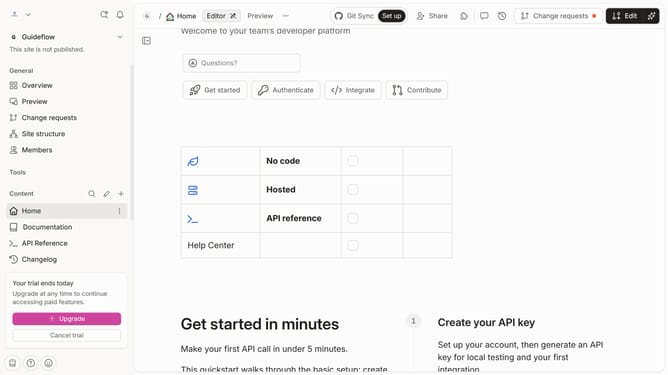
- Next click on the dots icon to open block options
- Then uncheck the checkbox of the column you wanted to hide
- Finally click on the "Merge" button in the top menu
Why should you How hide a table column in help center in Gitbook
Gitbook is a versatile platform tailored for crafting and sharing knowledge within collaborative and interactive documents.
In the Help Center, the ability to hide a table column stands out as a practical feature. It allows you to streamline information presentation, ensuring that your readers focus only on the most relevant data.
By leveraging this feature, you can maintain an organized and clutter-free document. This enhances readability, making document navigation smoother and more intuitive for users.
Ultimately, this feature aids in delivering a more effective and engaging knowledge-sharing experience.
Last update