How to convert cards in table in homepage in Gitbook
Here is how to convert cards in table in homepage in gitbook
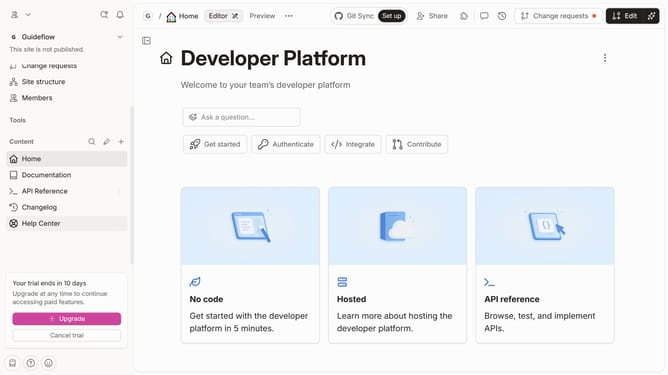
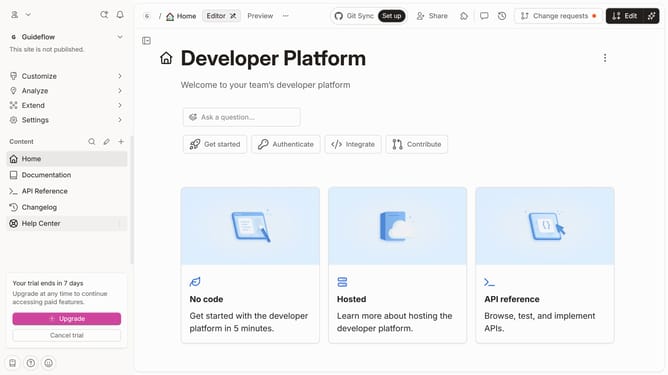
- First click on the "Home" section in the left sidebar
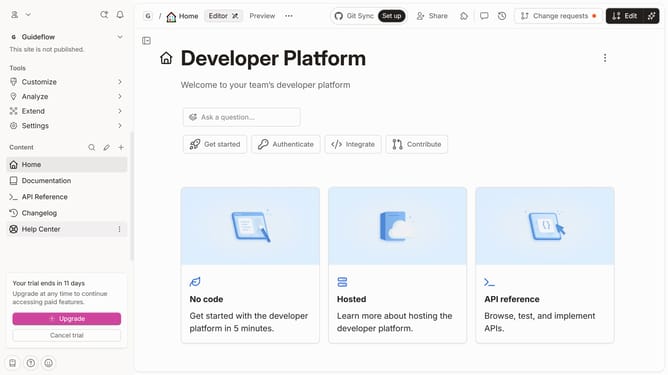
- Then click on the "Edit" button in the top right corner
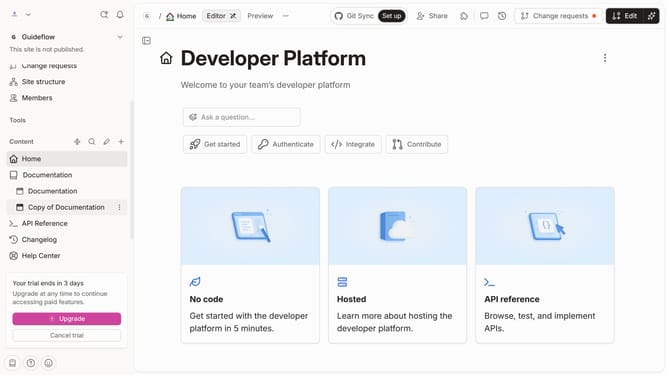
- Next, click on the block options icon
- Then select "Table" from the dropdown menu in the left sidebar
- Finally click on the "Merge" button in the top right corner
Why should you convert cards in table in homepage in Gitbook
GitBook is a powerful platform designed to facilitate seamless documentation and knowledge sharing.
A standout feature of GitBook is the ability to convert cards into tables on your homepage. This feature enhances organization by allowing information to be displayed in a structured and concise manner, making content more digestible for readers.
Using tables instead of cards improves clarity and focus, helping users find the information they need quickly. This transformation optimizes the presentation of content, ensuring a professional and accessible user experience.
Last update