How to show page actions in homepage in Gitbook
Here is how to show page actions in homepage in gitbook
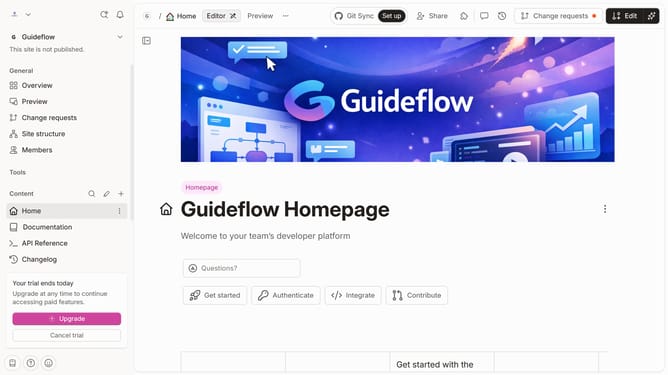
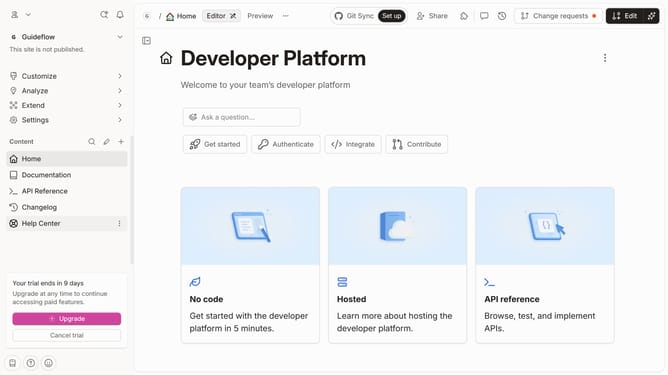
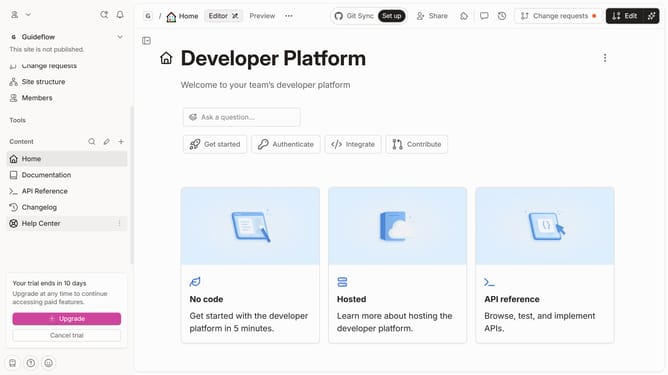
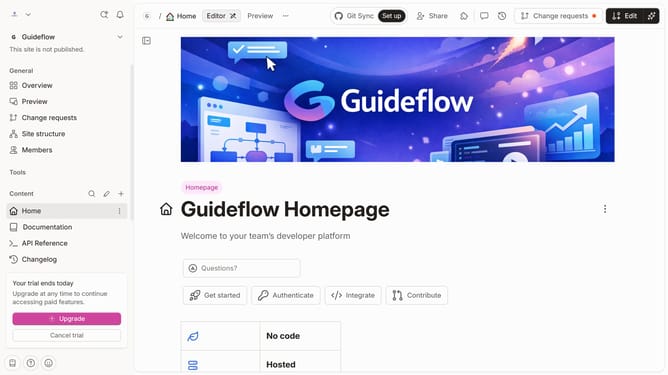
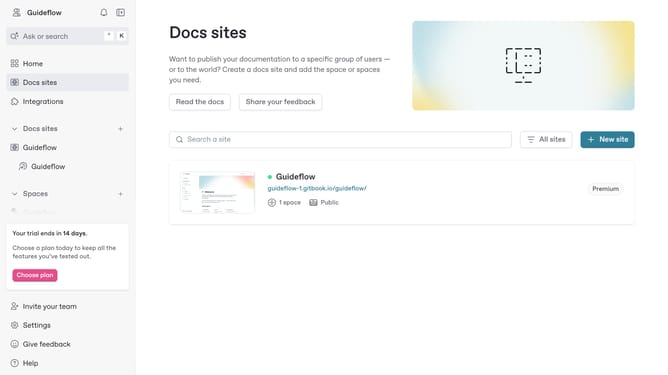
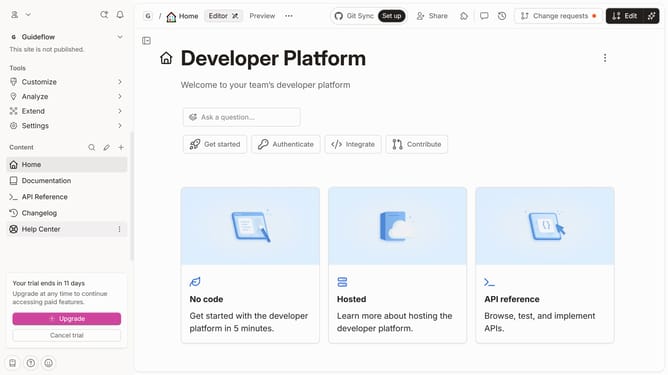
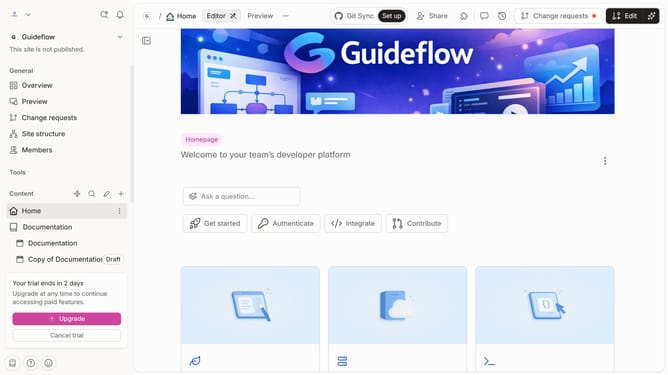
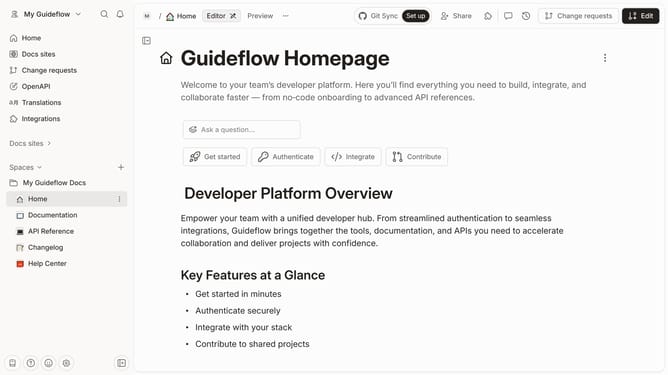
- First click on "Home" in the left sidebar
- Then click on the "Edit" button in the header
- Next click on "Page options" to open the settings panel
- Then toggle the switch ON across "Show page action" to enable it
- Finally click on the "Merge" button in the header
Why should you show page actions in homepage in Gitbook
Gitbook is an intuitive platform designed to simplify the documentation process.
Showing page actions directly on the homepage in Gitbook enhances user interaction and accessibility. This feature ensures that the most important and frequently used actions are easily reachable right from the start, making navigation more efficient for users.
By integrating page actions on the homepage, Gitbook promotes a streamlined workflow, reducing the time it takes to access key features and bolstering productivity for teams and individuals alike.
Last update