How to delete image in a help center category in Gitbook
Here is how to delete image in a help center category in gitbook
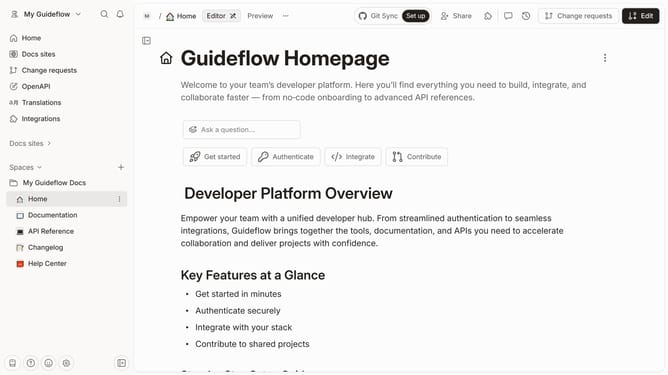
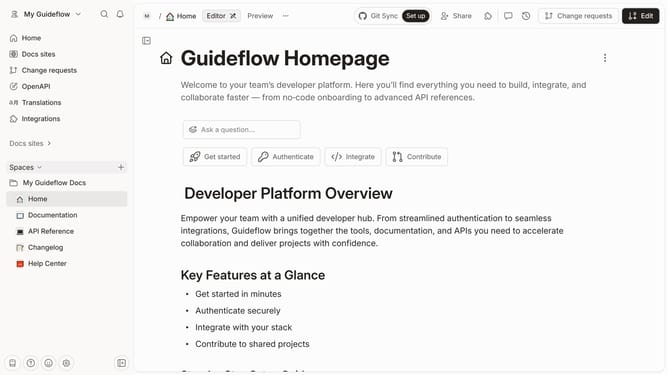
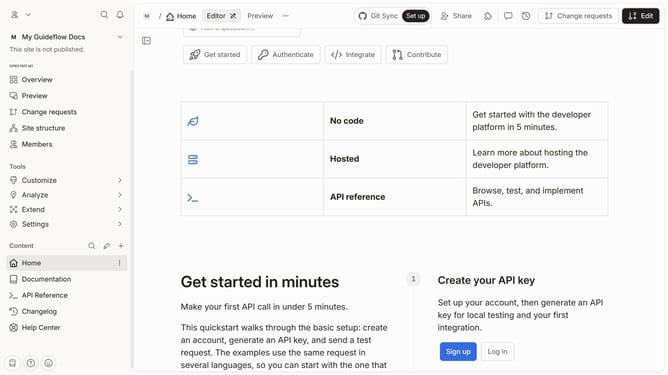
- First click on "Help Center" item in the left sidebar
- Then click on "Edit" button in the top menu
- Next click on the three dots icon next to the image you want to delete
- Then click on "Delete Field" option
- Next click on the "Confirm" button
- Finally click on "Merge" button in the top menu
Why should you delete image in a help center category in Gitbook
GitBook is a powerful platform designed to streamline the documentation process for teams and developers.
One of its key features is efficiently managing media, such as images, within a help center category.
Deleting an image is quick, ensuring that your documentation remains current and clutter-free.
This feature not only enhances the overall navigation experience for users but also contributes to maintaining an organized, professional look for your documentation.
Last update