How to add an unordered list in homepage tab in Gitbook
Here is how to add an unordered list in homepage tab in gitbook
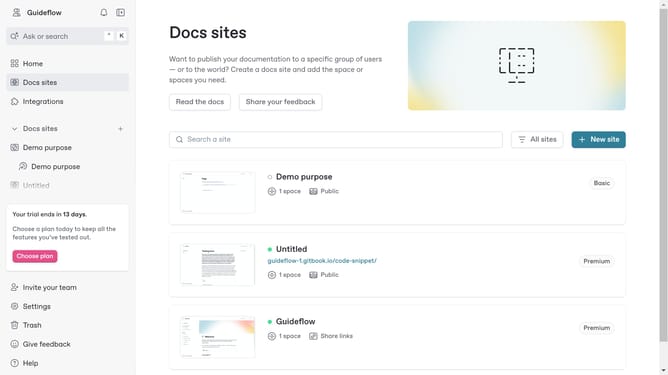
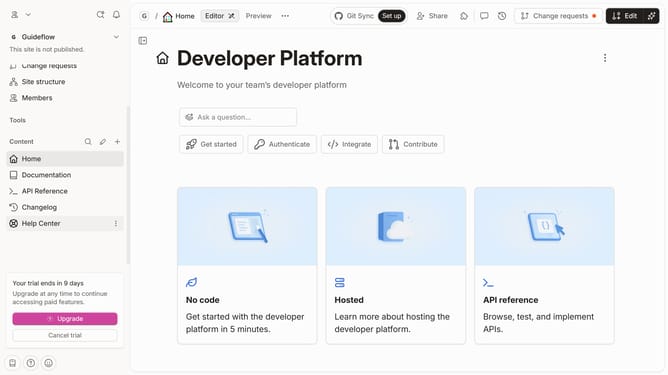
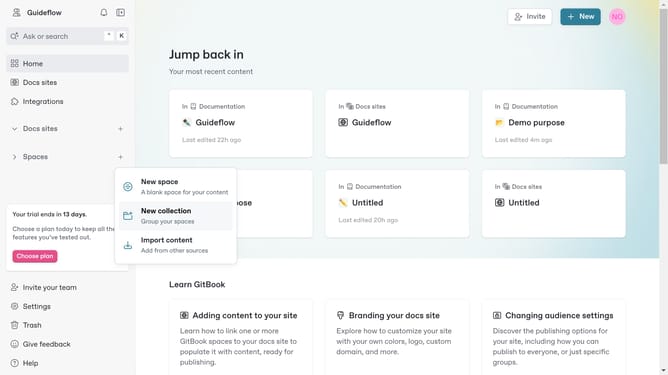
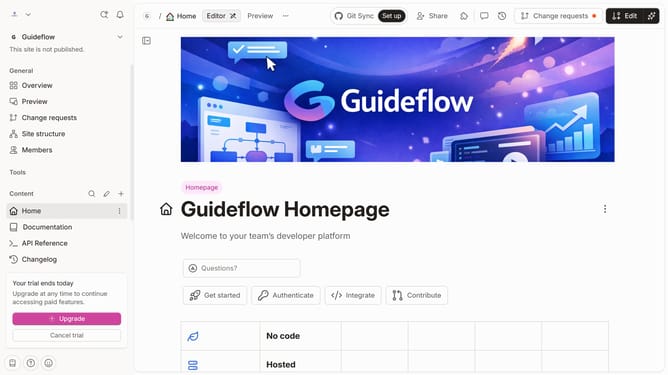
- First, in the left sidebar, click on "Home"
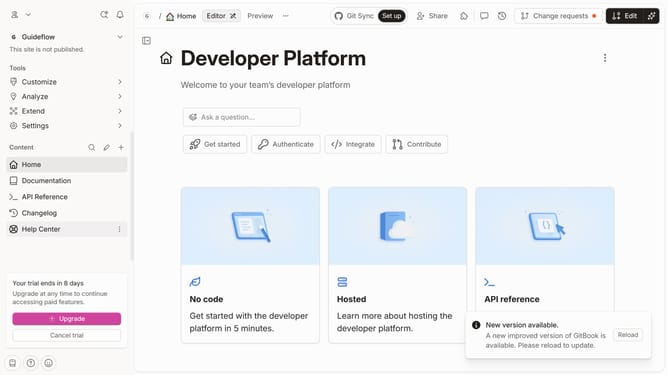
- Then, in the top menu bar, click on the "Edit" button
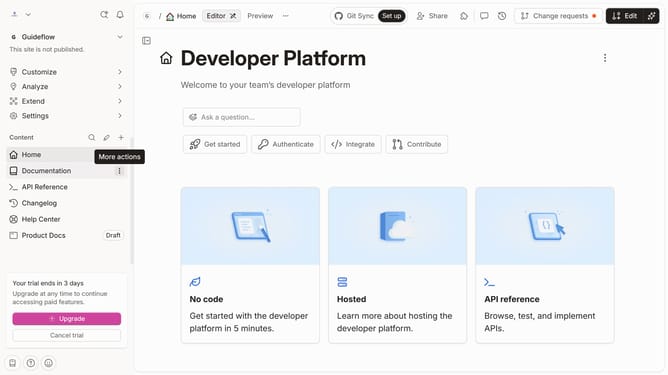
- Next, click on the "block options" button
- Then, from the dropdown menu, click on "More blocks"
- Next, click on "Unordered List"
- Then, click on the text input field and enter your list
- Finally, in the top menu bar, click on the "Merge" button
Why should you add an unordered list in homepage tab in Gitbook
Gitbook is a powerful platform designed to transform documentation into an engaging resource for teams and individual creators.
One of its versatile features is the ability to add an unordered list to the homepage tab, enhancing clarity and organization instantly.
Employing unordered lists makes complex information digestible, encourages engagement, and improves overall navigation, ensuring readers can find the key points effortlessly.
Last update