How to manage live edits when a space is published in Gitbook
Here is how to manage live edits when a space is published in gitbook
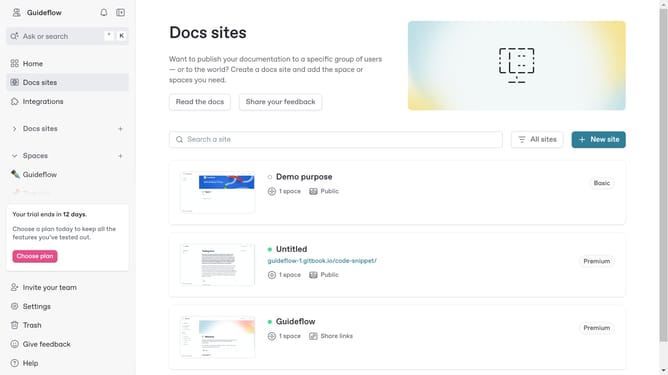
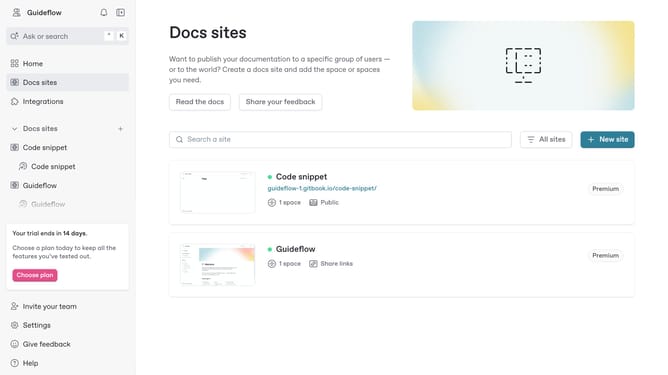
- In the main content area, click the site card you want to use
- Here you will find the status of your site
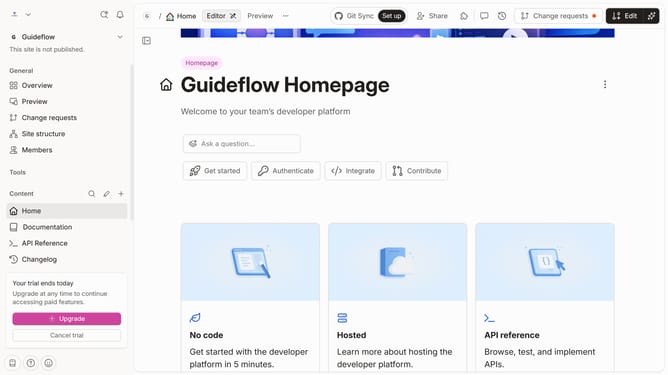
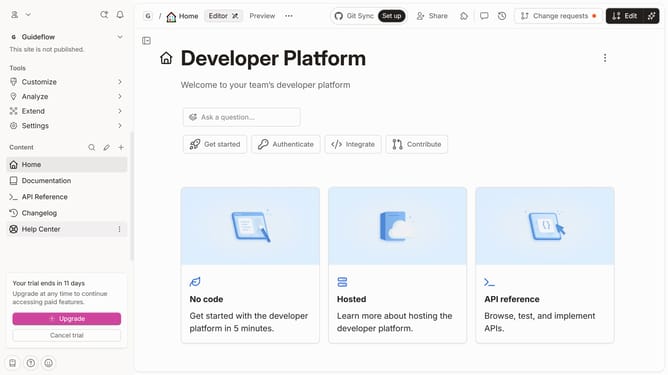
- Click on the "Start editing content" button in the site management panel
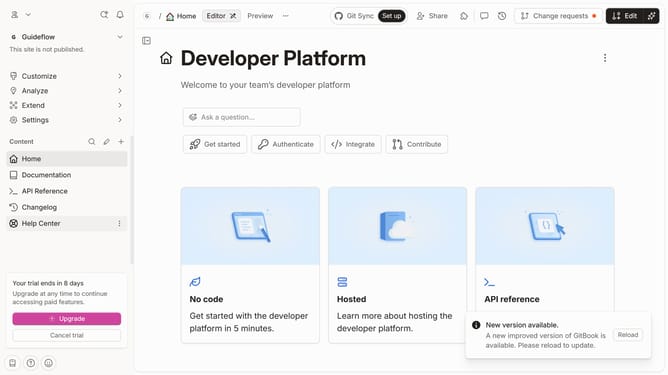
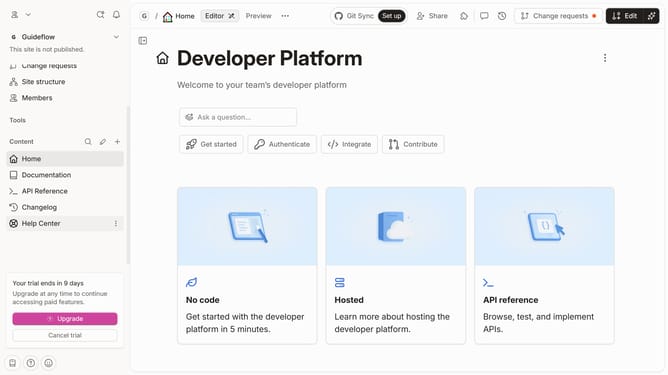
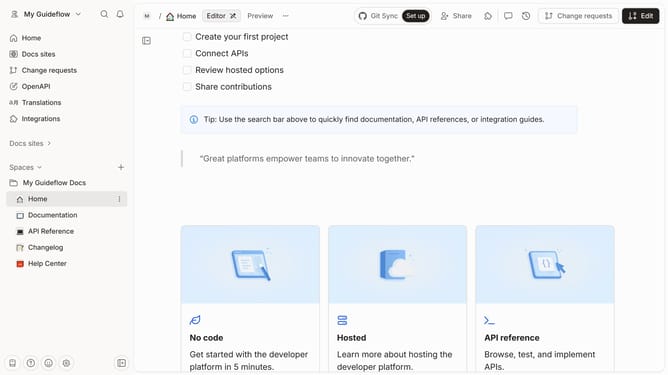
- So you need to send a change request by clicking the "Edit" button in the top toolbar
- Once done editing, click "Merge" to implement the changes you made
Why should you manage live edits when a space is published in Gitbook
GitBook is a dynamic platform designed for easy documentation and knowledge sharing.
Managing live edits when a space is published in GitBook ensures that all changes are immediately reflected, maintaining the accuracy and relevance of your documents. This feature promotes seamless collaboration and real-time content updates, which is vital for teams working in fast-paced environments.
By using live edits, users can ensure their documentation remains current and consistently reviewed, enhancing communication and efficiency within the team.
Last update