How to set a tab icon in homepage in Gitbook
Here is how to set a tab icon in homepage in gitbook
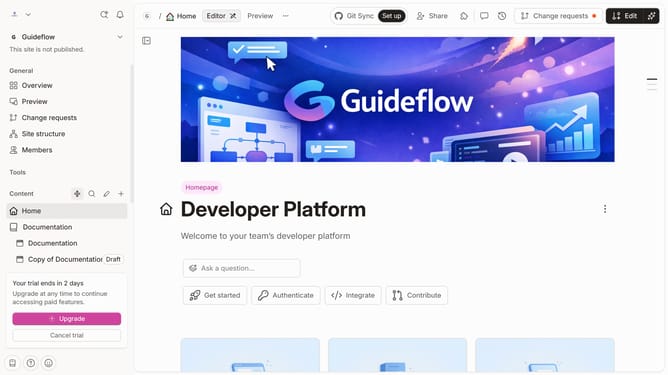
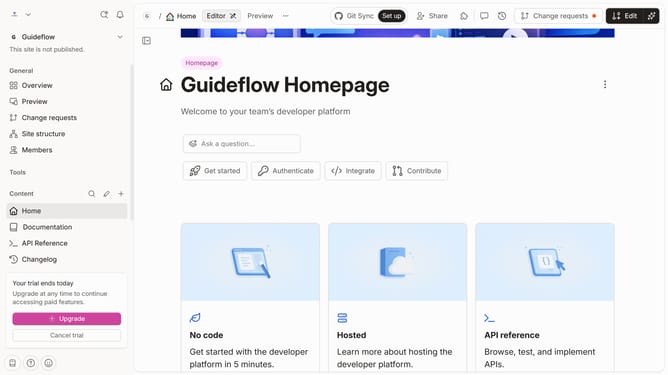
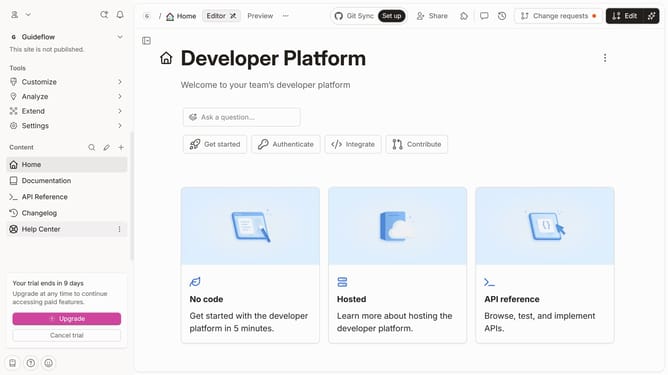
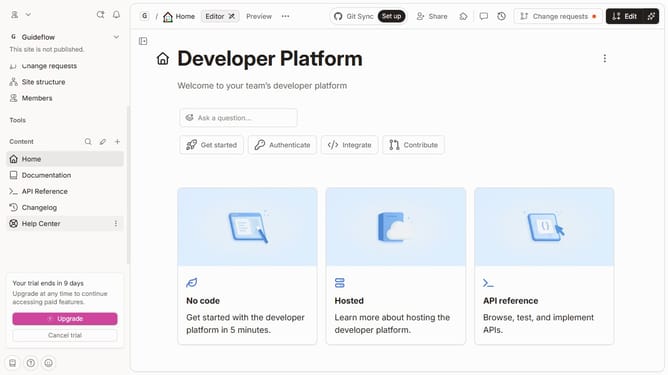
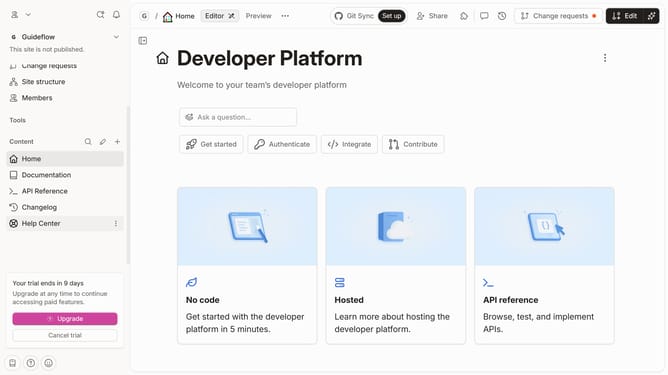
- First click on the "Home" item in the left sidebar
- Then click on the "Edit" button in the top right corner
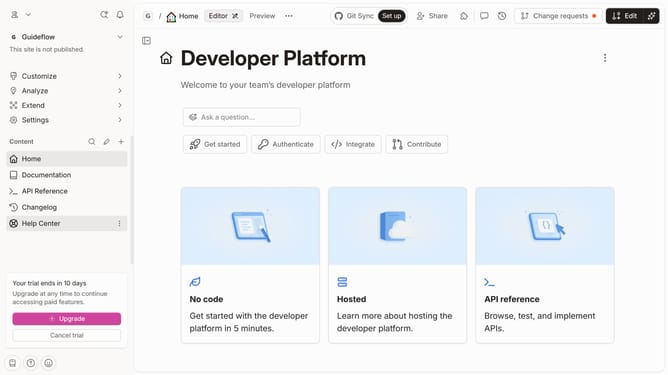
- Next, click on the dots icon in the "Content Block" section
- Then select the "Set icon" option from the dropdown menu
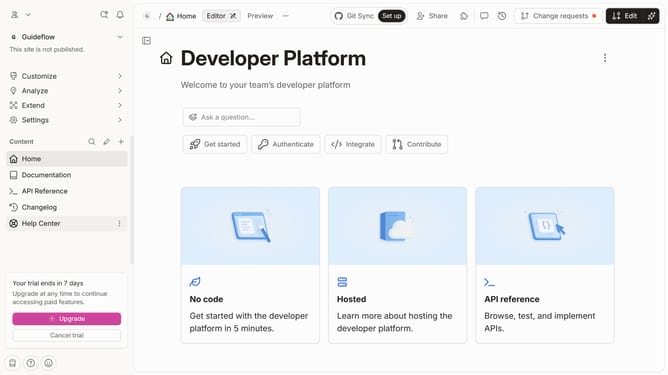
- Click on the icon from the displayed grid of icons
- Lastly, click on the "Merge" button in the top right menu
Why should you set a tab icon in homepage in Gitbook
Gitbook is a versatile platform designed for crafting and sharing comprehensive documentation effortlessly.
Setting a tab icon for your homepage in Gitbook enhances visual branding and makes your documentation stand out in the browser tab.
This simple yet effective feature not only strengthens brand recognition but also provides a more professional appearance to your documentation.
Ideal for businesses and individual users, this subtle customization adds a personal touch and makes navigation more intuitive for your readers.
Last update