How to upvote a page request in Tettra
Here is how to upvote a page request in tettra
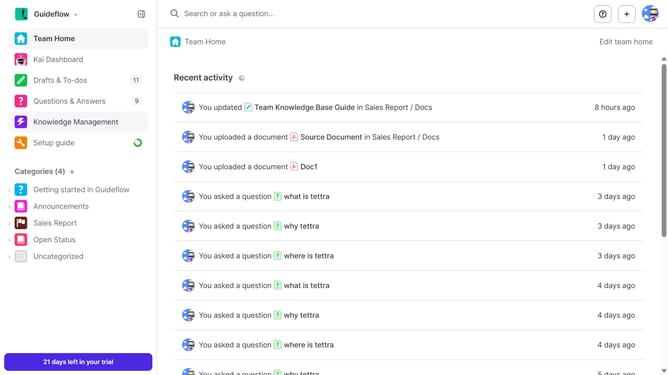
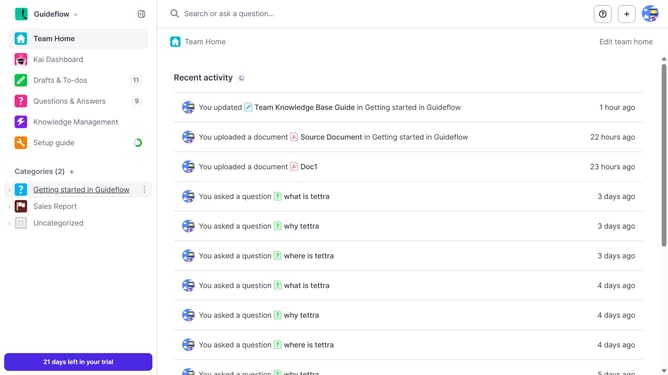
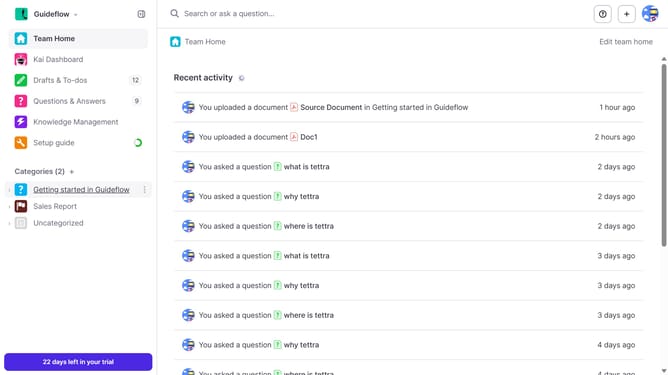
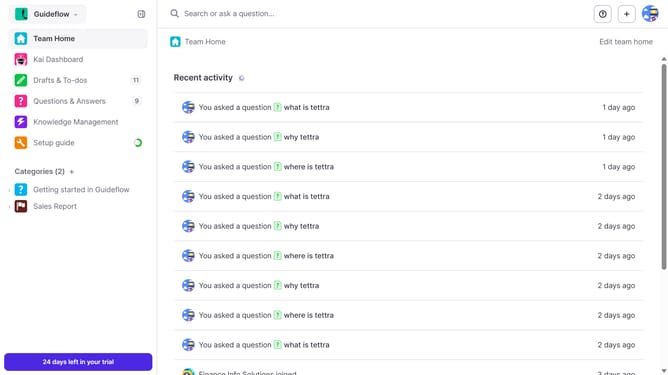
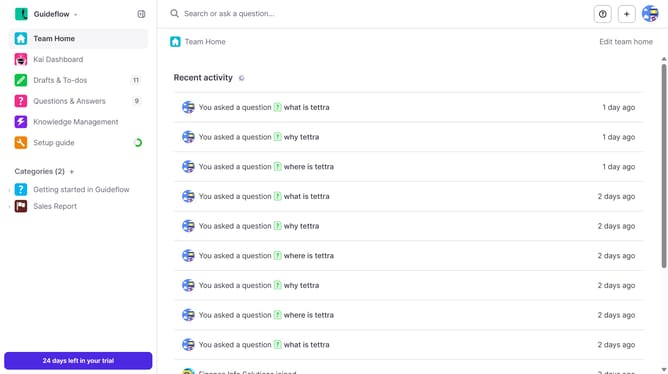
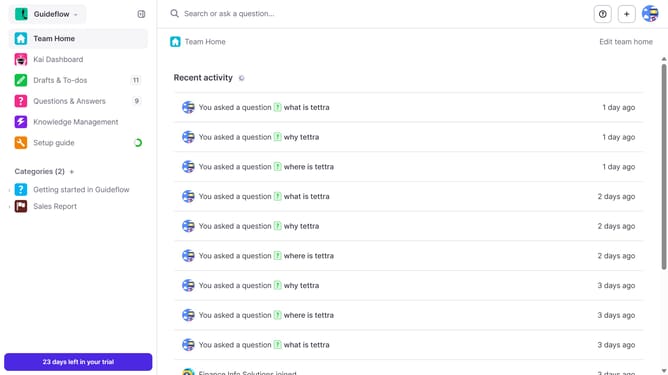
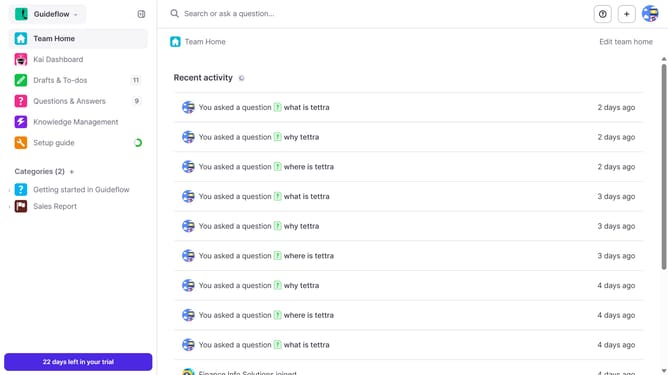
- First click on "Knowledge Management" in the sidebar
- Then click on the page request title
- Finally click the thumbs-up icon to upvote the page request
Why should you How to upvote a page request in Tettra
Tettra is a smart knowledge management tool designed to streamline team documentation and communication.
One of its standout features is the ability to upvote page requests. This function empowers team members to collectively determine which knowledge gaps are most urgent. By leveraging the collective input of your team, you can prioritize creating the content that matters most to everyone.
Utilizing upvotes ensures the most relevant pages surface, driving engagement and productivity. This fosters a collaborative environment where everyone's voice contributes to more efficient knowledge sharing.
Last update