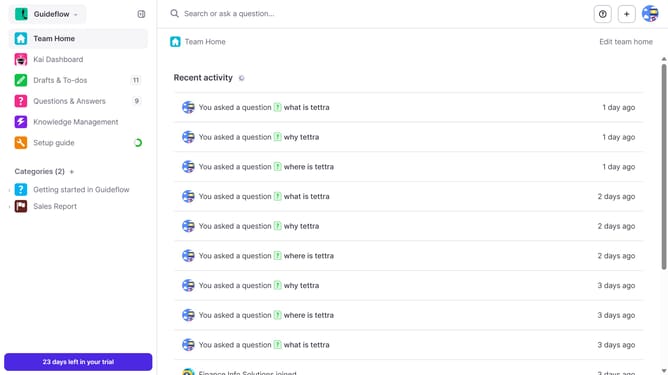
How to enable email when a teammate comments on your question in Tettra
Here is how to enable email when a teammate comments on your question in tettra
- First click on the profile dropdown in the header
- Then select "Team settings" from the dropdown menu in the sidebar
- Next click on "My notifications" in the sidebar
- Then check on the checkbox next to "When a teammate answers my question"
- Finally click on the "Update notification settings" button
Why should you How to enable email when a teammate comments on your question in Tettra
Tettra is a knowledge management tool designed to streamline internal communication within teams. Enabling email notifications for comments on your questions in Tettra ensures you stay updated and engaged with team interactions.
By activating this feature, you receive immediate alerts whenever a colleague comments on your question, fostering timely collaboration and feedback. This integration naturally strengthens team communication, ensuring no important insights are overlooked.
Staying informed without constant platform checks boosts productivity and helps in promptly addressing queries, enhancing team efficiency and knowledge sharing.
Last update