How to create a request page in Tettra
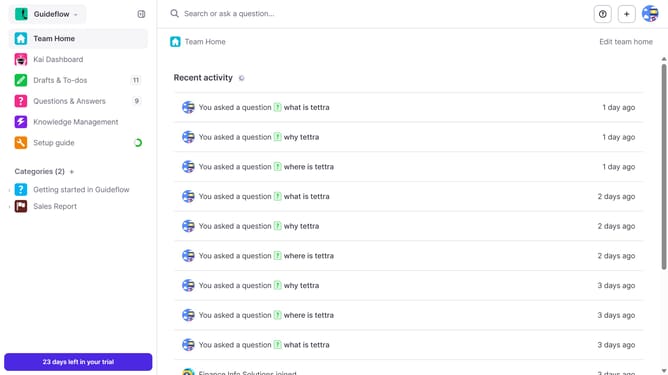
Here is how to create a request page in tettra
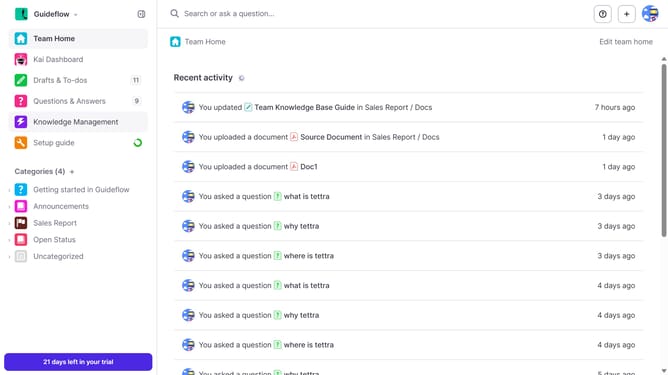
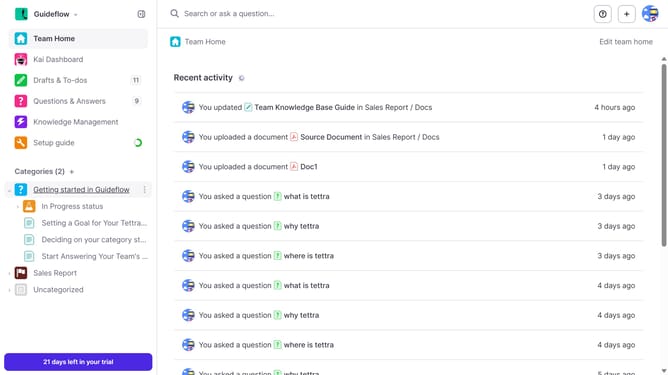
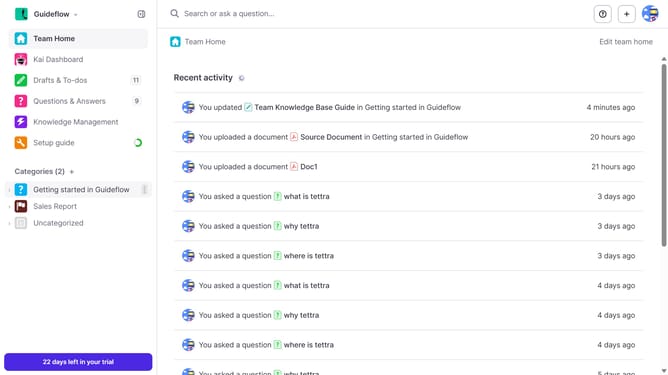
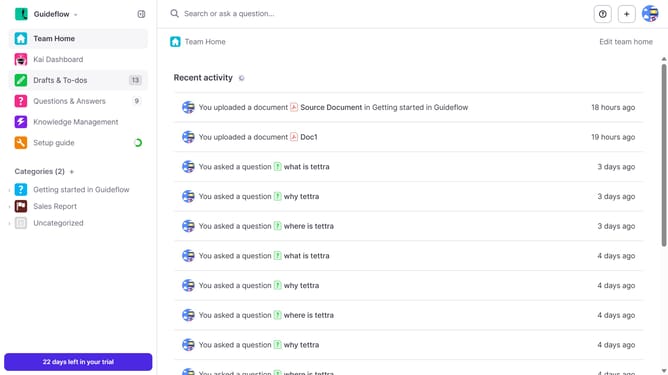
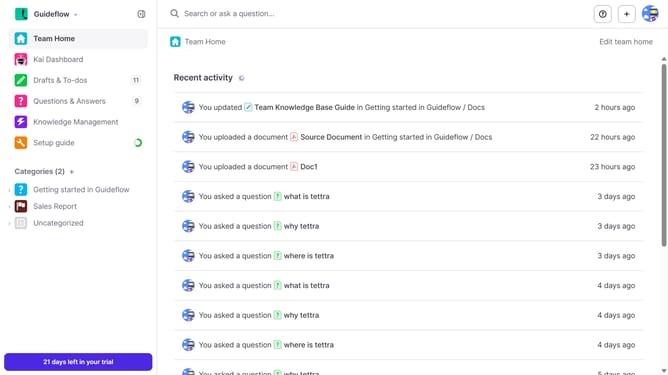
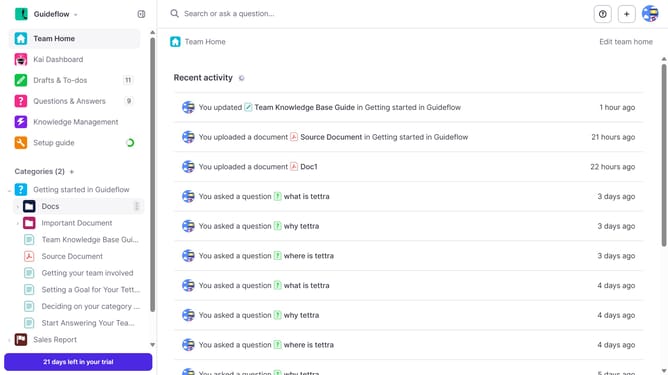
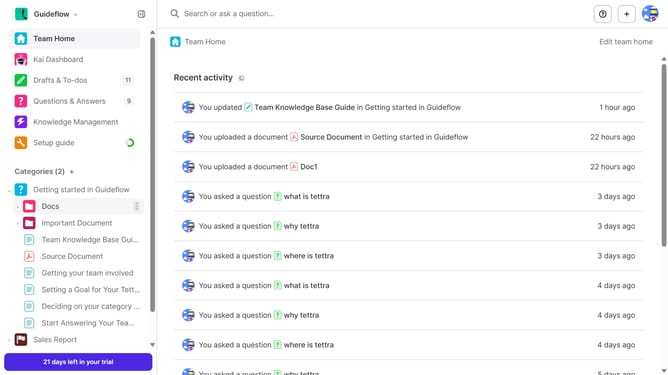
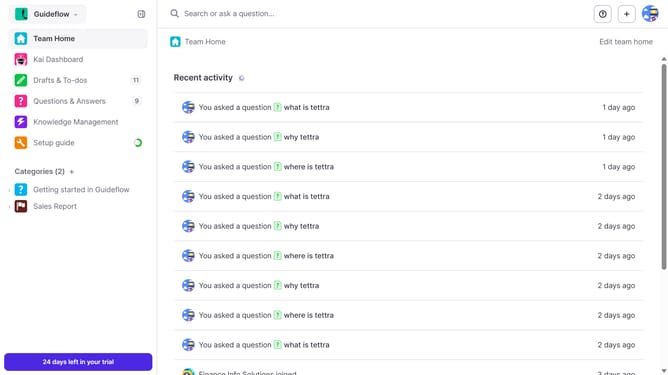
- First click on the "+" icon in the header
- Then click on "Request a page" from the dropdown menu
- Next, enter your page name in the "What page should be created?" input field
- Finally click on the "Create page request" button
Why should you How to create a request page in Tettra
Tettra is an intuitive knowledge management tool designed to streamline team collaboration and information sharing.
Creating a request page in Tettra is a game-changer for teams seeking streamlined communication. This feature allows team members to request information or updates directly within the platform, ensuring nothing slips through the cracks. It's an efficient way to gather insights and manage resources effectively.
Utilizing a request page enhances transparency and keeps everyone on the same page. It empowers teams to prioritize requests based on urgency and relevance, fostering a more organized workflow.
By simplifying information requests, Tettra helps teams save time, reduces miscommunication, and boosts productivity, making it an invaluable asset for creating a cohesive work environment.