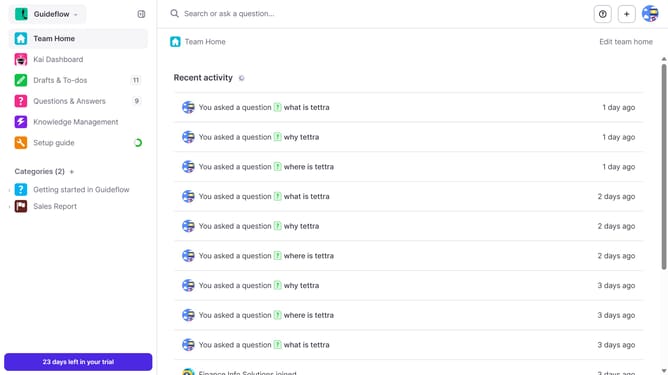
How to add a subcategory in Tettra
Here is how to add a subcategory in tettra
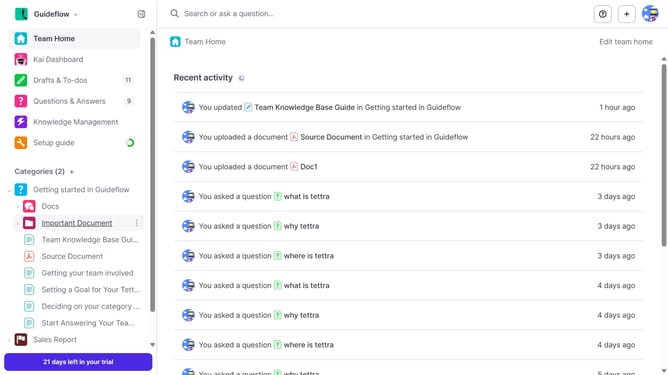
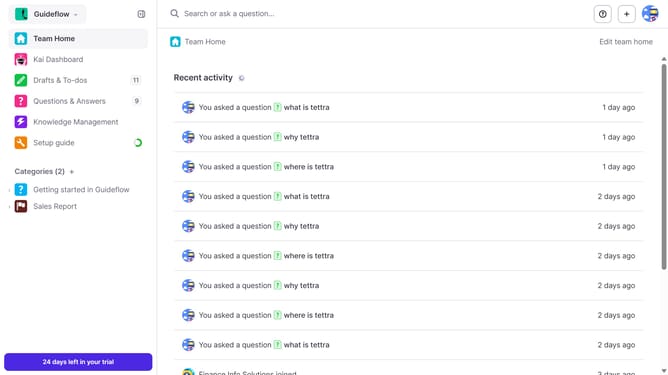
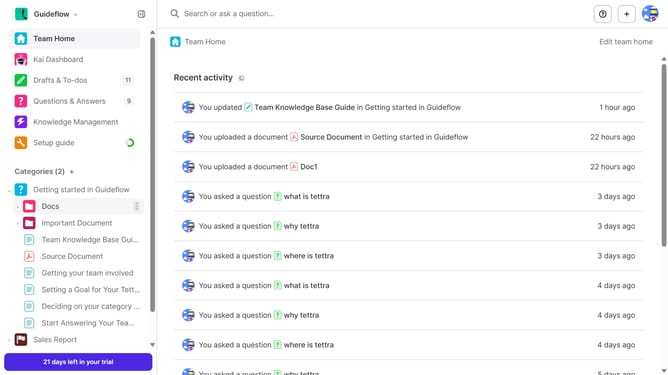
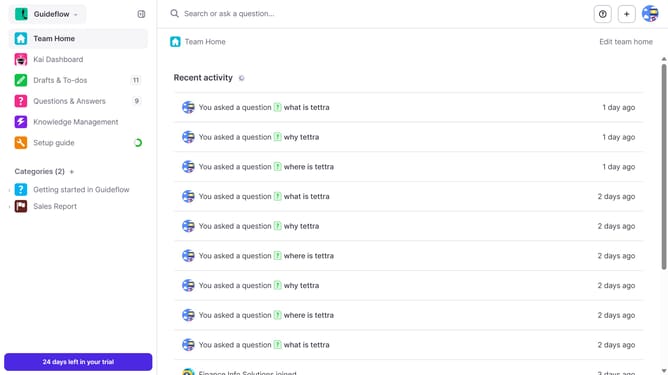
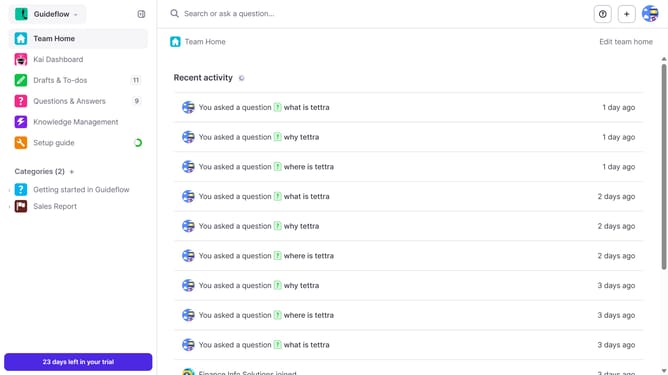
- First click on the three dots icon in the sidebar next the main category
- Then click on "New subcategory" from the dropdown menu
- Then click on the text input field for "Name" and type "New Subcategory Name"
- Finally click on the "Create subcategory" button
Why should you How to add a subcategory in Tettra
Tettra is a dynamic knowledge management tool designed to streamline team collaboration and information sharing.
Adding a subcategory in Tettra enhances organization and navigation within your team's knowledge base. This feature allows you to break down complex topics into easily accessible sections, ensuring that information is not just stored but is readily available and comprehensible.
Using subcategories helps teams maintain clarity and precision, making it easier for members to find the exact information they need quickly. It contributes to increased productivity and ensures a more structured flow of information.
Last update