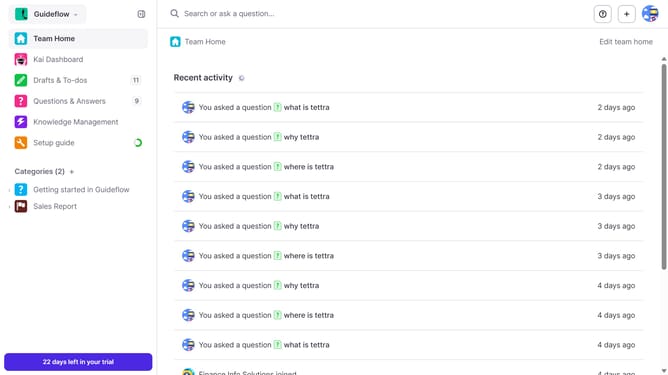
How to regenerate API key in Tettra
Here is how to regenerate api key in tettra
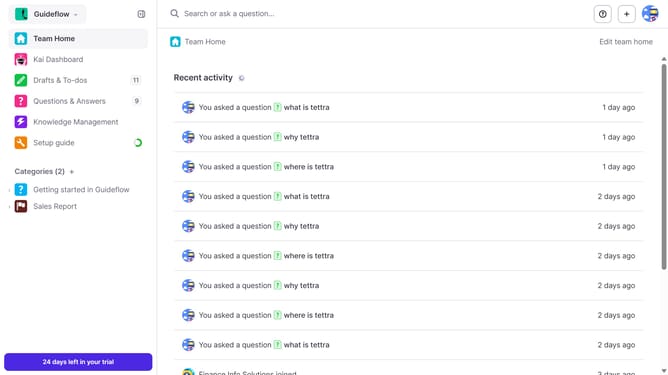
- First click on the profile dropdown in the header
- Then select "Team settings" from the dropdown menu in the sidebar
- Next, click on "My API keys" in the left sidebar
- Finally click on the "Re-generate API Key" button
Why should you How to regenerate API key in Tettra
Tettra is a smart and intuitive knowledge management system that helps teams find essential information quickly.
Regenerating an API key in Tettra provides enhanced security and control over your data access. This feature is crucial for maintaining the integrity of your integrated applications and ensuring that only authorized users have the ability to connect and interact with your system.
Using this feature allows you to refresh your credentials seamlessly, protecting sensitive information and minimizing potential vulnerabilities. It’s a proactive step in safeguarding your team’s valuable knowledge resources.
Last update