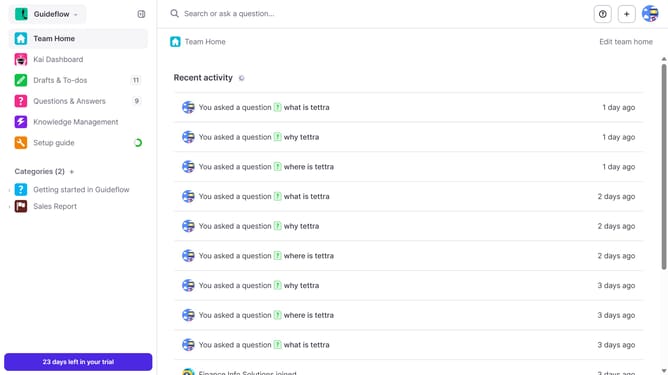
How to enable email notification when your question is answered by Kai bot in Tettra
Here is how to enable email notification when your question is answered by kai bot in tettra
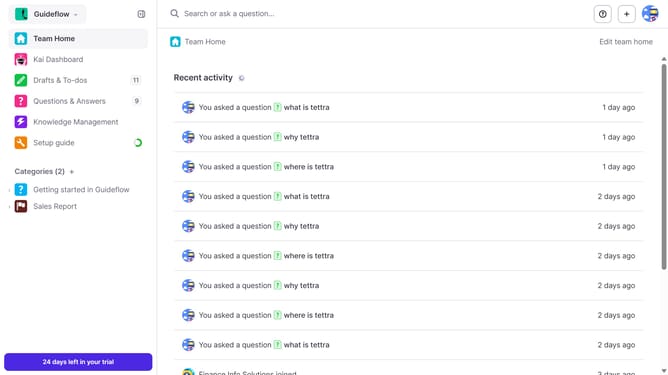
- First click on the profile dropdown in the header
- Then select "Team settings" from the dropdown menu in the sidebar
- Next click on "My notifications" in the sidebar
- Then check on the checkbox next to "When my question is answered by Kai bot"
- Finally click on the "Update notification settings" button
Why should you How to enable email notification when your question is answered by Kai bot in Tettra
Tettra is an intuitive knowledge management platform designed for teams to organize and share crucial information seamlessly.
By enabling email notifications for when Kai bot answers your questions in Tettra, you ensure that you're always in the loop without needing to constantly check the platform. This feature delivers direct alerts to your inbox, enhancing your productivity and keeping you informed efficiently.
Utilizing this feature empowers you to stay connected with your team's collective knowledge effortlessly. It contributes to smarter workflow management, ensuring that critical insights are never missed.
Last update