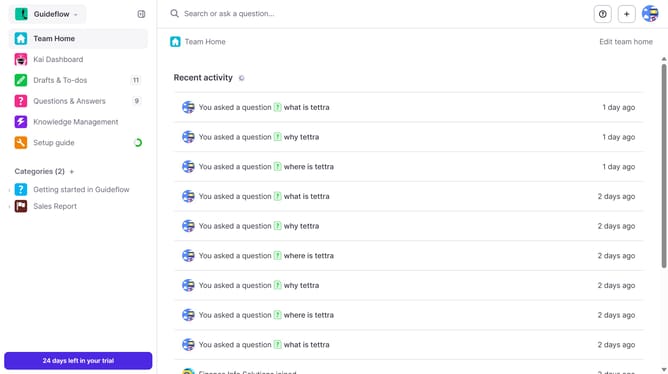
How to get your team ID in Tettra
Here is how to get your team id in tettra
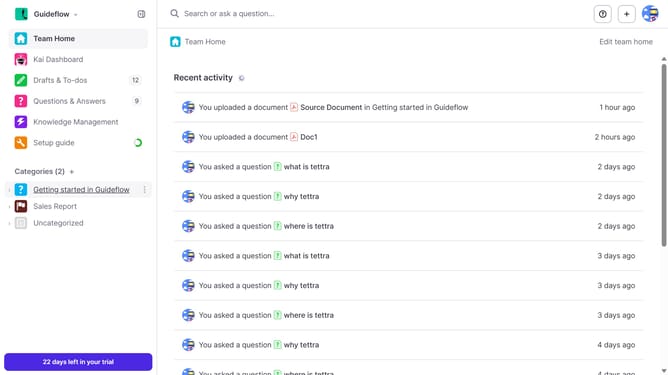
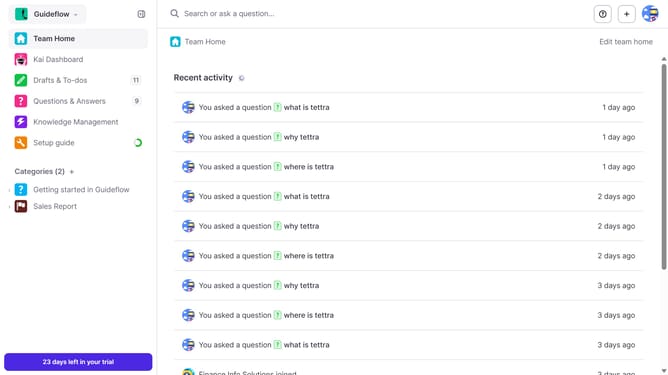
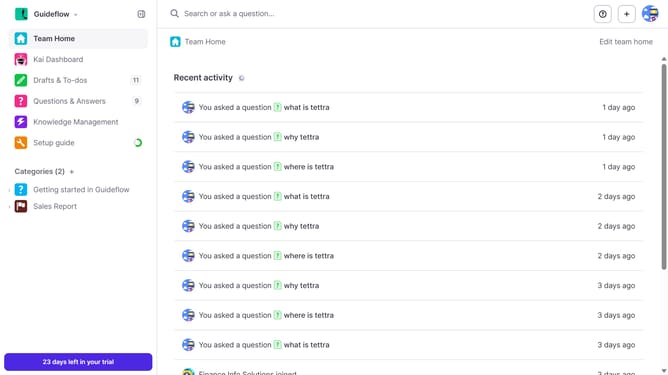
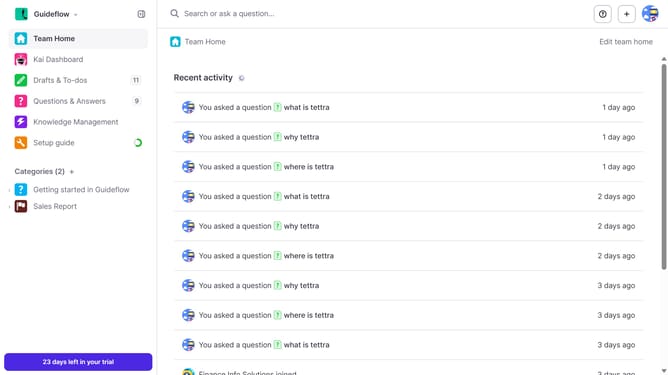
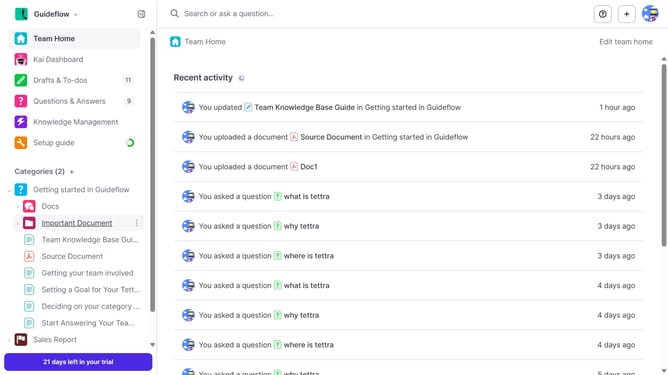
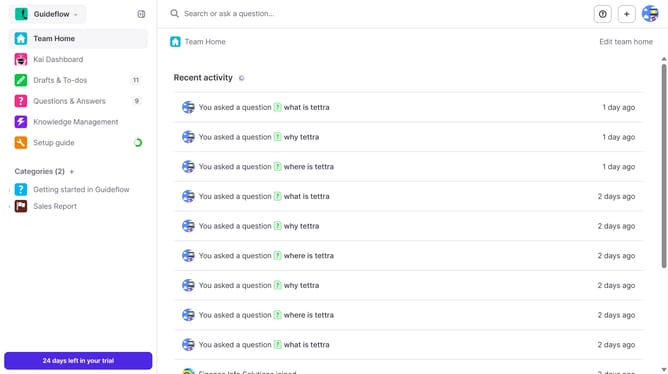
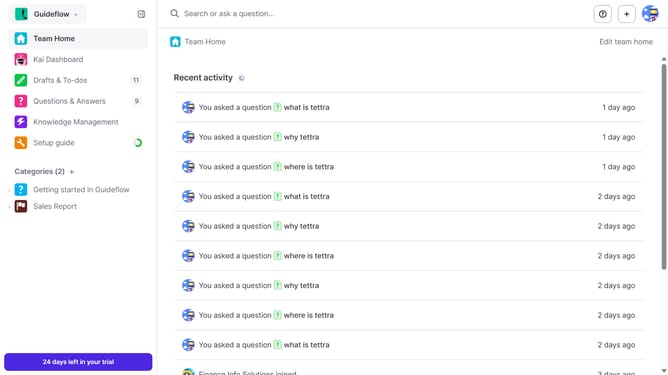
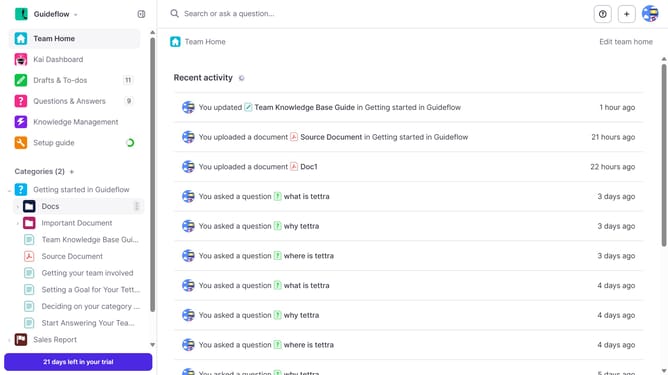
- First click on the profile dropdown in the header
- Then select "Team settings" from the dropdown menu in the sidebar
- Next, click on "My API keys" in the left sidebar
- Finally click on the "copy to clipboard" button for "Team ID"
Why should you How to get your team ID in Tettra
Tettra is a smart knowledge management tool designed to streamline team information sharing and collaboration.
Understanding your team ID in Tettra is essential for efficient team management and integration. This feature enables seamless connectivity with other platforms, ensuring smooth synchronization and consistent data flow across your team's tools.
Utilizing your team ID simplifies accessing shared resources, enhancing team coordination, and boosting productivity. It’s a small step with significant impact, fostering more cohesive and effective teamwork.
Last update