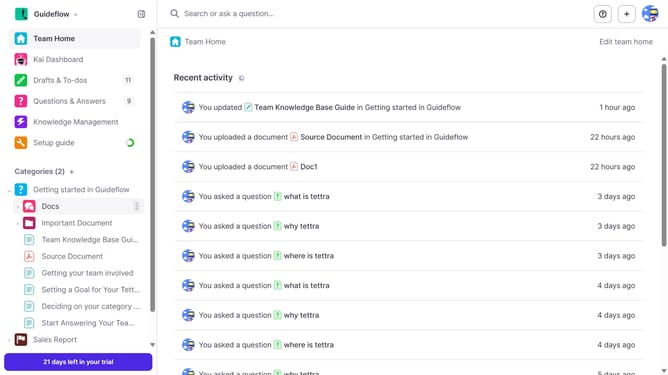
How to enable email notification when a teammate @mentions you in Tettra
Here is how to enable email notification when a teammate @mentions you in tettra
- First click on the profile dropdown in the header
- Then select "Team settings" from the dropdown menu in the sidebar
- Next click on "My notifications" in the sidebar
- Then check on the checkbox next to "When a teammate @mentions me"
- Finally click on the "Update notification settings" button
Why should you How to enable email notification when a teammate @mentions you in Tettra
Tettra is a smart, collaborative knowledge management tool designed to boost team productivity by organizing and sharing information seamlessly.
Enabling email notifications for @mentions in Tettra ensures you never miss important updates or questions from your teammates. This feature enhances communication by instantly alerting you via email when someone mentions you, streamlining collaboration.
With real-time notifications, you can swiftly address queries, contribute to ongoing projects, and stay informed on team discussions. This proactive approach not only saves time but also fosters a responsive and engaged team environment.
Last update