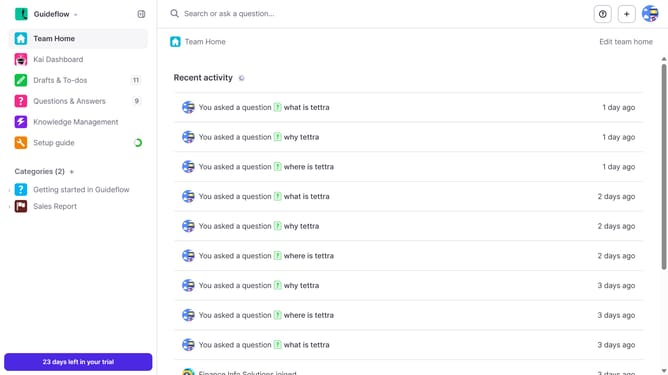
How to enable email when a teammate answers a question assigned to you in Tettra
Here is how to enable email when a teammate answers a question assigned to you in tettra
- First click on the profile dropdown in the header
- Then select "Team settings" from the dropdown menu in the sidebar
- Next click on "My notifications" in the sidebar
- Then check on the checkbox next to "When a teammate answers a question assigned to me"
- Finally click on the "Update notification settings" button
Why should you How to enable email when a teammate answers a question assigned to you in Tettra
Tettra is your go-to knowledge management tool designed to streamline team collaboration.
One fantastic feature is receiving email notifications when a teammate answers a question assigned to you. This ensures you're always in the loop, fostering effective communication and timely responses.
By enabling these email alerts, you'll never miss crucial updates. It keeps you informed, saves time, and enhances team productivity by ensuring that every query is promptly addressed.
Staying informed has never been easier, making collaboration smooth and efficient.
Last update