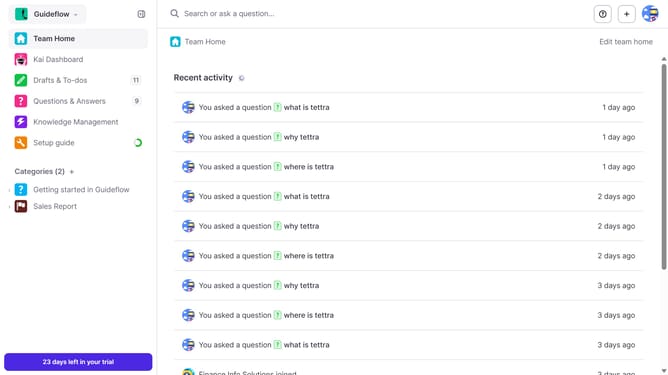
How to rename a page request in Tettra
Here is how to rename a page request in tettra
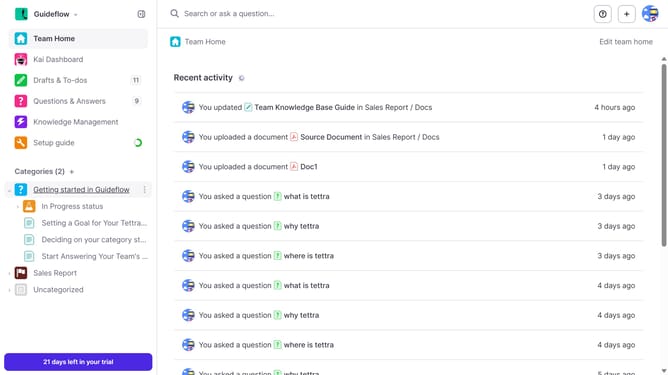
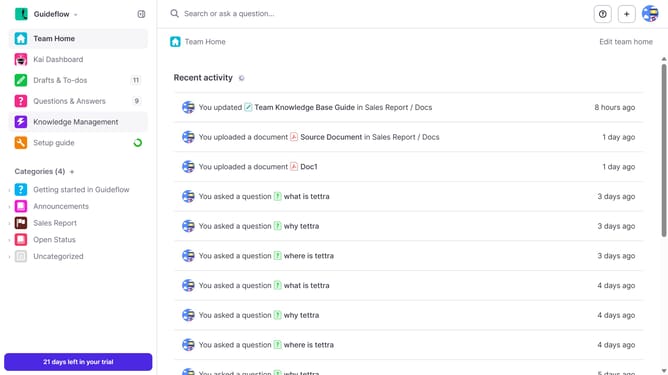
- First click on "Knowledge Management" in the sidebar
- Then click on the "three dots" icon next to the page request you want to open
- Next, select "Edit" from the dropdown menu that appears
- Then click on the title text input field and edit it
- Finally click on the "Update page request" button
Why should you How to rename a page request in Tettra
Tettra is a smart knowledge management and documentation tool designed to streamline team communication.
Renaming a page request in Tettra is seamless, enabling users to maintain clarity and organization effortlessly. This feature ensures that team documentation stays relevant, reducing confusion and enhancing productivity.
By effectively managing page titles, teams can easily locate and reference important information, ultimately fostering a more cohesive workflow. This feature empowers users to adapt and evolve their documentation, reflecting changing needs and priorities.
Last update