How to get your endpoint in Tettra
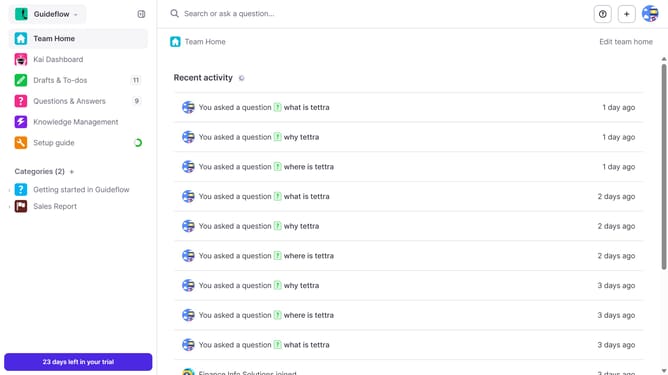
Here is how to get your endpoint in tettra
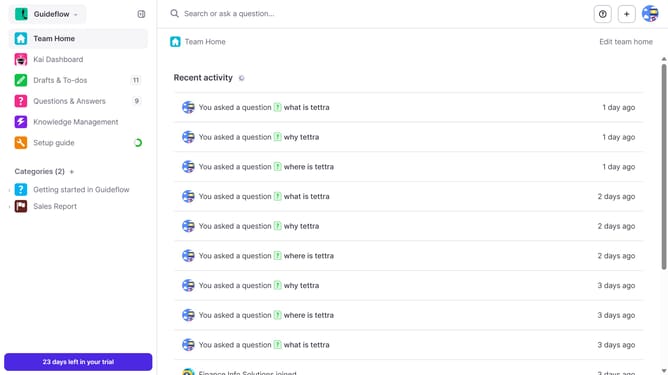
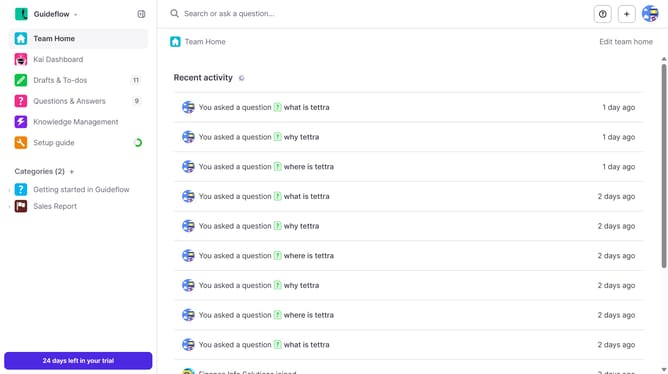
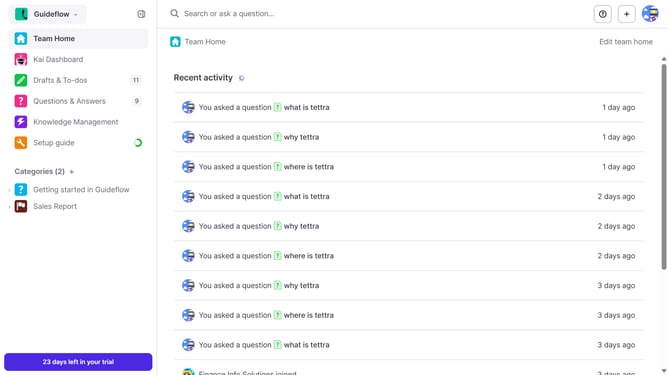
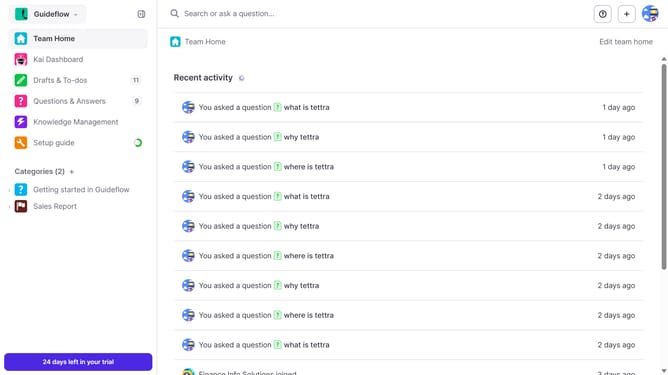
- First click on the profile dropdown in the header
- Then select "Team settings" from the dropdown menu in the sidebar
- Next, click on "My API keys" in the left sidebar
- Finally, click on the copy icon next to the "Endpoint"
Why should you How to get your endpoint in Tettra
Tettra, a robust knowledge management tool, empowers teams by streamlining information sharing and collaboration.
The "Get Your Endpoint" feature in Tettra enhances integration capabilities. This feature allows users to seamlessly connect Tettra with other platforms, facilitating automated data exchange and improved workflow efficiency.
By utilizing this endpoint functionality, teams can ensure consistent and up-to-date information dissemination, reducing manual tasks and minimizing errors. This leads to increased productivity and a more cohesive work environment.
Last update