How to disable email when a page or link needs verification in Tettra
Here is how to disable email when a page or link needs verification in tettra
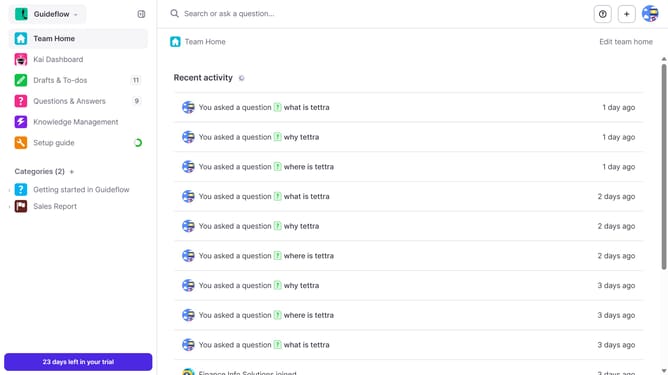
- First click on the profile dropdown in the header
- Then select "Team settings" from the dropdown menu in the sidebar
- Next click on "My notifications" in the sidebar
- Then uncheck on the checkbox next to "When a page or link needs verification"
- Finally click on the "Update notification settings" button
Why should you How to disable email when a page or link needs verification in Tettra
Tettra: your go-to knowledge management tool designed to streamline team communication and information sharing.
One of Tettra’s standout features is the ability to manage notifications, allowing users to disable emails when a page or link needs verification.
This feature is invaluable for reducing inbox clutter, enabling you to focus on priority tasks without constant interruptions. By customizing your notifications, you maintain control over your workflow, ensuring you receive only the essential alerts.
Embracing this feature not only enhances productivity but also contributes to a more organized and efficient working environment.
Last update