How to regenerate MCP key in Tettra
Here is how to regenerate mcp key in tettra
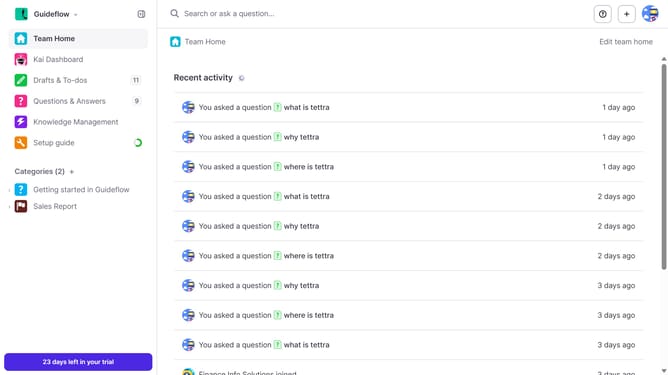
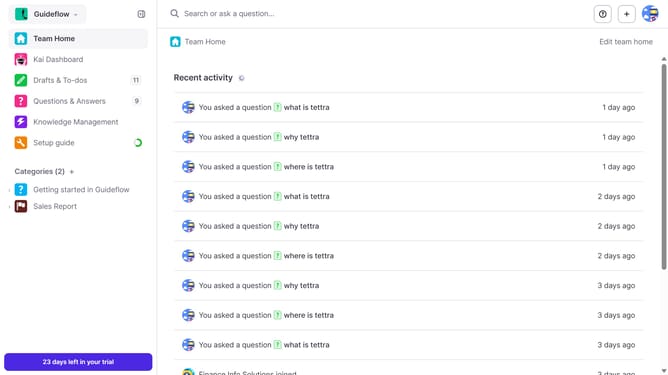
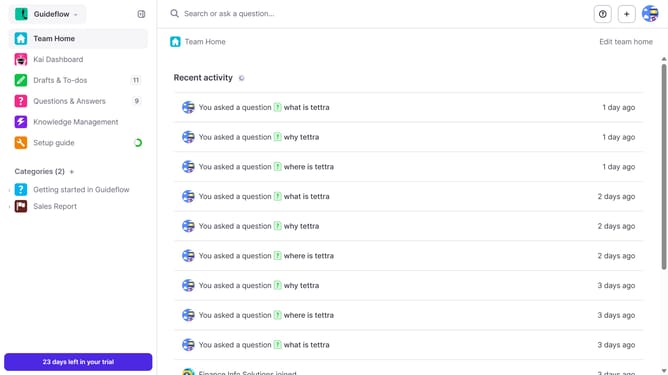
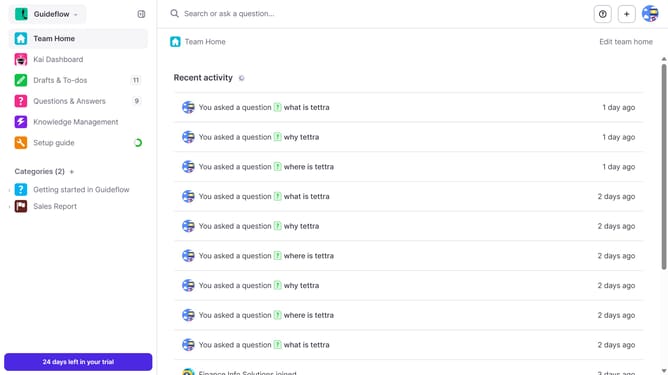
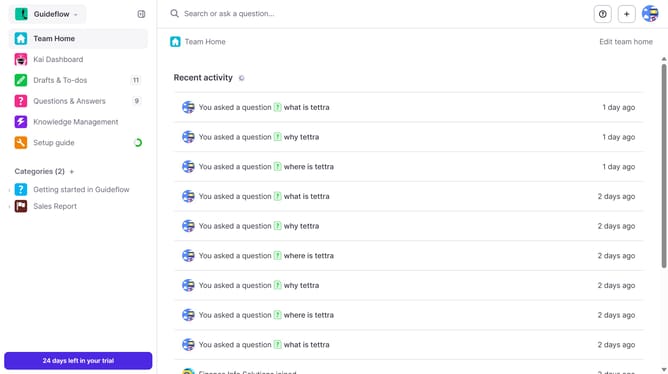
- First click on the profile dropdown in the header
- Then select "Team settings" from the dropdown menu in the sidebar
- Next, click on "My API keys" in the left sidebar
- Finally, click on the "Re-generate MCP Key" button
Why should you How to regenerate MCP key in Tettra
Tettra is a powerful knowledge management tool designed to help teams share and organize information seamlessly.
One standout feature of Tettra is the ability to regenerate the MCP key quickly. This feature enhances security and ensures that access credentials are up to date, protecting sensitive company information. By maintaining the integrity of your access protocols, it empowers teams to operate with confidence, knowing their knowledge base is secure.
The convenience of regenerating the MCP key means minimal disruption to your workflow. This ensures that your team remains productive while maintaining optimal security standards. Enjoy peace of mind with Tettra's robust features that support both security and usability.
Last update