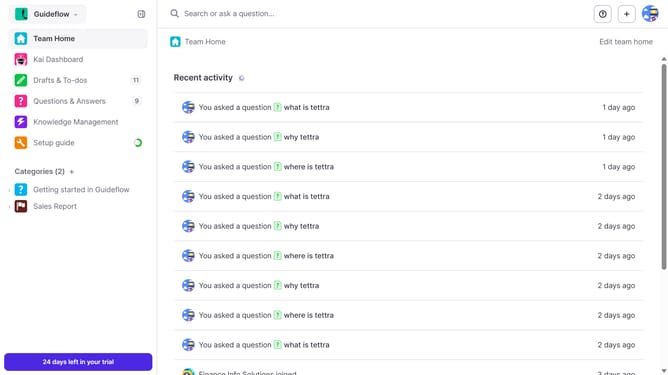
How to move bulk pages into a subcategory in Tettra
Here is how to move bulk pages into a subcategory in tettra
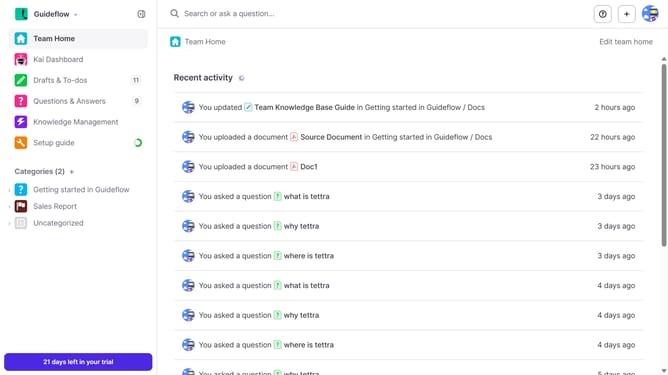
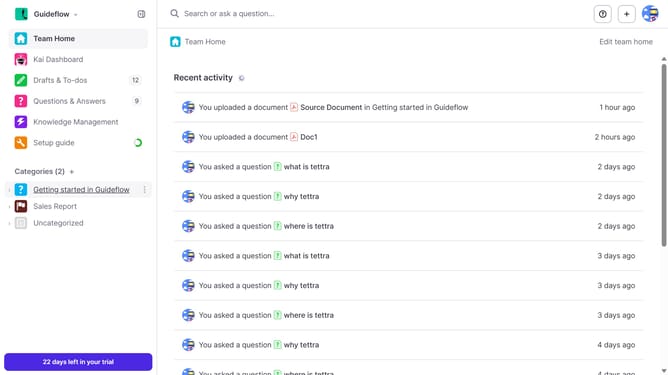
- First click on the category name in the left sidebar
- Then click on the checkbox on the upper right side
- Then click on the checkbox next to the page you want to move
- Then click on the checkbox for the next page
- Next click again on the checkbox for the next page
- Then click on the "Move" button in the top action bar
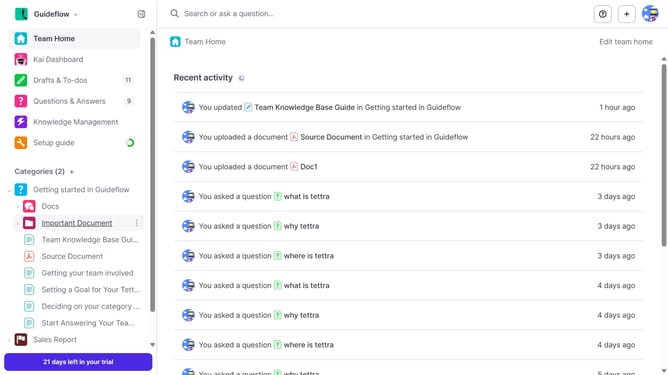
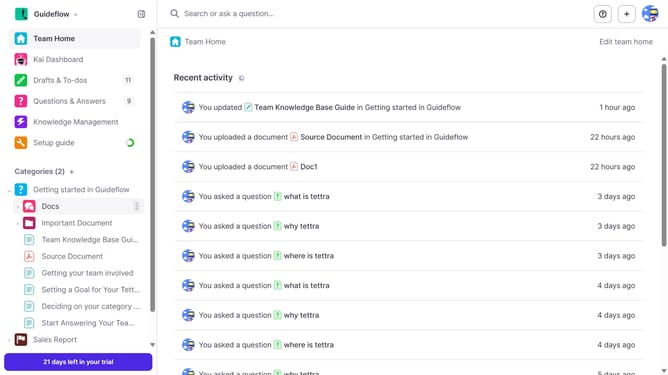
- Then click on the dropdown arrow to choose the sub category
- Next select from the subcategory dropdown
- Finally click on the "Move" button
Why should you How to move bulk pages into a subcategory in Tettra
Tettra is an intuitive knowledge management platform designed to streamline team collaboration and information sharing.
Efficiently moving bulk pages into a subcategory in Tettra enhances organization and accessibility. This feature simplifies the process of structuring your content by consolidating related pages into a single subsection, making navigation seamless for users.
Utilizing this feature allows teams to maintain a cleaner, more intuitive workspace. It’s especially beneficial for large teams with expansive documentation, as it reduces clutter and helps users locate information quickly.
Overall, organizing bulk pages into subcategories not only saves time but also fosters a more productive and harmonious team environment.
Last update