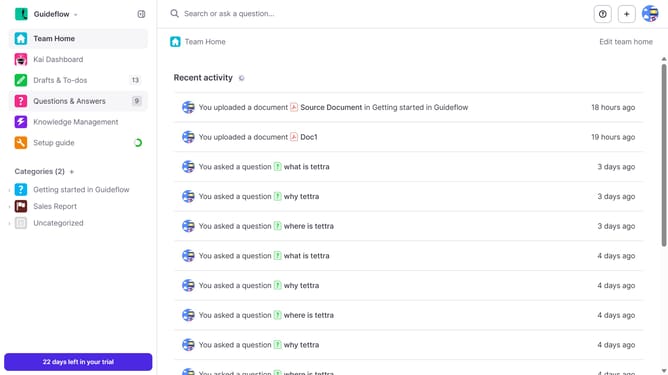
How to import a file as page in Tettra
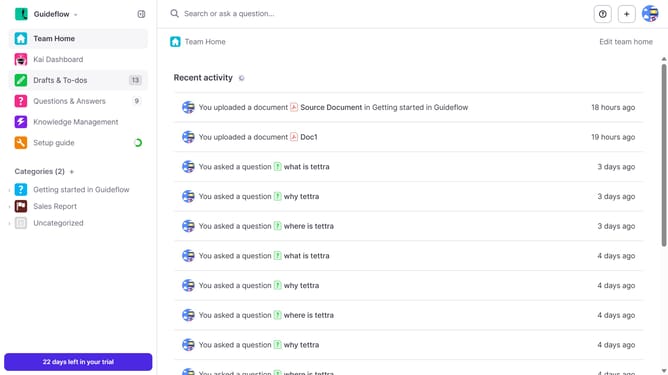
Here is how to import a file as page in tettra
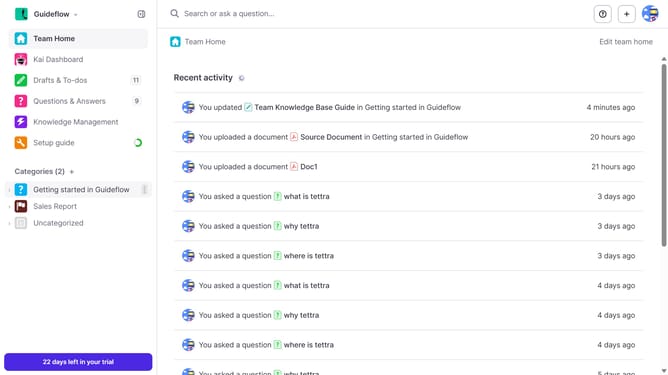
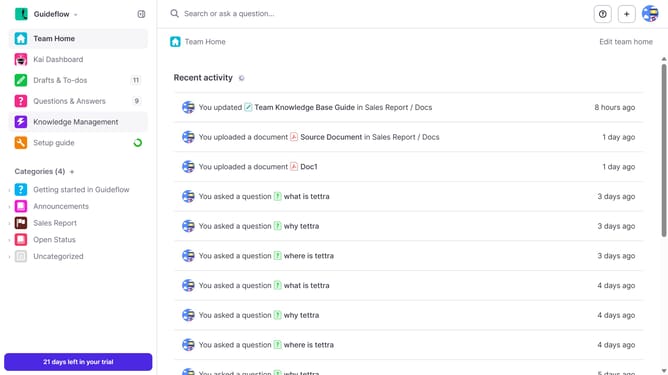
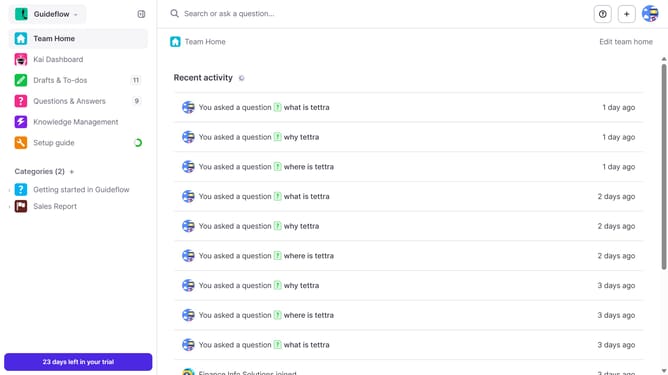
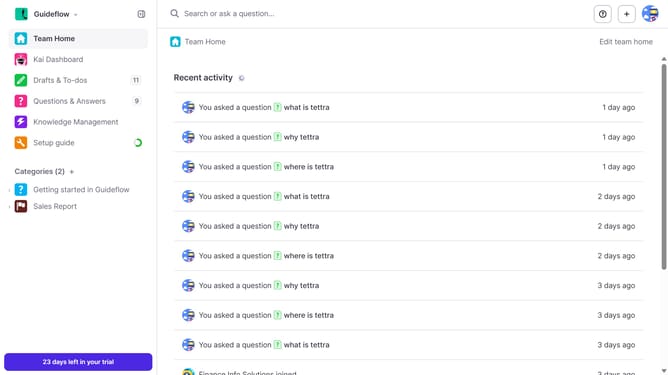
- First click on your preferred category from the left sidebar
- Then, in the header section, click on the "+" icon to open the add menu
- Next, in the add menu, select "Add a document" option.
- Finally, in the opened dialog to upload a document
Why should you How to import a file as page in Tettra
Tettra is a seamless knowledge management system designed to streamline team collaboration by organizing vital information efficiently.
One standout feature is the ability to import a file as a page in Tettra. This feature transforms documents into easily accessible pages, ensuring all team members can quickly refer to essential content. By converting files into Tettra pages, teams can enhance organization and find information faster without sifting through endless folders.
Leveraging this feature promotes seamless integration and maintains consistent access to up-to-date information, boosting productivity and collaboration across teams.
Last update