How to set who can edit a draft in Tettra
Here is how to set who can edit a draft in tettra
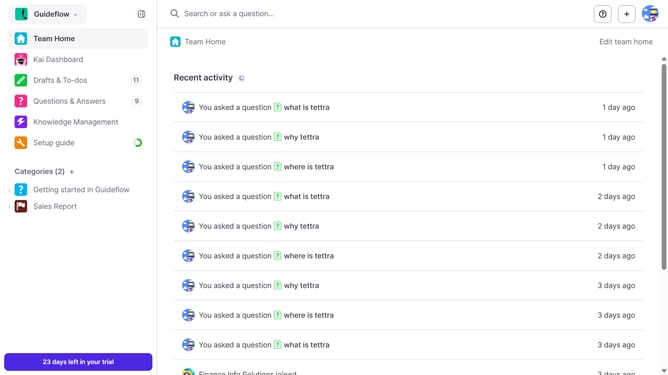
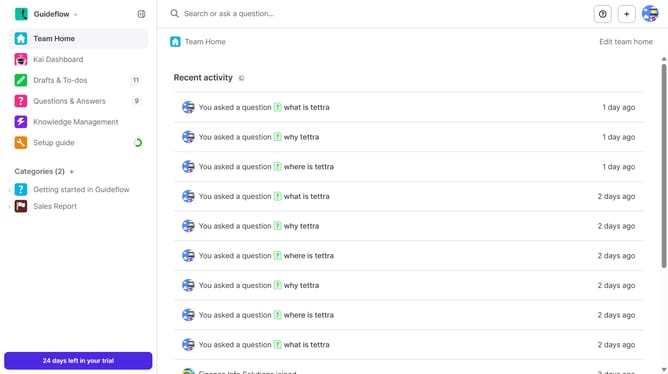
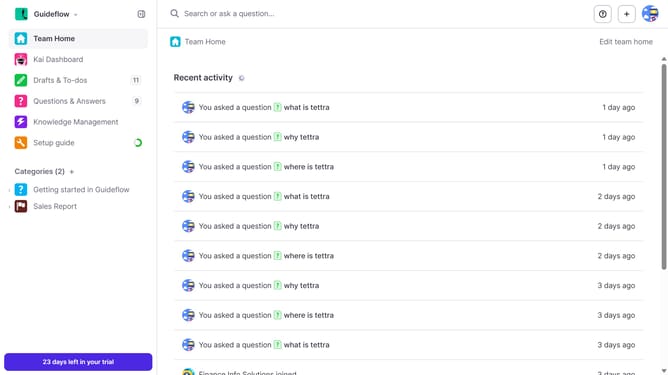
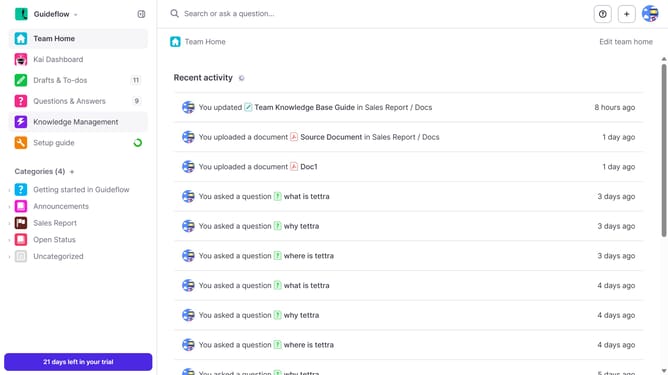
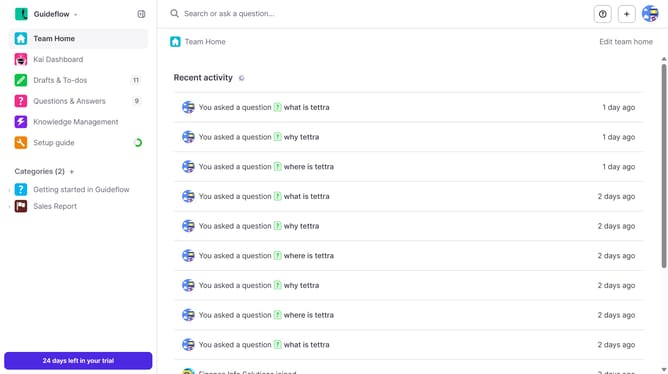
- First click on "Drafts & To-dos" item in the left sidebar
- Then click on the draft you want to open
- Next click on the three vertical dots icon in the header
- Then click on "Page permissions" in the dropdown menu
- After that select a radio button under the "Who can edit this page?"
- Finally click on the "Save" button
Why should you How to set who can edit a draft in Tettra
Tettra is a collaborative knowledge management tool designed to streamline team communication and documentation.
A standout feature in Tettra is its capability to control who can edit a draft. This feature allows you to designate specific team members with editing access, ensuring that only the right people can modify content. This fosters a structured and secure collaboration environment.
By setting editing permissions, you enhance document integrity and maintain clear accountability. It’s a feature that promotes efficient teamwork, reducing the risk of errors and ensuring that your content remains accurate and reliable.
Last update