How to generate API key in Tettra
Here is how to generate api key in tettra
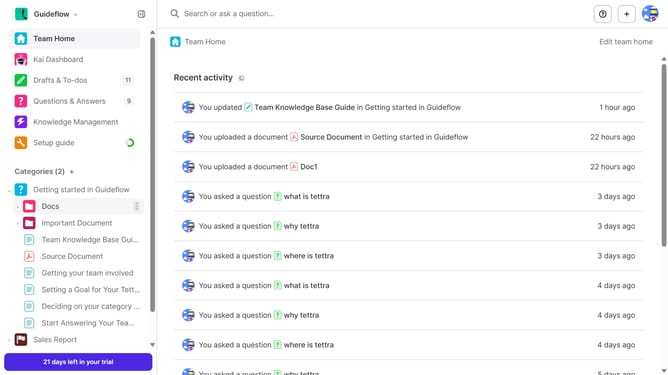
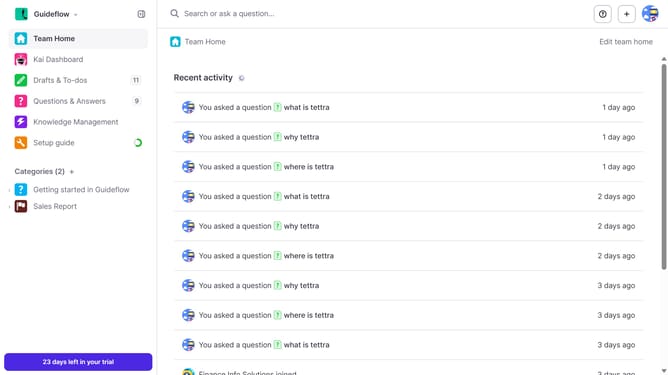
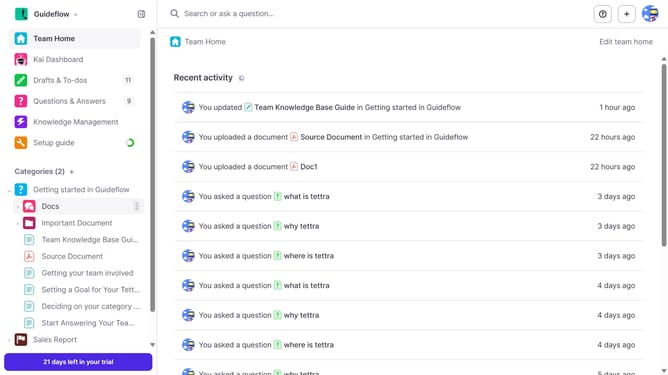
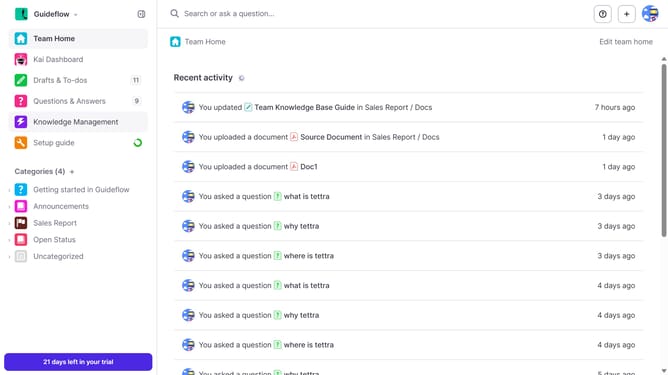
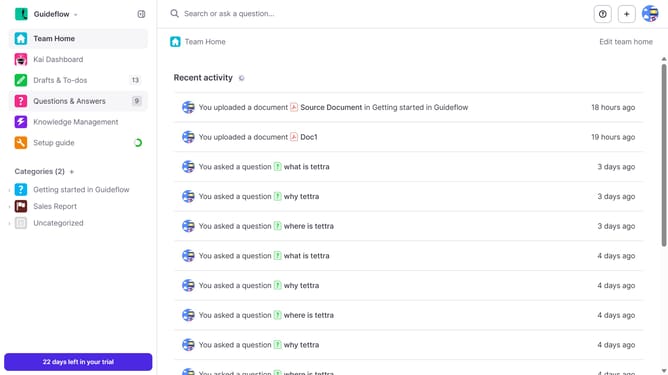
- First click on the profile dropdown in the header
- Then select "Team settings" from the dropdown menu in the sidebar
- Next, click on "My API keys" in the left sidebar
- Finally, click on the "Generate API Key" button
Why should you How to generate API key in Tettra
Tettra is a smart knowledge management system designed to help teams easily share and organize information.
One standout feature of Tettra is the ability to generate an API key. This feature enhances the platform's versatility by allowing users to connect Tettra with other tools and automate workflows seamlessly.
Having an API key ensures data can be syndicated across different platforms, improving efficiency by reducing manual data entry and enabling quick access to crucial information.
Utilizing Tettra's API key feature means streamlining processes, fostering seamless collaboration, and maintaining a consistent flow of information throughout your team’s tech ecosystem.
Last update