How to set what template should be used to create the page request in Tettra
Here is how to set what template should be used to create the page request in tettra
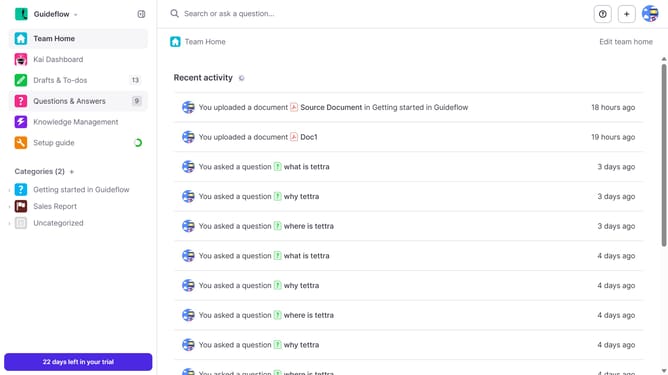
- First click on "Knowledge Management" in the sidebar
- Then click on the "three dots" icon next to the page request you want to open
- Next, select "Edit" from the dropdown menu
- Then click on the dropdown arrow for "Which template should this page use?"
- Next select from the template options
- Finally click on the "Update page request" button
Why should you How to set what template should be used to create the page request in Tettra
Tettra is an intuitive knowledge management tool designed to streamline team collaboration and information sharing.
One standout feature of Tettra is the ability to set specific templates for creating page requests. This feature ensures consistency and structure, allowing team members to quickly contribute information in a standardized format.
By utilizing templates, your team can maintain clarity and organization, enhancing productivity and reducing time spent on formatting. This ultimately leads to a more cohesive and efficient knowledge base.
Last update