How to add a draft viewer in Tettra
Here is how to add a draft viewer in tettra
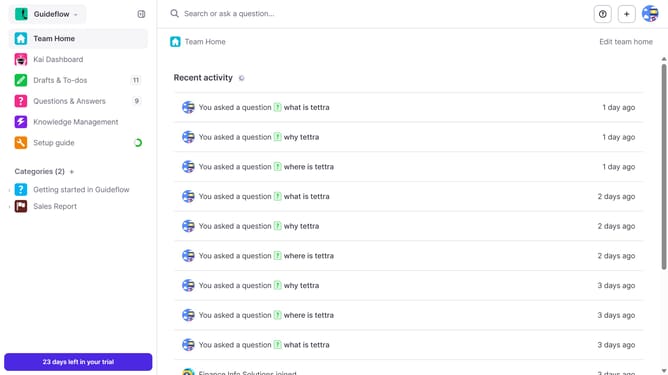
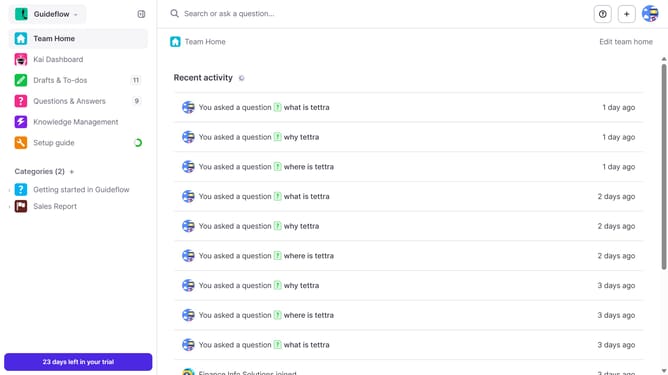
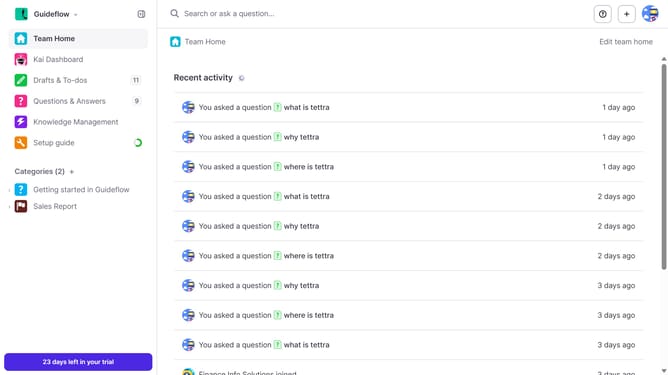
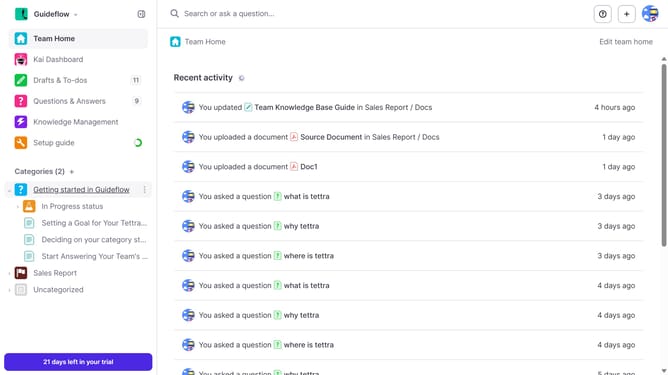
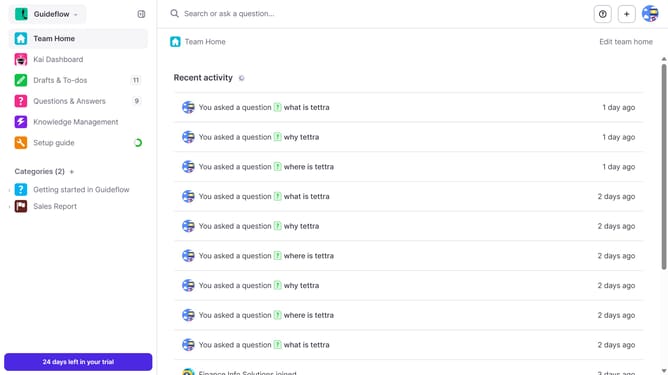
- First click on "Drafts & To-dos" item in the left sidebar
- Then click on the draft you want to open
- Then click on the "+" icon to add draft viewers
- Then click on the dropdown arrow to select viewers
- Then select from the dropdown menu
- Finally click on the "Share draft" button
Why should you How to add a draft viewer in Tettra
Tettra is an intuitive knowledge management system designed to streamline your team’s information sharing.
The draft viewer feature in Tettra allows team members to preview content before it goes live, ensuring accuracy and cohesion.
By adding a draft viewer, you empower team collaboration, allowing multiple eyes to refine and validate content, reducing errors and enhancing quality.
This feature enhances transparency, helping your team work more efficiently, and ensuring that only the most polished content is published.
Last update