How to get your Claude code install command in Tettra
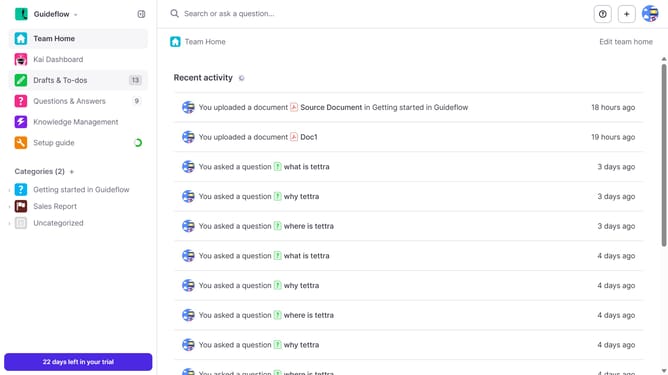
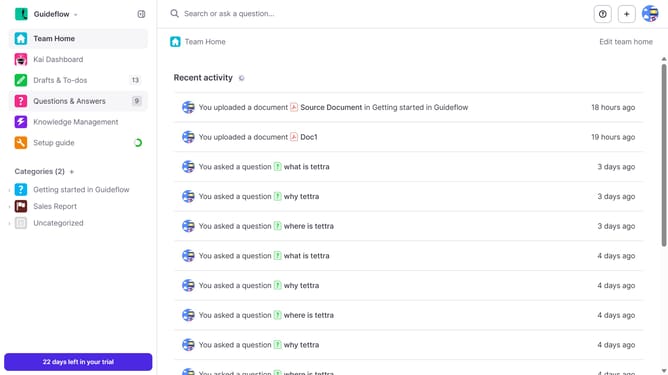
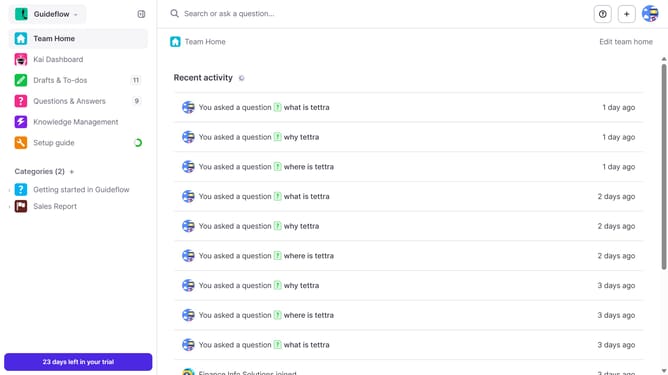
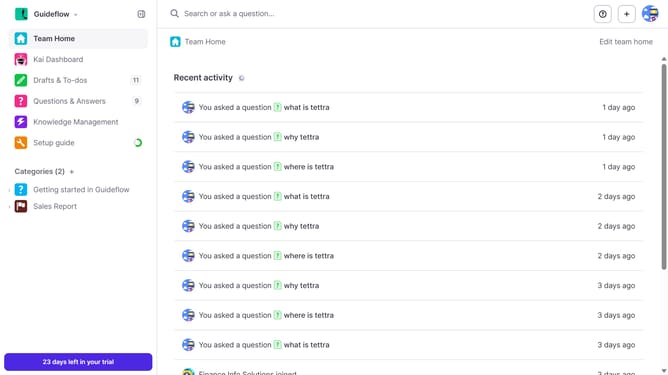
Here is how to get your claude code install command in tettra
- First click on the profile dropdown in the header
- Then select "Team settings" from the dropdown menu in the sidebar
- Next, click on "My API keys" in the left sidebar
- Finally, click on the copy icon to copy the "Claude Code install command"
Why should you How to get your Claude code install command in Tettra
Tettra is a smart knowledge management tool designed to streamline team collaboration and information sharing.
Accessing your Claude code install command in Tettra simplifies the process of setting up integrations, enhancing workflow efficiency.
By centralizing essential commands, teams can quickly deploy tools, reducing setup time and minimizing errors. This feature supports seamless adoption of tech solutions, empowering teams to focus on productivity.
Last update