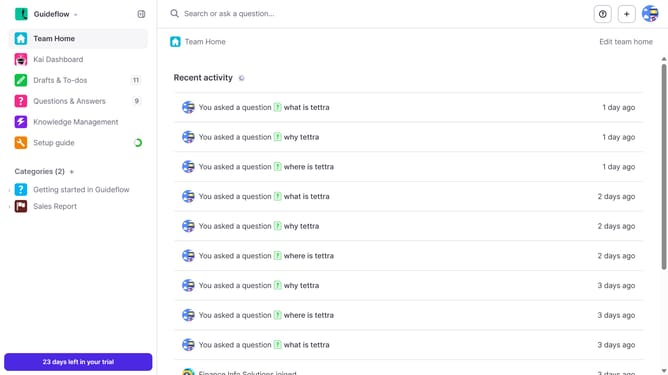
How to disable email notification when your question is answered by Kai bot in Tettra
Here is how to disable email notification when your question is answered by kai bot in tettra
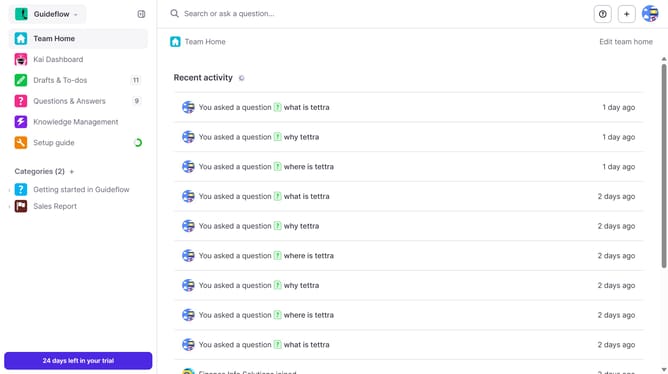
- First click on the profile dropdown in the header
- Then select "Team settings" from the dropdown menu in the sidebar
- Next click on "My notifications" in the sidebar
- Then uncheck on the checkbox next to "When my question is answered by Kai bot"
- Finally click on the "Update notification settings" button
Why should you How to disable email notification when your question is answered by Kai bot in Tettra
Tettra is a dynamic knowledge management and team collaboration tool designed to streamline communication and enhance productivity.
One standout feature is the ability to manage email notifications, ensuring a clutter-free inbox. Disabling email notifications when your question is answered by Kai bot keeps your email tidy, allowing you to stay focused on tasks without unnecessary distractions.
By opting to disable these notifications, you can still access responses directly within Tettra, fostering a distraction-free and efficient workflow. It’s an excellent way to manage time and maintain control over your notification preferences.
Last update