How to customize subcategory icon on Tettra
Here is how to customize subcategory icon on tettra
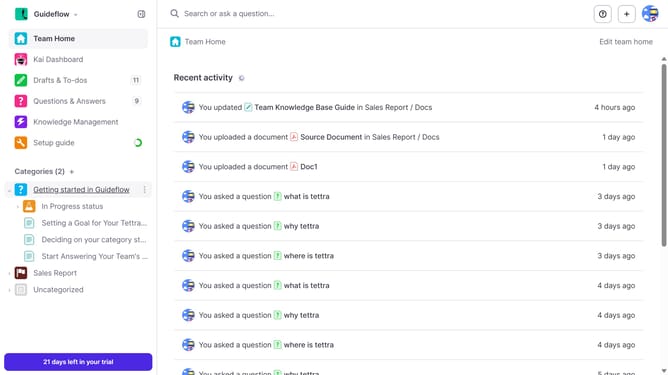
- First click on the three dots icon next to the sub category in the sidebar
- Then click on the "Edit" option in the revealed dropdown menu
- Next, click on the new icon in the icon selection grid
- Finally, click on the "Update subcategory" button
Why should you How to customize subcategory icon on Tettra
Tettra is a dynamic knowledge management tool designed to streamline team collaboration by organizing valuable company information.
One standout feature of Tettra is the ability to customize subcategory icons, elevating your organizational structure with visual clarity.
Updating subcategory icons not only allows for a more intuitive navigation experience but also reinforces brand identity and visual coherence across your team’s documentation.
By customizing icons, teams can quickly identify sections and access information efficiently, fostering seamless communication and productivity.
Last update