How to add a reply to a page request in Tettra
Here is how to add a reply to a page request in tettra
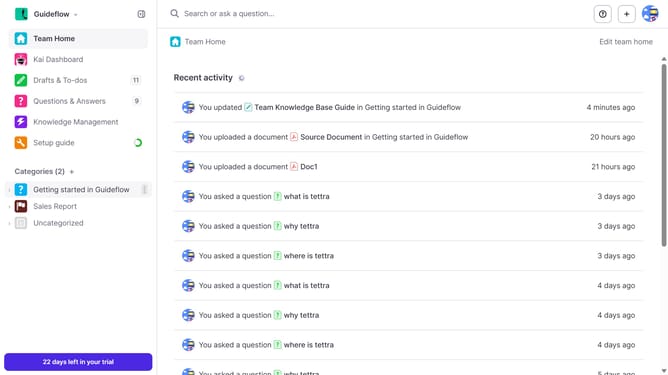
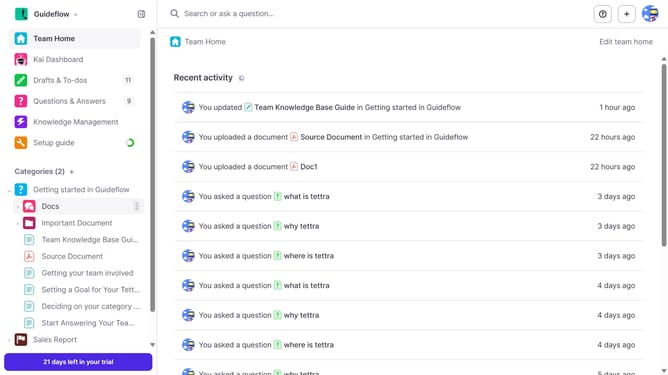
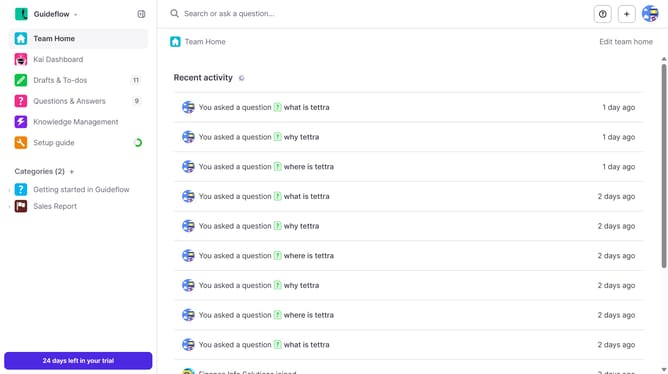
- First click on "Knowledge Management" in the sidebar
- Then click on the page request you want to open
- Then click on the "Reply" input field and enter your text
- Finally click on the "Reply" button
Why should you How to add a reply to a page request in Tettra
Tettra is a dynamic knowledge management tool designed to simplify team collaboration and information sharing.
Adding a reply to a page request in Tettra allows you to efficiently address team inquiries and keep everyone on the same page. This feature streamlines communication, fostering quick resolutions to questions or requests for information.
By utilizing this feature, teams benefit from enhanced clarity and productivity. It ensures that all team members can access the most relevant and updated responses, minimizing confusion and time spent searching for answers.
Overall, Tettra’s reply feature helps maintain a well-organized knowledge base, supporting a more informed and cohesive team environment.
Last update