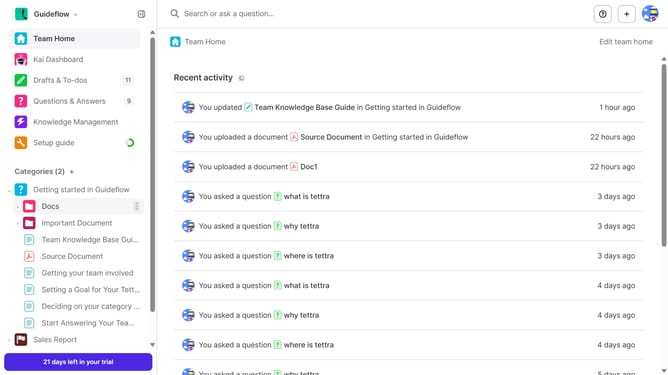
How to set what order should the items appear in a subcategory in Tettra
Here is how to set what order should the items appear in a subcategory in tettra
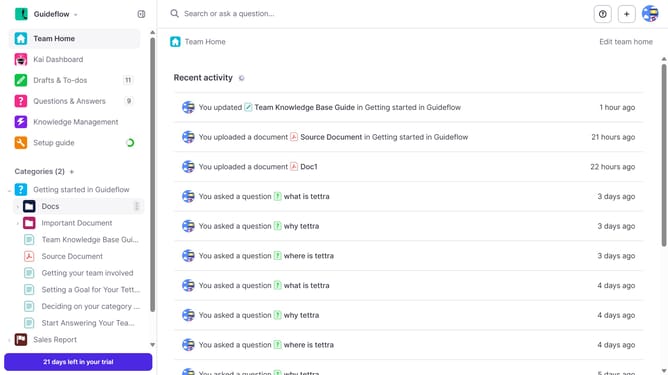
- First click on the three dots icon next to the sub category in the sidebar
- Then click on the "Edit" option in the revealed dropdown menu
- Click on the dropdown for "What order should the items appear in?" and select from the list
- Finally, click on the "Update subcategory" button
Why should you How to set what order should the items appear in a subcategory in Tettra
Tettra is a knowledge management tool designed to help teams share information seamlessly and efficiently.
One of Tettra's standout features is the ability to customize the order of items within a subcategory, providing teams with more control over how information is presented.
By organizing content in a logical sequence that fits your team's workflow, you create an intuitive navigation experience.
This feature not only enhances accessibility but also ensures that team members can quickly find the most relevant information, boosting productivity and collaboration.
Last update