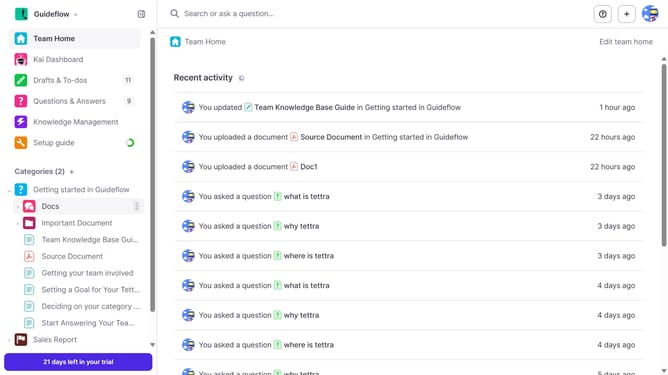
How to delete API key in Tettra
Here is how to delete api key in tettra
- First click on the profile dropdown in the header
- Then select "Team settings" from the dropdown menu in the sidebar
- Next, click on "My API keys" in the left sidebar
- Finally click on the "Delete API Key" button
Why should you How to delete API key in Tettra
Tettra is a powerful knowledge management tool designed to help teams organize and access information effortlessly.
Managing API keys in Tettra is a feature that ensures your team’s security and efficiency. Deleting an API key when it’s no longer needed minimizes the risk of unauthorized access, safeguarding your sensitive data.
This feature allows teams to maintain a clean and organized system, streamlining internal operations and boosting overall productivity. It’s a quick and easy way to uphold best practices in data security while keeping your knowledge base effective and up-to-date.
Last update