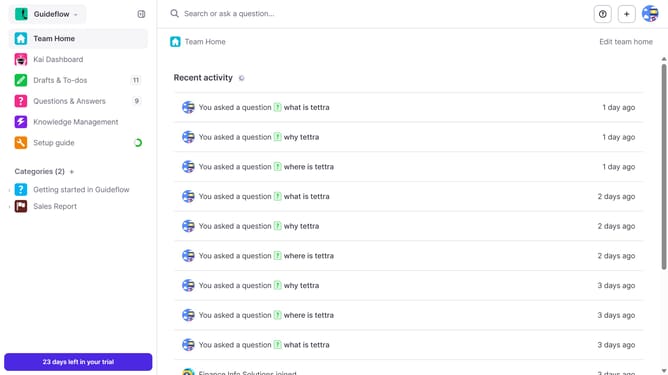
How to enable email when a teammate asks you a question in Tettra
Here is how to enable email when a teammate asks you a question in tettra
- First click on the profile dropdown in the header
- Then select "Team settings" from the dropdown menu in the sidebar
- Next click on "My notifications" in the sidebar
- Then check on the checkbox next to "When a teammate asks me a question"
- Finally click on the "Update notification settings" button
Why should you How to enable email when a teammate asks you a question in Tettra
Tettra is a smart knowledge management tool designed to streamline team collaboration and information sharing.
Enabling email notifications for when a teammate asks you a question in Tettra ensures you never miss important inquiries. This feature allows you to keep track of questions without constantly checking the platform, making your workflow more efficient.
By receiving email alerts, you can respond promptly and maintain open communication with your team. This ensures that critical questions are addressed quickly, improving overall team productivity and collaboration.
Stay informed and connected, and make sure no question goes unanswered by leveraging this convenient email notification feature.
Last update