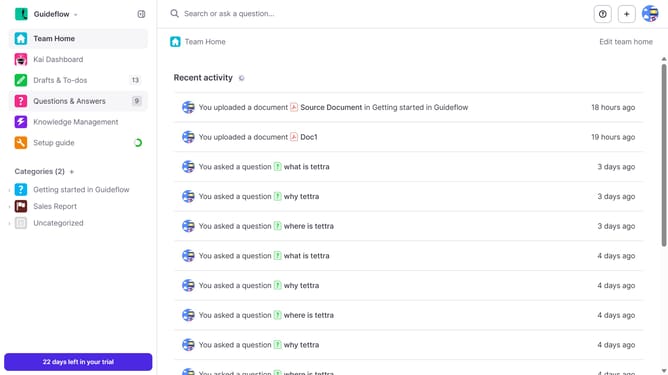
How to enable email when a teammate answers a question you upvoted in Tettra
Here is how to enable email when a teammate answers a question you upvoted in tettra
- First click on the profile dropdown in the header
- Then select "Team settings" from the dropdown menu in the sidebar
- Next click on "My notifications" in the sidebar
- Then check on the checkbox next to "When a teammate answers a question I upvoted"
- Finally click on the "Update notification settings" button
Why should you How to enable email when a teammate answers a question you upvoted in Tettra
Tettra is an intuitive knowledge management system helping teams share information seamlessly.
One valuable feature is the ability to receive an email whenever a teammate answers a question you've upvoted. This keeps you in the loop and enhances collaboration by ensuring you're informed of updates in topics you care about.
Enabling this feature ensures you stay engaged with relevant discussions, fostering a more connected and informed team environment. This leads to better decision-making and a more cohesive team dynamic.
Staying updated effortlessly saves time and keeps your focus on what truly matters.
Last update