How to add a PDF document in Tettra
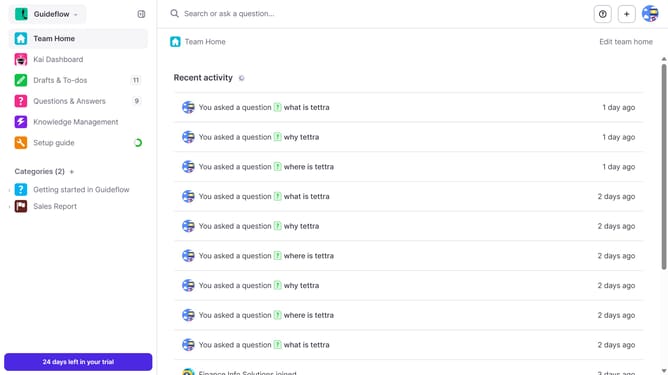
Here is how to add a pdf document in tettra
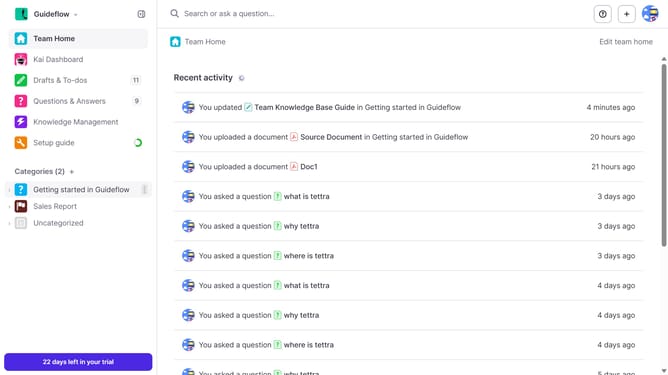
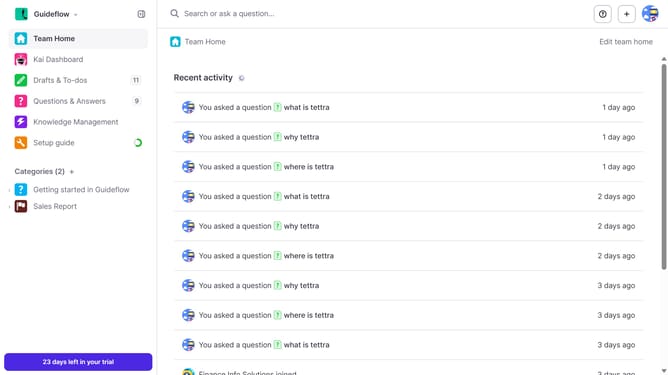
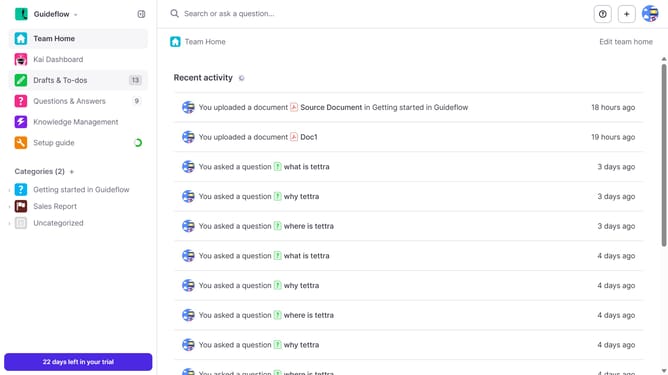
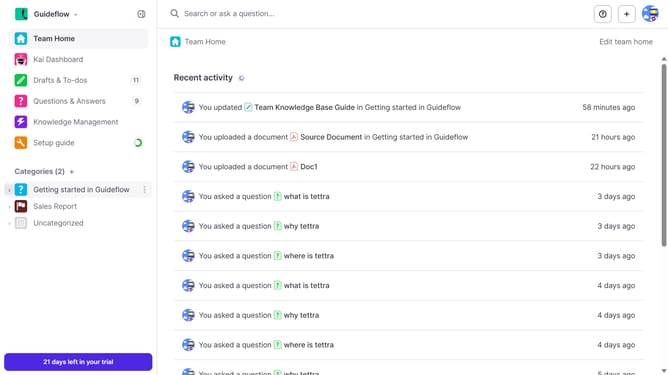
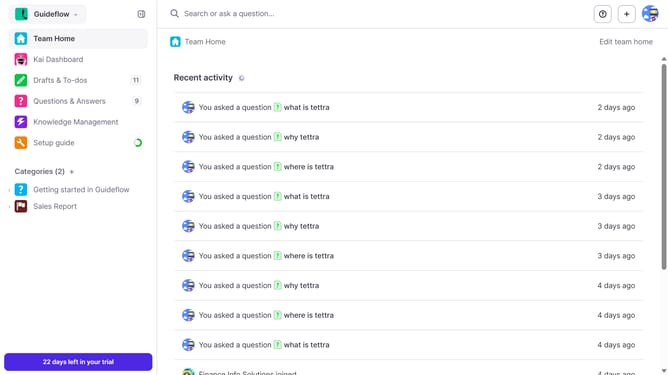
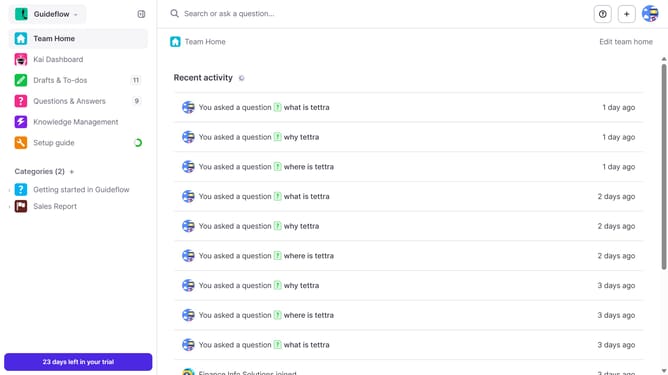
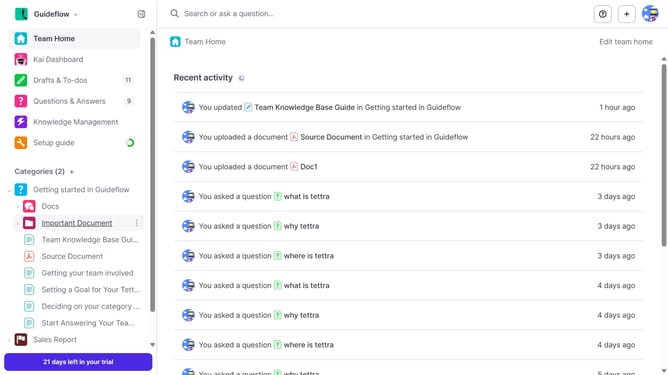
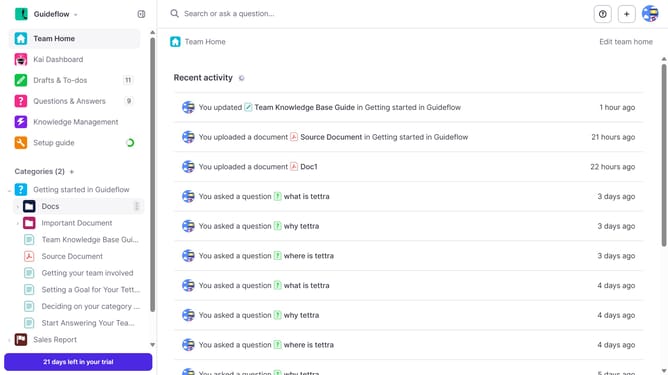
- First click on the '+' icon in the header
- Then select "Add a document" from the dropdown menu
- Then click on "Drop .pdf file here or click to select a file"
- Finally click on "Add file" button
Why should you How to add a PDF document in Tettra
Tettra is an intuitive knowledge management system designed to streamline team collaboration and knowledge sharing.
Adding a PDF document in Tettra enhances your content by allowing you to integrate comprehensive resources directly into your knowledge base. This feature supports teams by centralizing important documents, ensuring everyone has easy access to essential information.
Utilizing this feature promotes efficiency and reduces the time spent searching for information, fostering a more productive and informed team environment. Seamlessly embedding PDFs into your pages provides clarity and enhances the richness of your internal documentation.
Last update