How to add description to a subcategory in Tettra
Here is how to add description to a subcategory in tettra
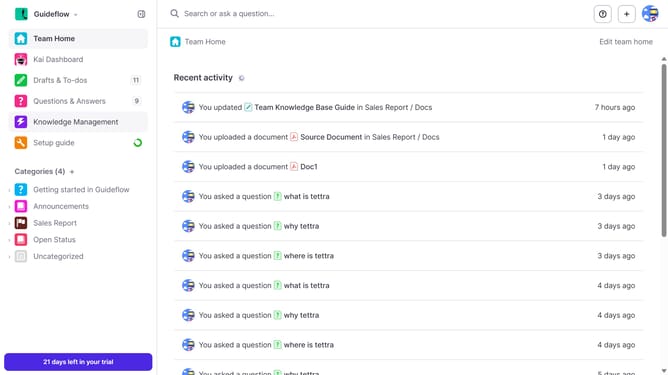
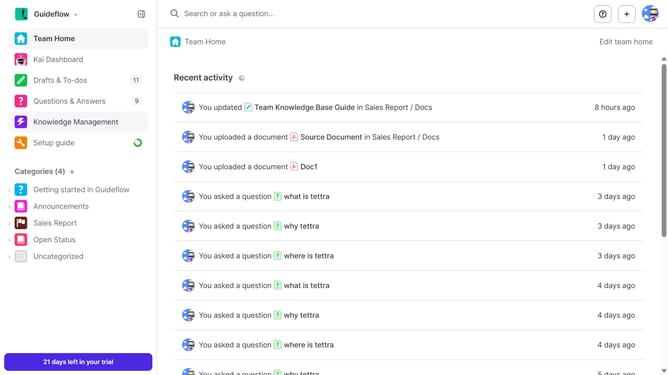
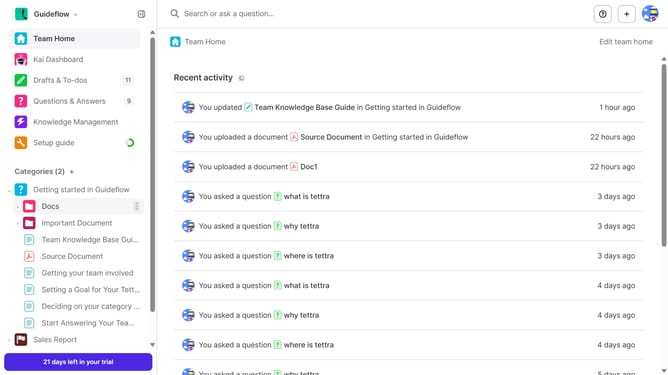
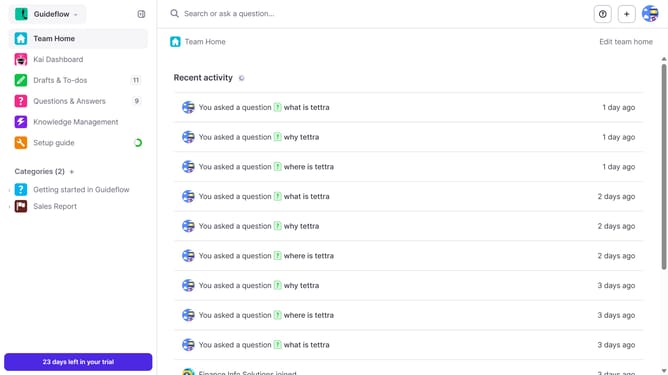
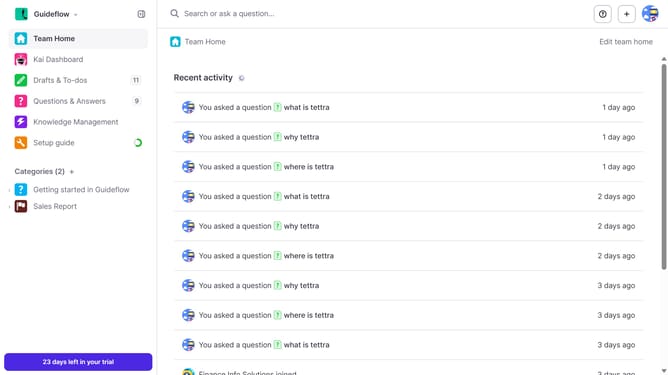
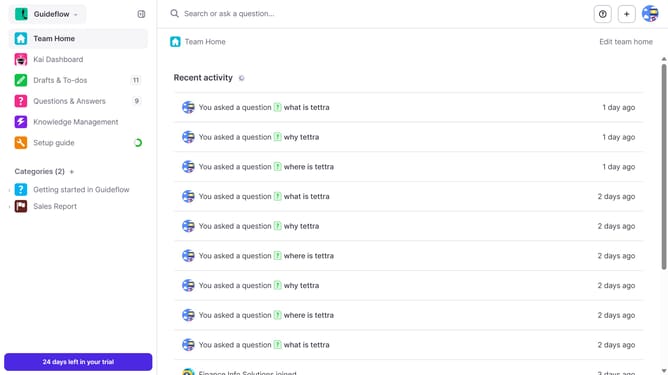
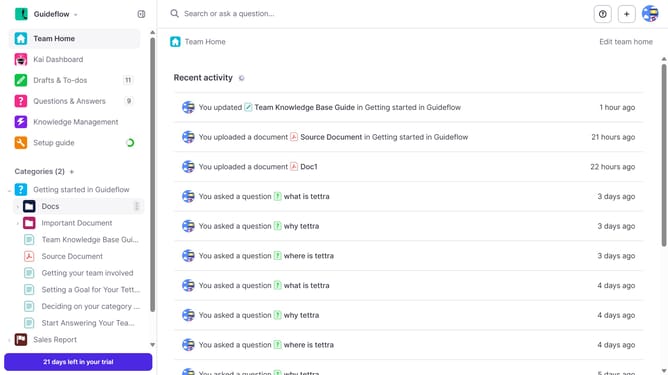
- First, click on the expand button next to the category in the sidebar
- Then, click on the three dots icon next to the subcategory in the sidebar
- Next, select "Edit" from the dropdown menu in the sidebar
- After that, click into the "Description (optional)" text field and enter your text
- Finally, click on the "Update subcategory" button
Why should you How to add description to a subcategory in Tettra
Tettra is a knowledge management tool designed to streamline team collaboration and information sharing.
Adding a description to a subcategory in Tettra enhances the clarity and organization of your team's knowledge base. It ensures that all team members can quickly understand the purpose and contents of each subcategory, leading to increased efficiency and reduced time spent searching for information.
This feature fosters better communication within teams by providing context for the stored information, ultimately contributing to more effective collaboration and decision-making processes.
Last update