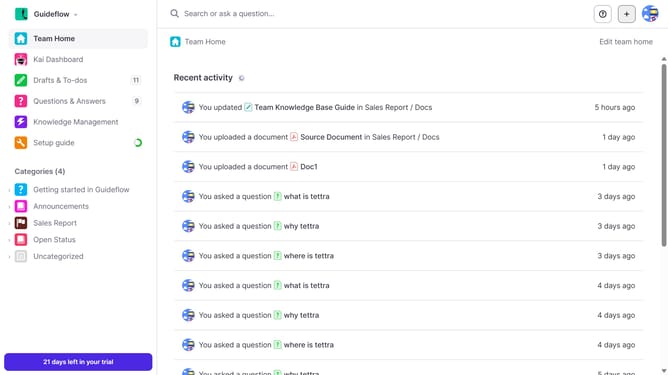
How to get your API key in Tettra
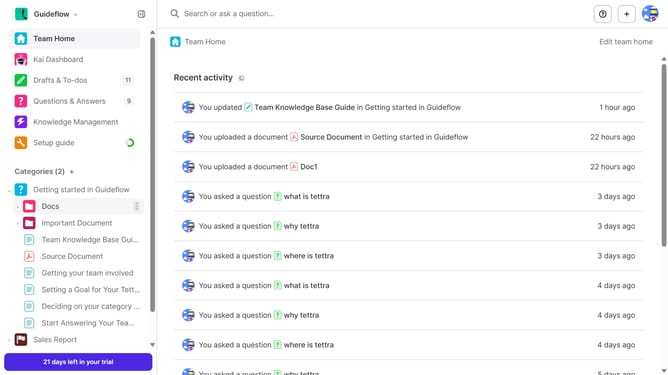
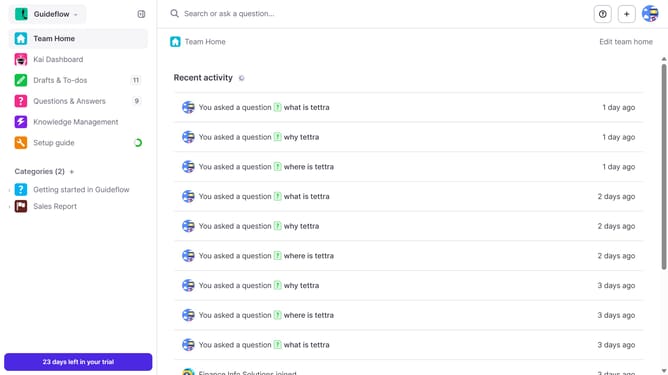
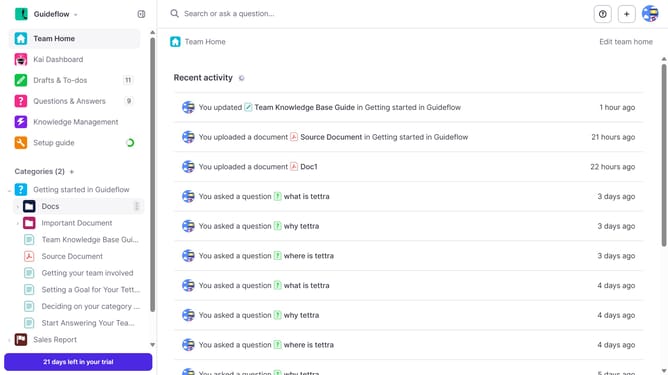
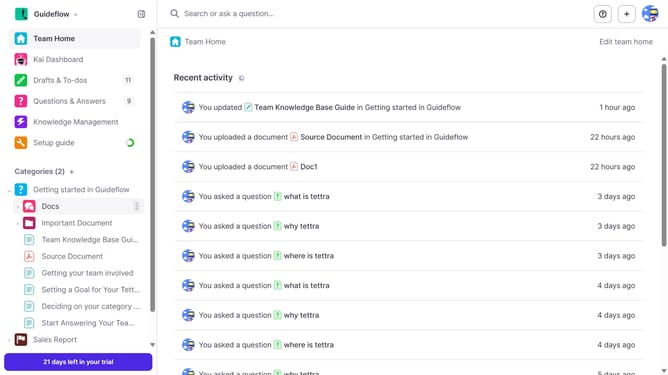
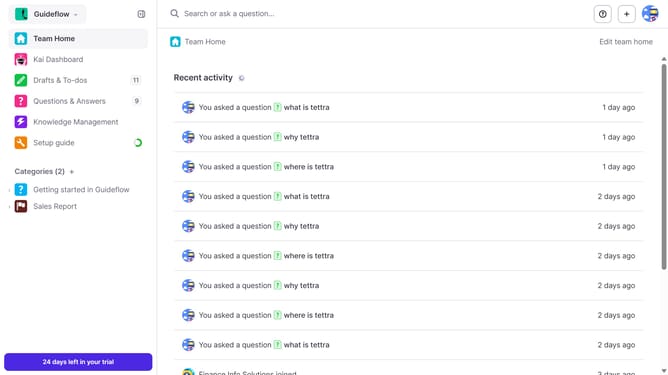
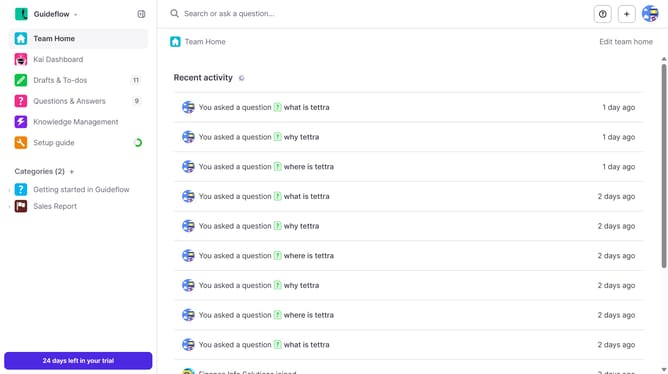
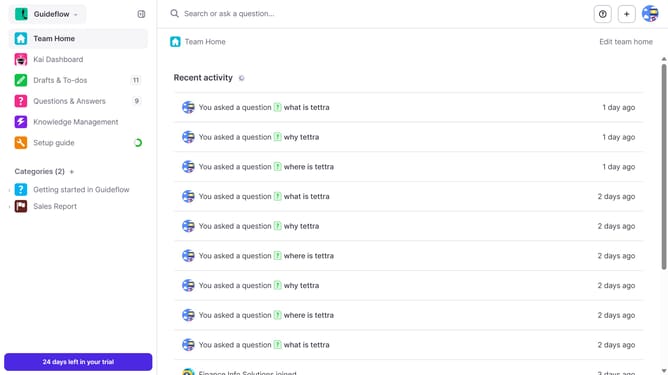
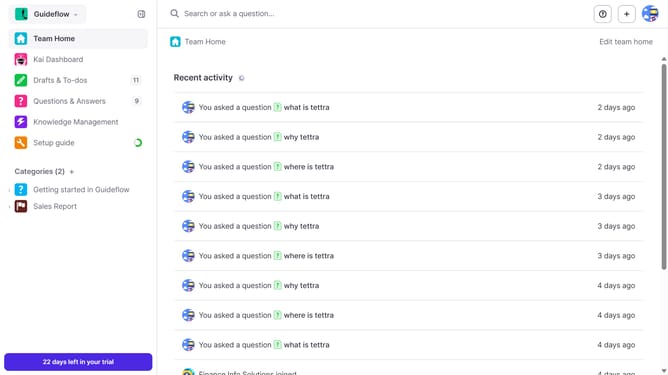
Here is how to get your api key in tettra
- First click on the profile dropdown in the header
- Then select "Team settings" from the dropdown menu in the sidebar
- Next, click on "My API keys" in the left sidebar
- Finally click on the "copy to clipboard" button for "Key"
Why should you How to get your API key in Tettra
Tettra is an intuitive knowledge management tool designed to streamline team collaboration and information sharing.
Getting your API key in Tettra unlocks a world of possibilities for integrating and automating your workflows. By easily accessing your API key, you can connect Tettra with other tools to enhance productivity and ensure key information is seamlessly synced across platforms.
Using your Tettra API key empowers teams to effectively manage knowledge bases, reducing redundancy and facilitating quick access to essential data. It's a simple step that maximizes efficiency and keeps your team aligned and informed.
Last update